
You’re wrapping up a strong quarter. Sales are up, the team is busy, and clients seem happy. Then that one question shows up at 11:30 p.m. when you’re staring at the ceiling. Do we have enough cash to make payroll next month if a big customer pays late?
That’s the part many owners learn the hard way. Profit and cash are not the same thing. You can have a full pipeline, a healthy sales report, and still get squeezed because money is arriving slower than bills are leaving.
Good accounting software tells you what already happened. Cash flow software helps you see what’s about to happen. That’s the difference between driving by looking in the rearview mirror and looking through the windshield.
If you’re trying to find the best cash flow software for small business, the right pick depends less on who has the longest feature list and more on what job you need done right now. Some tools are best for a fast daily snapshot. Some are better for modeling “what if we hire two people?” Some are built for lender meetings, board decks, or multi-year plans.
If you’re also thinking about funding, this guide on cash flow forecasting for loan strategy is worth reading alongside your software search.
Let’s get to the tools.
1. QuickBooks Online – Cash Flow Planner
If you already live in QuickBooks Online, start here before you buy anything else. For a lot of owners, the first win isn’t fancy forecasting. It’s opening one screen and seeing whether the next few weeks look tight or manageable.
QuickBooks Online is the most widely adopted cash flow management solution for small businesses, with an estimated 5.3 million users globally, according to Revenued’s cash flow apps overview. That matters because there’s a good chance your bookkeeper, accountant, or fractional CFO already knows the system.
Best for owners who want a quick answer fast
QuickBooks pulls from your existing books and gives you a short-term projection inside the same app. You can also add expected inflows and outflows manually, which is useful when you know something is coming that hasn’t hit the books yet.
That makes it a practical fit for owners who ask questions like:
- Can I make payroll comfortably: You need a near-term view, not a big planning model.
- What happens if one client pays late: You want to test a simple change without building a spreadsheet.
- Can I avoid adding another app: You’d rather work inside the system you already use.
Practical rule: If your books are already in QuickBooks and you don’t have a forecasting process at all, the built-in planner is a better first step than another neglected subscription.
Where it works and where it doesn’t
The upside is obvious. There’s almost no setup if you’re already on QuickBooks, and it can give a 30 to 90 day view using live accounting data. Revenued also notes that QuickBooks can visualize cash flow up to 90 days ahead, with advanced plans extending to longer horizons in some cases.
The downside is just as important. This isn’t the tool I’d choose for deep scenario planning, multi-entity work, or board-level forecasting. It’s more like a solid flashlight than a full navigation system.
If your QuickBooks file is messy, the forecast will be messy too. That’s why many owners hit planning limits when the actual problem is bad bookkeeping. If that sounds familiar, this breakdown of cash flow problems in small business will probably feel familiar.
Website: QuickBooks Online
2. Xero Analytics / Analytics Plus
Xero’s built-in analytics tools are a good fit for the owner who wants one system, one login, and one place to check the numbers before the day gets away from them. If your team already runs on Xero, using the native forecasting view is usually the easiest way to start.
This is the kind of tool that works well for a service business with steady monthly expenses and somewhat predictable client payments. You’re not trying to build an investor model. You just want to know if the next month or two looks fine, tight, or ugly.
Best for the all-in-one crowd
Xero Analytics gives you a short-term cash view with simple manual adjustments. On higher-tier plans, you can get a longer outlook. That’s useful if you want forecasting to sit next to your regular reports instead of being handled in a separate app.
There’s a lot to like about that setup:
- Less app switching: Your reporting and forecast live in one place.
- Easier team adoption: Staff already using Xero don’t need to learn a new system.
- Cleaner workflow: You’re less likely to abandon the tool if it’s built into daily bookkeeping.
The trade-off is flexibility. Native tools are usually best when the questions are simple. Once the questions get more layered, separate forecasting software tends to pull ahead.
The real trade-off
If you need polished cash visibility without much setup, Xero Analytics can do the job. If you need richer scenario planning or more advisor-style modeling, you may outgrow it.
That’s especially true for organizations with fund restrictions, multiple reporting layers, or non-standard workflows. In those cases, one-size-fits-all accounting tools often start to feel cramped. This piece on why QuickBooks isn’t enough for churches makes that point in a nonprofit setting, but the same basic lesson applies to some small businesses too. Built-in accounting tools are convenient, but they don’t solve every planning problem.
Website: Xero
3. Pulse
Pulse is for the owner who hates finance software but still needs to know what the bank account is going to look like. It doesn’t try to be an entire finance department in a box. That’s exactly why some people like it.
A lot of cash flow tools get weighed down by dashboards, reporting layers, and setup steps. Pulse feels lighter. You can look at daily, weekly, monthly, and yearly cash views without feeling like you need a controller standing beside you.
Best for businesses that want clarity, not complexity
Pulse works well when cash management is mostly about timing. Think small agencies, consultants, trades businesses, or owner-led firms where a few late payments can change the month.
You can use it to answer practical questions like:
- What does next week look like: Helpful when payroll and vendor bills hit close together.
- What if I delay this purchase: Basic scenario toggling gives you a quick read.
- Is the forecast matching reality: QuickBooks Online integration can help compare the plan with what takes place.
If spreadsheets make you avoid looking at cash until there’s a problem, a simpler tool is often the smarter tool.
What Pulse doesn’t try to do
Pulse doesn’t build full financial statements. It’s not meant to replace broader planning, accounting, or reporting software. That means it won’t satisfy every lender, investor, or board packet need.
But that’s also the point. Some owners don’t need a full planning suite. They need a clean, low-friction way to stop guessing.
I usually think of Pulse as a kitchen whiteboard for cash. It’s not the whole house. It’s the place where you write down what matters today so nothing catches you off guard tomorrow.
Website: Pulse
4. Float
Float is one of the better choices when your main problem isn’t “what happened” but “what happens if.” That sounds small, but it’s a major shift. Plenty of business owners don’t need more reports. They need a tool that helps them test decisions before they make them.
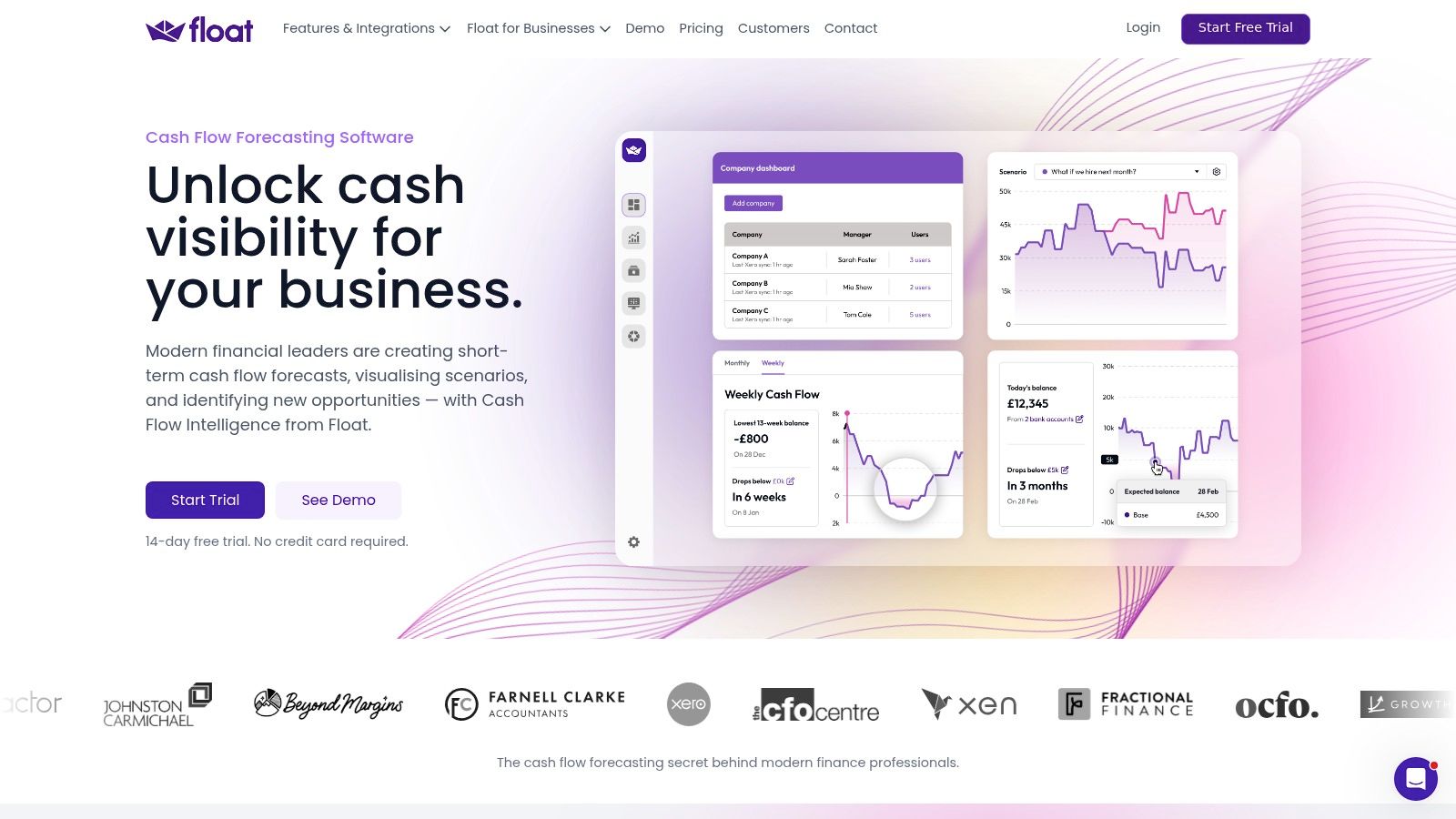
Float often excels. It connects to accounting software, creates rolling forecasts, and makes scenario modeling visual enough that a non-accountant can use it.
Best for decision-making
Float shines when the owner is weighing a real choice. Hire now or wait. Buy equipment now or lease. Raise prices or cut expenses. Add a location or stay put.
A rolling 13-week forecast is especially useful because it’s close enough to be real. A yearly plan can hide a lot. A 13-week forecast forces you to face timing.
Here’s where Float is strong:
- Visual forecasts: Owners can grasp the picture without digging through reports.
- Scenario planning: “What if” questions are easy to model.
- Accounting syncs: Direct integrations with QuickBooks Online and Xero make setup smoother.
The limit to know before you buy
Float is purpose-built for cash flow forecasting. That’s a strength, but it also means it’s not trying to be a full financial planning platform.
If you need deeper three-statement modeling, complex departmental planning, or long-range board reporting, you may eventually need something heavier. But for businesses that need a practical forecasting app they’ll actively use, Float often hits the sweet spot.
One thing I like about tools like this is that they make hard choices visible. Hiring a salesperson sounds exciting. Seeing the cash dip before revenue catches up makes the decision more honest.
Website: Float
5. Cash Flow Frog
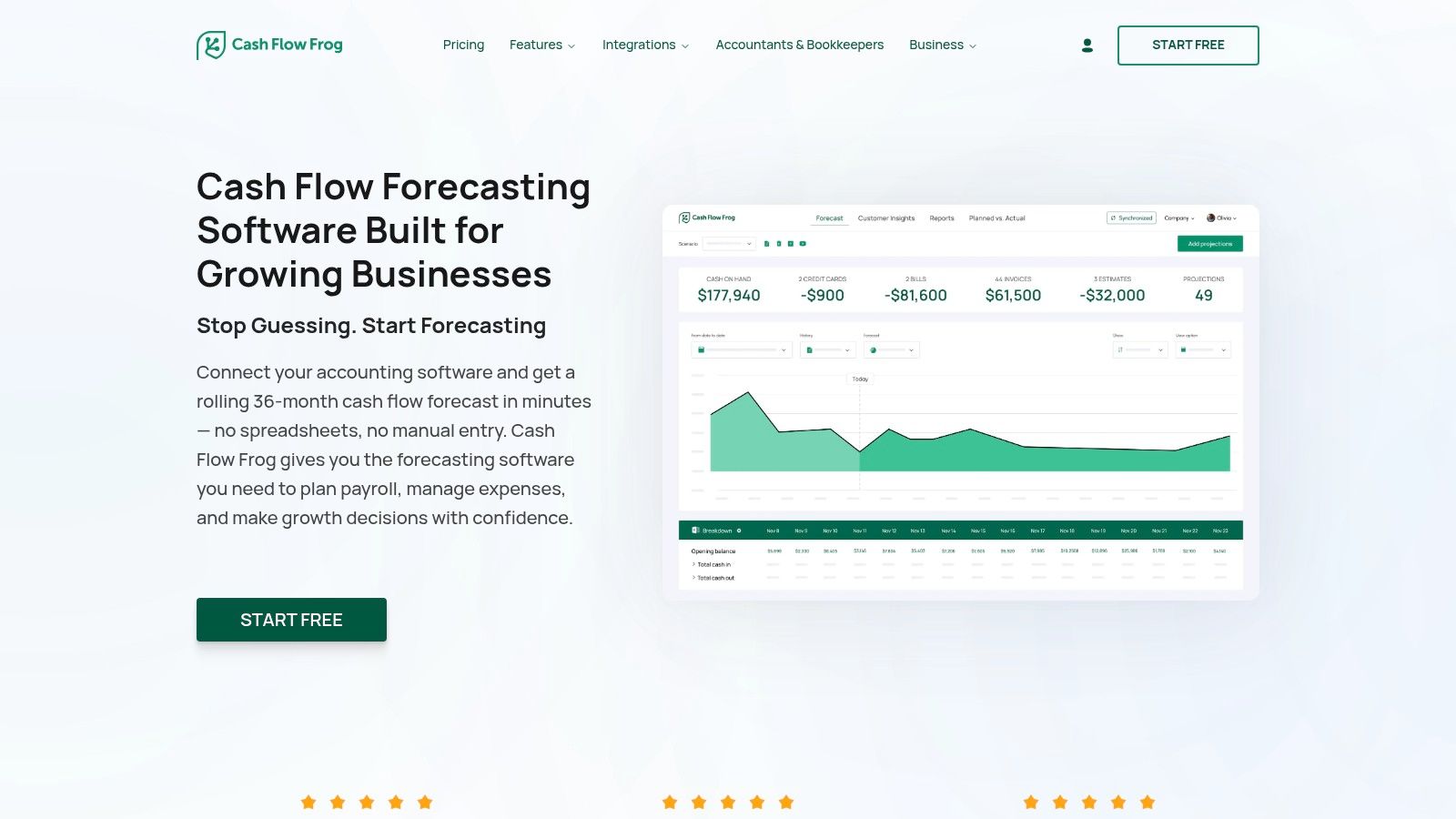
Cash Flow Frog is one of the few tools in this category that feels clearly built around the daily reality of a small business owner. Not around finance theory. Around the simple question of when money is going to land.
That distinction matters more than people think. An invoice on the books isn’t cash in the bank. If a customer usually pays late, your forecast should reflect that, not some ideal world where everyone pays on time.
Best for small businesses that need realistic timing
The U.S. Chamber’s roundup highlighted Cash Flow Frog among the best options for small businesses because it can create forecasts automatically without manual data entry and integrate with accounting platforms like QuickBooks and Xero through the U.S. Chamber cash flow software overview.
That’s the core appeal. It pulls in recurring transactions, gives you daily, weekly, and monthly views, and helps you forecast using actual collection timing. For owners in professional services, healthcare, construction, and real estate, that’s often more useful than a prettier dashboard.
Why it stands out
Cash Flow Frog is a strong fit when you need to answer questions like:
- When will this receivable likely turn into cash: The tool is built around timing, not just totals.
- How bad is the gap if receivables slip: Scenario planning helps you test it.
- Can this connect to what I already use: It works with QuickBooks, Xero, Zoho, FreshBooks, and Excel.
The same U.S. Chamber overview notes that Cash Flow Frog was recognized as a top-rated option for small businesses in a 2025 market overview. That lines up with what many owners want in real life. Less manual entry. Faster setup. A forecast they can understand without needing to decode it.
Owner mindset: If your problem is late cash, not lack of sales, a timing-focused tool will help more than another profit report.
The limitation is that it stays focused on cash flow. If you want broader planning across all financial statements, this won’t replace a full FP&A platform.
Website: Cash Flow Frog
6. Dryrun
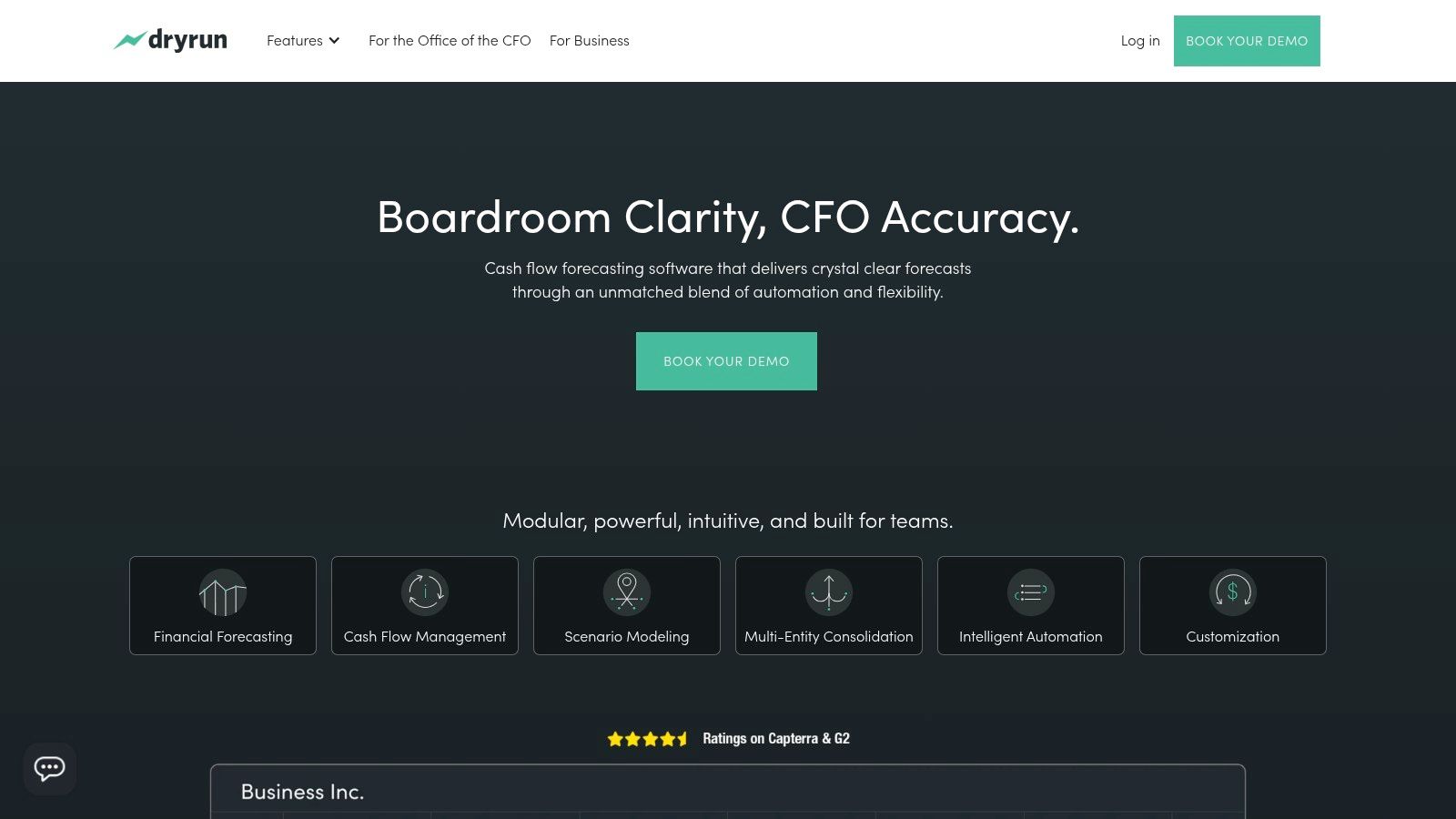
Dryrun is for businesses that feel cash pressure every day, not just at month-end. If that’s your world, the daily view matters a lot. Weekly can be too slow when you’re juggling incoming payments, outgoing bills, and a thin buffer.
This tool is stronger than a simple tracker and less presentation-focused than something like Fathom. It leans into cash control, scenario planning, and advisor use.
Best for tight cash environments
Dryrun is a good fit when you need to see the impact of timing at a very practical level. Construction firms waiting on draws, seasonal businesses bridging slower months, and growing companies with uneven receivable cycles often care more about daily visibility than polished annual plans.
It also handles multiple entities and currencies, which makes it useful for businesses that are getting more complex.
A few situations where it earns its keep:
- You’re managing short runway: Daily views help you spot trouble earlier.
- You have multiple moving parts: Separate entities and currencies add complexity fast.
- Your advisor is involved: Dryrun has features that work well for accounting and advisory partners.
Why some owners will find it too much
Dryrun isn’t the first tool I’d hand to a very small company with simple books and steady cash. It can be more software than they need, and more setup than they’ll want to deal with.
That doesn’t make it bad. It just means the fit matters. Some businesses need a bicycle. Some need a pickup truck. Dryrun is closer to the truck.
One underserved issue in this software category is how these tools fit into outsourced advisory work. Reviews often cover accounting syncs but skip the workflow question, which is how forecasts move into KPI dashboards, planning conversations, and decisions across a broader advisory relationship. That gap shows up clearly in LivePlan’s cash flow forecast feature page discussion of advisory workflow gaps.
Website: Dryrun
7. Fathom
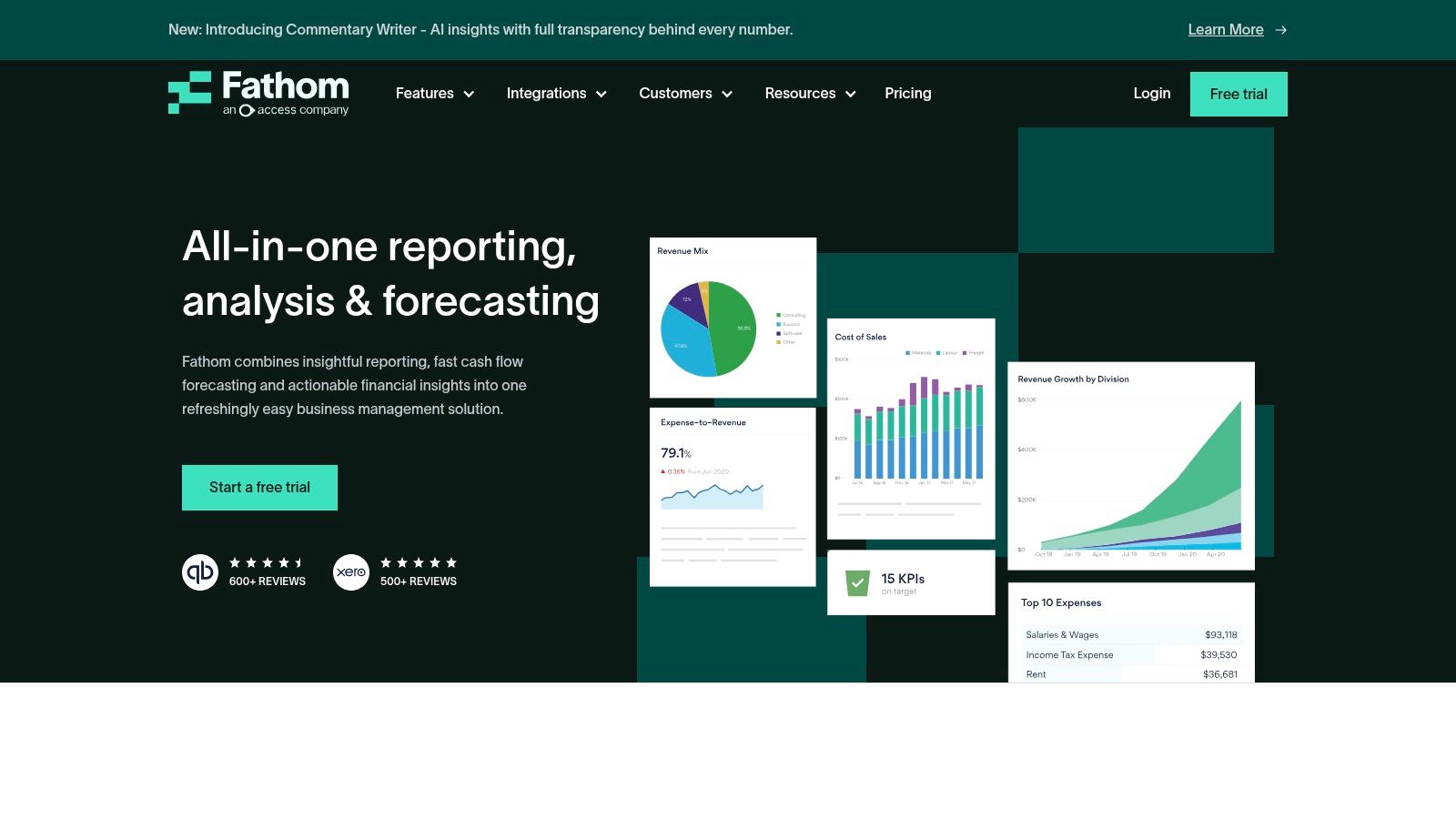
Fathom is what I’d reach for when the business has outgrown “just tell me if payroll is safe” and moved into “I need reports that help me lead.” It’s built for businesses that want forecasting, KPI tracking, and management reporting in one place.
This isn’t really a daily cash tool. It’s more of a management conversation tool. You use it when the numbers need to support decisions with partners, lenders, managers, or investors.
Best for reporting that people will actually read
Fathom creates forecasts for the P&L, balance sheet, and cash flow statement. It also turns that information into cleaner reports than most accounting systems can produce on their own.
That matters because ugly reporting gets ignored. Clear reporting gets discussed.
Use cases where Fathom makes sense:
- Bank or investor conversations: Reports look polished and easier to present.
- Leadership team reviews: KPI dashboards help managers follow the story.
- Multi-entity businesses: Consolidation matters once you have more than one company or division.
“If you need the forecast to persuade someone else, not just inform you, reporting quality starts to matter a lot.”
A gap Fathom also helps expose
One of the more overlooked issues in cash flow software is industry-specific fit. Fathom’s own roundup shows how many software lists stay focused on broad SME features while giving less guidance for sectors like construction, healthcare, and professional services, where cash timing and KPIs can be very different, as noted in Fathom’s review of cash flow forecasting software.
That’s important. A contractor worrying about job profitability does not have the same forecasting needs as a therapy practice waiting on reimbursements or an agency managing retainers.
The main drawback is the time horizon. If you need a built-in daily cash calendar, Fathom isn’t the tool for that. It’s stronger at monthly, quarterly, and annual planning than daily cash triage.
Website: Fathom
8. Jirav
Jirav sits in that middle ground where a business is no longer well served by spreadsheets, but still wants something more approachable than a fully custom planning model. It’s often a good fit when the owner, finance lead, and outside advisor all need to work from the same assumptions.
This is less about watching next Tuesday’s bank balance and more about building a repeatable planning process.
Best for turning planning into a routine
Jirav covers integrated projections, KPI dashboards, driver-based planning, and variance analysis. That makes it useful for businesses that want to stop rebuilding budgets from scratch every time something changes.
If you’re planning around revenue targets, staffing, payroll, or department performance, this type of tool starts to make a lot more sense than a simple cash tracker.
What it does well:
- Driver-based planning: You can tie hiring or revenue assumptions to the forecast.
- Repeatable process: Good for monthly review rhythms.
- Advisory collaboration: Outsourced CFO teams often like tools built this way.
Where some small businesses bounce off
Jirav has a steeper learning curve than lighter cash tools. If all you need is a simple weekly cash read, this is probably too much software. Owners sometimes buy a planning platform when they really need better bookkeeping and a cleaner receivables process.
But if you’re trying to run the business with more structure, not just survive the next month, Jirav can help create that discipline. It’s one of those systems that pays off when the team commits to using it.
Website: Jirav
9. LivePlan
LivePlan is a smart pick when cash flow planning is tied to a bigger story. Maybe you’re applying for a loan. Maybe you’re pitching investors. Maybe you’re launching a new business line and need a plan someone else can review.
That’s where LivePlan earns its place. It combines forecasting with guided business planning, which is useful for owners who don’t just need numbers. They need a document and a narrative.
Best for lenders, investors, and formal plans
LivePlan supports real-time forecasting when connected to accounting data, and it lets users build full forecasts with multiple what-if scenarios. It’s a practical choice for a single-company small business that wants more structure without jumping into a more technical FP&A system.
A few reasons owners choose it:
- Guided setup: Helpful if planning doesn’t come naturally.
- Loan and investor use: You can build something presentable, not just functional.
- Scenario testing: Useful for showing best case, base case, and downside views.
Where it fits best
LivePlan is strongest when the business plan itself matters. That’s not every company. Some owners need daily cash control more than they need a formal planning deck.
Still, for startups, newer businesses, and owners preparing for outside funding, the mix of planning and forecasting can be a real advantage. It helps turn loose ideas into something more disciplined.
One caution. If your business is operationally complex, with deep departmental planning needs or several entities, LivePlan may start to feel narrow. But for straightforward planning, it’s approachable in a way many finance tools aren’t.
Website: LivePlan
10. PlanGuru
PlanGuru is the tool for people who want depth and don’t mind a more accountant-style interface to get it. If the lighter tools feel too shallow, forecasting starts to get serious with PlanGuru.
It’s especially useful when you need longer-range planning and don’t want to rebuild everything in Excel every time assumptions change. There’s still a strong spreadsheet feel to it, but that’s not always a bad thing.
Best for long-range planning
PlanGuru can build three-statement forecasts with many forecasting methods, support long budgets, and handle unlimited scenarios. That makes it a strong option for businesses with multiple departments, locations, or a need for deeper planning flexibility.
This is the sort of tool you use when questions sound like:
- What does the next few years look like if we open another location
- How do department budgets roll into one forecast
- Can I keep using Excel where it helps without living entirely in Excel
What owners should know before buying
PlanGuru is capable, but it doesn’t hold your hand much. The interface feels more built for accountants and finance people than for owners checking numbers between meetings.
That means the fit often depends on who’s driving it. If you have internal finance support or an outside advisor managing the model, PlanGuru can be a strong value. If you want a simple daily cash dashboard, it’s not the right tool.
The best cash flow software for small business isn’t always the one with the most power. It’s the one you’ll use consistently. PlanGuru is powerful. Consistency usually depends on whether someone on your side knows how to run with it.
Website: PlanGuru
Top 10 Small-Business Cash Flow Software Comparison
| Tool | Core features | UX & Quality ★ | Value/Price 💰 | Best for 👥 | Standout ✨ / 🏆 |
|---|---|---|---|---|---|
| QuickBooks Online – Cash Flow Planner | 30–90d projection, manual adjustments, in-app QBO data | ★★★ | 💰 Included with eligible QBO plans | 👥 QBO users & owners wanting a quick view | ✨ Zero setup; 🏆 Native convenience |
| Xero Analytics / Analytics Plus | 30/180-day views, manual tweaks, integrated reports | ★★★ | 💰 Native to Xero; longer forecasts on higher tiers | 👥 Xero users & small teams | ✨ All-in-one platform; 180-day option |
| Pulse | Daily/weekly/monthly views, simple scenarios, optional QBO sync | ★★★★ | 💰 Affordable; 30‑day trial | 👥 Non‑financial owners & simple SMBs | ✨ Very user‑friendly; fast setup |
| Float | Rolling 13‑week+ forecasts, powerful what‑if, QBO/Xero sync | ★★★★ | 💰 Moderate; cost‑effective for small co. | 👥 Owners + advisors modeling decisions | ✨ Clear visuals; great for hiring/pricing |
| Cash Flow Frog | Daily/weekly/monthly timeline, recurring txns, wide integrations | ★★★★ | 💰 Affordable; quick onboarding | 👥 SMBs needing realistic AR/AP timing | ✨ Strong receivable/payable timing; many integrations |
| Dryrun | Daily cash, scenario modelling, multi‑entity & currency support | ★★★★★ | 💰 Premium; may be pricey for very small firms | 👥 Growing businesses & advisory partners | ✨ Scales well; daily detail; partner tools |
| Fathom | Full 3‑statement forecasts, KPI dashboards, consolidation | ★★★★★ | 💰 Quote‑based; premium reporting | 👥 Firms needing investor/bank‑ready reports | ✨ Presentation‑quality reports; consolidation 🏆 |
| Jirav | Integrated P&L/BS/cash, driver‑based planning, KPI dashboards | ★★★★★ | 💰 Premium; best with full FP&A use | 👥 Outsourced CFOs & midsize SMBs | ✨ Driver‑based planning; advisor templates 🏆 |
| LivePlan | 3‑statement forecasts, performance dashboards, plan builder | ★★★★ | 💰 Affordable monthly pricing | 👥 Owners needing business plans or lenders | ✨ Guided workflows; lender/investor docs |
| PlanGuru | Full 3‑statement, up to 10‑yr forecasts, Excel integration | ★★★★★ | 💰 Reasonable for depth; strong Excel support | 👥 Accountants & multi‑location businesses | ✨ Deep forecasting; Excel add‑in & consolidation 🏆 |
Software + Service: The Winning Combo for Growth
Cash flow software helps, but software doesn’t make decisions for you. It shows the road ahead. You still have to choose when to speed up, when to slow down, and when to pull over before you hit trouble.
That’s where owners often get stuck. They buy a tool hoping it will calm the stress. Then the tool starts spitting out forecasts, scenarios, and charts, and now there’s just a more expensive version of the same uncertainty. The data is there, but the meaning isn’t clear.
A good example is hiring. A forecast might show that you can technically afford another employee. That doesn’t answer the question. Should you hire now, wait one quarter, raise prices first, or improve collections before adding payroll? Software can highlight the pressure point, but judgment still matters.
The same goes for pricing, debt, owner draws, equipment purchases, and expansion plans. A forecast can tell you when cash gets tight. It can’t tell you which trade-off best fits your goals.
That’s why the best setup for many small and midsize businesses is software plus a strong bookkeeping and advisory partner. The software keeps the numbers current. The advisor helps you use those numbers in real decisions.
In practice, that usually looks like this:
- Clean books first: Forecasts are only as good as the accounting behind them.
- A tool matched to the actual need: Daily cash control, scenario planning, lender planning, or multi-year strategy.
- Regular review: Forecasting works best when someone updates assumptions and talks through changes.
- Action from the data: Not just a dashboard, but decisions about collections, spending, hiring, and timing.
For a lot of owners, this is the moment things get easier. You stop treating cash flow like a mystery and start treating it like a managed process.
If you’re a Philadelphia-area business in professional services, healthcare, construction, or real estate, this matters even more. Those industries often have awkward payment timing, uneven project cycles, payroll pressure, or delayed reimbursements. A generic dashboard won’t fix that by itself. You need someone who understands the rhythm of the business and can translate a forecast into next steps.
That’s where a firm like MyOfficeOps can fit naturally. MyOfficeOps provides bookkeeping, accounting, payroll integration, financial analytics, and CFO-level advisory for small and midsize businesses. That means the software doesn’t sit off to the side as a separate project. It becomes part of how the business is run.
The goal isn’t just to find the best cash flow software for small business. The goal is to stop losing sleep over questions you should be able to answer clearly. Can we make payroll? Can we hire? Can we invest? Can we handle a slow-paying client without scrambling?
The right tool can give you visibility. The right support can turn that visibility into confidence.
If you want help choosing a tool and turning it into a working cash flow process, MyOfficeOps can help with bookkeeping, forecasting, KPI reporting, and CFO-style guidance so your numbers lead to decisions, not more guesswork.