
Good estimating software is what separates contractors who know their numbers from those who are just guessing. It’s a tool designed to help you build accurate, fast bids for construction jobs. It gets you away from messy spreadsheets, cuts down on costly math errors, and keeps all your material and labor costs in one neat place so you can start winning more profitable work.
Why Your Spreadsheet Is Silently Costing You Money
Let's be honest, we've all started there. When you first open your doors, a spreadsheet feels like the right tool for the job. It's free, you already know how to use it, and for a little while, it works. Until it doesn’t.
That simple spreadsheet can quickly become your biggest enemy. One tiny typo in a formula—a decimal point in the wrong spot or a forgotten zero—can wipe out your entire profit on a job. Forgetting to update the price of lumber or being off by just a few hours on labor can mean you’re paying out of your own pocket just to finish the project.
It's not just the big mistakes, either. It’s the small ones that bleed you dry. Imagine you're bidding a new deck. You list out all the big-ticket items but forget to add a few boxes of special screws. It seems small, but that cost comes straight out of your profit.
The Hidden Costs of Manual Bidding
The problem with spreadsheets goes way beyond simple math mistakes. They slow you down in ways that cost you real time and money, even if your math is perfect. This manual process is a classic example of how businesses can unknowingly rack up expenses. To dig deeper into this, you can learn more about how to reduce business expenses in our detailed guide.
Spreadsheets create a bunch of hidden problems that are easy to ignore until it's too late:
- No Single Source of Truth: Your material prices are in one file, your labor rates are in another, and your best subcontractor quotes are buried in your email. This forces you to hunt for information, slowing you down and making it easy to use an old number by mistake.
- Changes Are a Pain: What happens when a client wants to upgrade from standard windows to premium ones? With a spreadsheet, you have to manually track down every related cost—the windows, the different labor time, maybe different trim—and update each line. One small change can turn into an hour of frustrating work.
- Knowledge Walks Out the Door: When your best estimator builds a complex spreadsheet, all that know-how is locked in their head. If they leave, retire, or just go on vacation, the next person is stuck trying to figure out a system that wasn't built for them.
The real danger of using spreadsheets is that they make you feel safe. You see the numbers and they look right, but you have no way of knowing if a hidden error is about to turn your best job into a money pit.
This grind leads to late nights double-checking your own work and the constant stress of sending a bid that's either too high to win or too low to make money. This is why so many growing contractors are switching to dedicated estimating software for contractors. It’s about bidding faster, being more accurate, and finally getting your evenings back.
Standalone Tools vs. Integrated Systems
Once you start looking for estimating software, you’ll see two main types. On one side, you have tools that do one specific job. On the other, you have systems that do everything. Let's break down what that actually means for your business.
Think of standalone software like a really good miter saw. It’s designed to do one thing—in this case, build estimates—and it does it very well. It’s fast, precise, and usually easier to learn because it isn't loaded with a hundred other features.
An integrated system is more like the entire workshop. Your estimating tool is just one piece of a bigger machine that also handles project management, scheduling, bookkeeping, and talking to clients. All the parts are built to work together from the start.
The Specialist vs. The All-in-One
Choosing between these two really comes down to how your business runs today and where you want it to be tomorrow.
A small electrical subcontractor might be perfectly happy with a powerful standalone tool. They need to create accurate bids for their trade quickly, without the complexity of a huge system. It's often cheaper to start with and much faster to get your team using it.
But for a general contractor juggling five different home remodels, the story is different. They need the numbers from their winning bid to automatically create a budget in their project management software. When they order lumber, they want that cost to instantly show up against the budget without someone in the office typing it in twice. That smooth flow of information is where an integrated system really pays off.
Sticking with tools like spreadsheets isn't a long-term plan. As this chart shows, it leads to lost time and, eventually, lost profit.
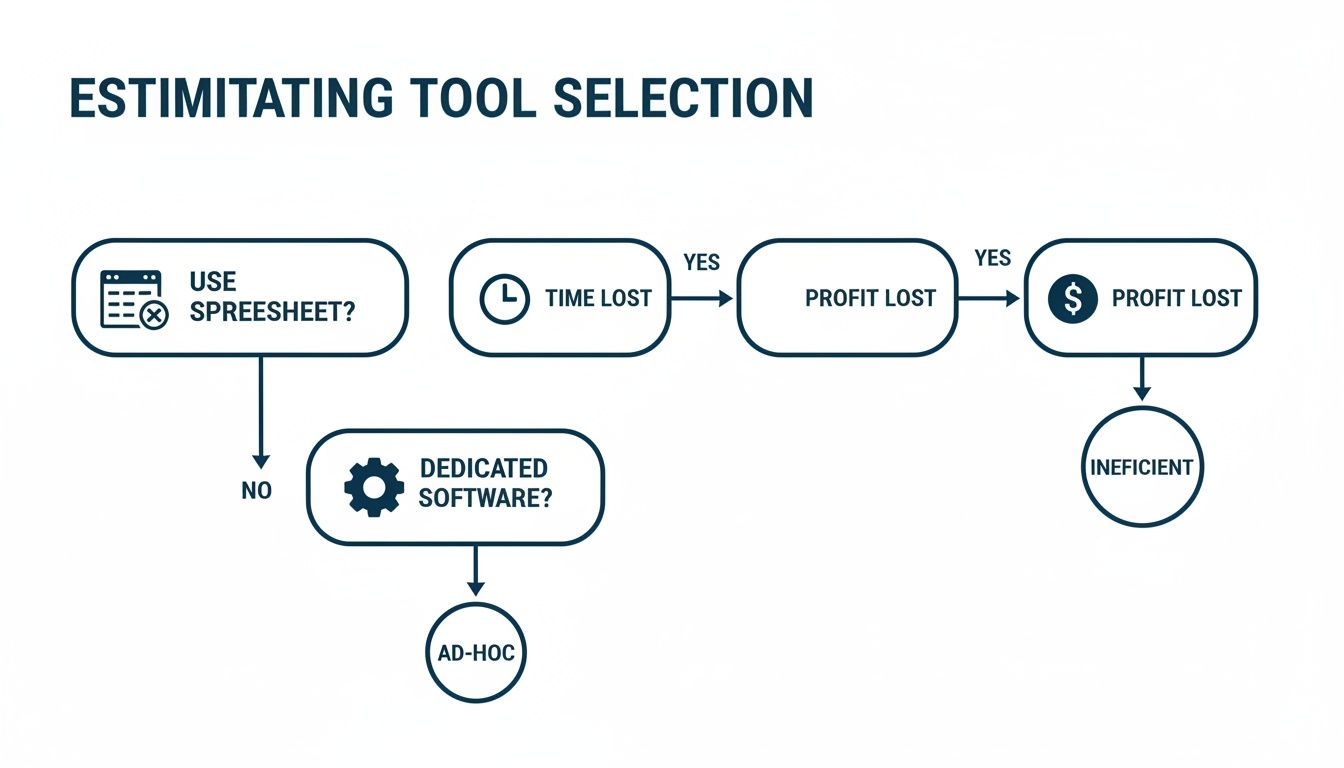
The biggest lesson here is that moving away from doing things by hand is the first big step. What you choose next depends on how complex your jobs are and what your biggest headaches are.
Standalone vs. Integrated Software: What Fits Your Business?
To help you figure out which path makes sense, I’ve broken down the key differences. This isn't about which is "better"—it's about which tool is right for the job you need to get done.
| Decision Factor | Standalone Estimating Software (The Specialist) | Integrated System (The All-in-One) | Who It's Best For |
|---|---|---|---|
| Primary Goal | Create fast, accurate, and professional-looking bids. | Connect every part of the business—from the first bid to the final bill. | Standalone: Subcontractors, specialty trades, or GCs who just want to improve their bidding process right now. |
| Cost | Usually a lower upfront cost and cheaper monthly fees. | A bigger investment, since you're paying for a full set of business tools. | Integrated: Growing contractors who are losing money because the field and the office aren't on the same page. |
| Setup Time | Much quicker to set up and learn. You can often be up and running in a day or two. | Can take weeks or even months to get everything set up and your team fully trained. | Standalone: Teams that need a fix now and don’t have weeks for training. |
| Data Flow | You often have to export data (like a PDF or spreadsheet) to other programs by hand. | Data flows automatically from the estimate to project management, scheduling, and accounting. | Integrated: Businesses that are sick of typing the same information into three different programs. |
| Job Site to Office Connection | Limited. Your estimate is here, but job progress and costs are tracked somewhere else. | Strong. A change order approved in the field can automatically update the project budget in real-time. | Integrated: Companies where job-costing mistakes are eating into their profits. |
The bottom line is simple. A standalone tool solves your bidding problems. An integrated system solves your business problems.
The most important question to ask is: "Where is the real pain in my business?" If it's the speed and accuracy of your bids, a standalone tool is a great choice. If the pain comes from information getting lost after you win the bid, you need to look at an integrated system.
This isn't a forever decision. Many contractors start with a standalone tool to fix their estimating first. As they grow, they move to an integrated system to solve the new problems that come with getting bigger. The best estimating software for contractors is the one that solves your most expensive problem today.
Must-Have Features in Estimating Software
When you start looking at software, the sales pitches and feature lists can be overwhelming. Every company promises you’ll make more money and win more bids. But how do you know which tools are actually useful and which are just fancy extras you’ll never use?
Let’s cut through the noise. Here are the main features that really make a difference for a busy contractor. These are the tools that save you time, make your numbers more accurate, and help you win the right kind of jobs.
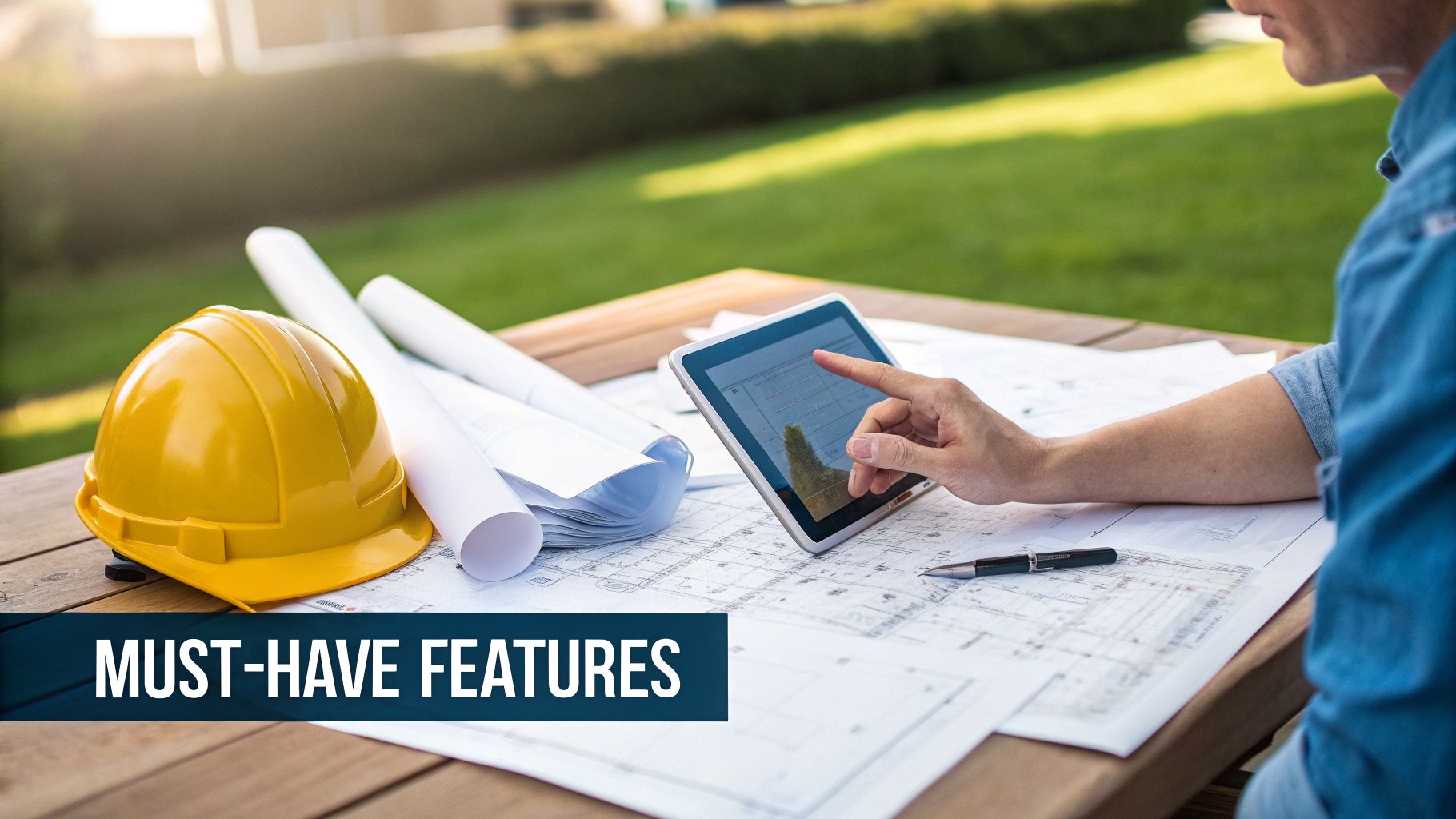
Digital Takeoffs
This is probably the single biggest time-saver you’ll find. Digital takeoffs let you measure blueprints right on your computer screen. Forget printing out giant, expensive paper plans and using a ruler and a highlighter. You just click and drag your mouse over a PDF to measure lengths, figure out areas, or count things like outlets and light fixtures.
Imagine you're bidding on a big drywall job. With a digital takeoff tool, you can trace the walls on the plans, and the software instantly tells you the total square footage. No more slow, manual math, and a much smaller chance of making a costly mistake.
Built-in Cost Databases
Your bids are only as good as your cost data. The best estimating software for contractors gives you one central place to store and manage all your costs—materials, labor rates, equipment, and subcontractor quotes. When you build an estimate, you just pull these items directly from your database.
Here’s why that's so powerful. Let’s say lumber prices shoot up 10%. Instead of digging through a dozen spreadsheets, you update that price in one spot—your database. Now, every new estimate automatically uses the correct, current price.
This is a huge deal. Bad estimates often lead to change orders that can blow up project costs by an average of 15%. With prices for things like steel jumping 20% in some areas, having accurate, live data in your bids can improve your win rate by as much as 25-30%. It’s no wonder the market for this kind of software is expected to hit USD 17.81 billion by 2031.
Professional Proposal Generator
How your bid looks says a lot about your company. A proposal generator takes all the numbers from your estimate and puts them into a professional-looking document you can send to a client. You can instantly add your company logo, explain the project details, and clearly state what’s included (and just as importantly, what’s not).
This feature makes you look more professional than the competition who just sends a simple spreadsheet. It builds trust before you even swing a hammer.
Think of it this way: your estimate is for you, but your proposal is your sales tool. A good proposal generator helps you sell the value of your work, not just the price.
It's also your first defense against scope creep. A clear proposal puts everything in writing from the start, which helps prevent those "I thought that was included" conversations later.
Mobile Access
You work on-site, not at a desk. Your software should, too. Mobile access means you can pull up, review, and even build estimates from a phone or tablet right at the job site.
This is a game-changer. Imagine a client asks for a change while you’re walking through a job. With mobile access, you can create a change order right there, get their approval, and send it back to the office in minutes. No more driving back to the office or trying to remember details hours later.
- Real-world example: A plumber is on-site, and the homeowner decides they want to upgrade all the bathroom fixtures.
- The solution: The plumber pulls up the original bid on their tablet, swaps out the fixture costs from their database, and shows the client the new total right then and there.
- The result: The client agrees, and the change is documented and approved on the spot. The plumber knows they’ll get paid for the extra work, and the client is happy with how quick and clear it was.
Nailing down these changes is a huge part of tracking your money correctly. To see how this fits into the bigger picture, check out our guide on what is job costing in construction. It’s the next logical step after you’ve perfected your estimate.
How AI Is Changing the Estimating Game
The term "AI" gets thrown around a lot, and it’s easy to think it’s just for giant companies. But the truth is, this technology is becoming a really useful tool for contractors of all sizes—and it’s a lot simpler than you might think.
Imagine having a super-smart assistant who remembers every single job you’ve ever done. That's what AI brings to your estimating.
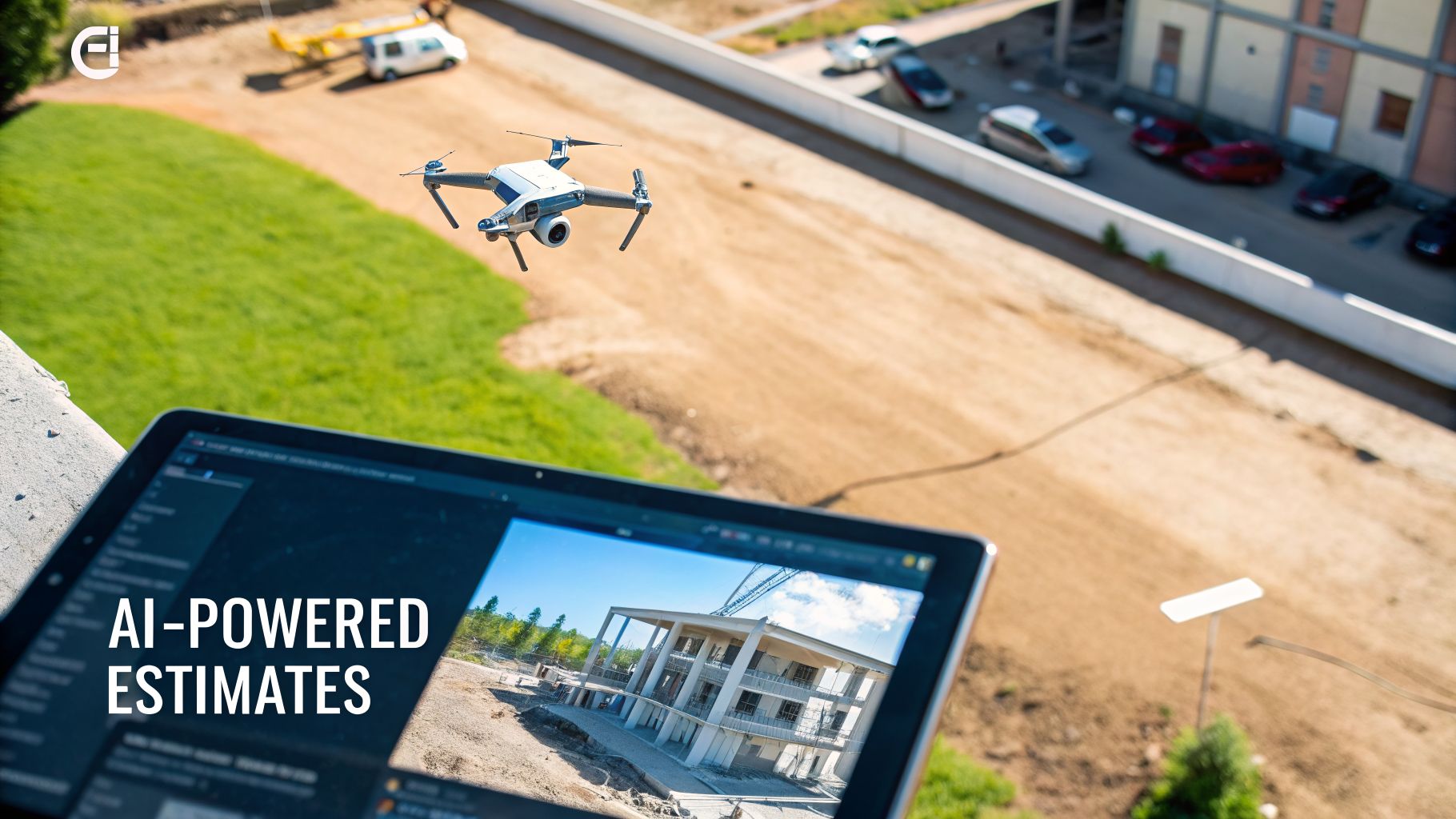
This kind of estimating software for contractors looks at all your past projects—the wins, the losses, and the ones that lost money. It learns your patterns and can predict the cost of a new job with surprising accuracy. It’s like having a seasoned expert looking over your shoulder, pointing out risks you might miss.
Smart Bids and Real-Time Data
One of the biggest headaches for any contractor is material prices that change all the time. AI-powered software can connect directly to your suppliers' price lists. As you build a bid, it can adjust your costs in real-time based on the latest prices for lumber, copper, or whatever you need.
This means you stop bidding with last month's numbers. Your proposals are always built on what things actually cost today, which is a huge help in protecting your profit.
This technology also helps once you’re on the job site.
- Drones for Site Surveys: Instead of spending hours walking a site with a measuring tape, a drone can fly over it in minutes. It captures detailed data that goes straight into your software, giving you exact measurements for roofing, digging, or grading.
- Predictive Risk Analysis: The software can look at a project’s plans and compare them to similar jobs you’ve done before. It might flag a specific design that has caused delays or cost more in the past, letting you plan for it before it becomes a problem.
These aren't just cool gadgets. They are practical tools that give you a real business advantage. They reduce the guesswork that leads to lost bids and unprofitable jobs, so you can bid with confidence.
Bridging the Technology Gap
Many contractors see the value here but haven't made the switch yet. The industry is changing, and those who adopt these tools early are seeing big benefits. For example, studies show that while 91% of construction firms plan to invest more in AI by 2026, a surprising 45% haven't adopted any of these tools yet.
Meanwhile, drone technology is helping to speed up project sales by 32% by feeding aerial data directly into estimating models. To see how this works, check out platforms offering advanced Exayard AI estimating software. This tech can improve cost estimation by analyzing past data and can reduce material waste by 10-15%. You can learn more about these construction tech trends on deltek.com.
Ultimately, AI helps turn your company's past experience into its most valuable asset. It takes all the hard-won lessons from every job and uses them to make your future bids smarter, faster, and more profitable.
Connecting Your Estimates to Your Accounting
Winning a bid feels great. But making a profit is what keeps the lights on. The real magic happens when your estimate talks directly to your accounting software, like QuickBooks. This connection is how smart contractors get ahead.
When these two systems are linked, the budget from your winning bid automatically sets up the job inside your books. This isn't just a small convenience; it's the key to true job costing. The moment you win the work, your financial system knows exactly how much you planned to spend on every part of that project.
Think of it like getting a grocery list and a budget before you go to the store. You know exactly what you need and how much you can spend. That’s what this connection does for your projects.
From Bid to Budget in One Click
Without a good link between your estimate and your accounting, someone in your office has to manually re-enter every single line item into QuickBooks. This is a huge waste of time and a perfect place for errors to happen. One simple typo can throw off your entire budget before you even start.
When the systems are connected, that whole step just disappears.
- Labor Hours: The hours you budgeted for your crew are automatically loaded.
- Material Lists: Every single item, from lumber to screws, is set up as a cost code.
- Subcontractor Costs: The quotes you included for your plumber and electrician are right there in the system.
This single source of truth makes sure the numbers you used to win the job are the same numbers you use to manage it.
This automatic transfer from estimate to budget is the most important step in protecting your profit. It closes the gap between what you thought the job would cost and what it actually costs, giving you a real-time look at how you're doing on every project.
As your team starts buying materials and logging hours, those real costs get tracked against the original budget. You can see, day by day, if you’re on track, under budget, or starting to lose money.
Spotting Problems Before They Sink a Job
This real-time feedback is incredibly powerful. Let's say you're three weeks into a kitchen remodel. You pull up a job-costing report and see that you’ve already used 75% of your materials budget but have only completed 50% of the work. That’s a giant red flag.
Because you spotted it early, you can act right away. You can figure out if materials were wasted, if prices were higher than you bid, or if something was missed in the original estimate. You might not save the entire profit on this job, but you’ll learn a valuable lesson for the next one. This is how you discover which types of projects are your real money-makers.
For a deeper look into the software that handles this, our guide on the best accounting software for construction companies is a great resource.
Common Pitfalls to Avoid
Just having software that can connect isn't enough; you have to set it up right. Here are a few common mistakes I see contractors make:
- Mismatched Cost Codes: Your estimating software calls something "Rough Carpentry," but your QuickBooks calls it "Framing." The systems can't talk to each other if they don't speak the same language. You have to make your codes the same on both platforms.
- One-Way Pushes: Some simpler connections only "push" data one way—from the estimate to accounting. You want a "two-way sync" where information can flow back and forth, keeping both systems up to date.
- Ignoring Change Orders: When a client approves a change order, it has to be entered into the system right away. If not, your team might be doing work that isn't in the budget, making it look like you're over budget when you're not.
Getting this connection right gives you a clear financial picture of every single project. It’s about turning your winning bids into predictable, profitable results. Beyond direct estimating, AI is also opening up new efficiencies for contractors; for example, you can explore the benefits of using AI-powered content building for your contracting business.
A Simple Checklist for Choosing Your Software
Ready to make a change? I get it. Picking estimating software feels like a big decision, and it is. Think of it less like buying a new tool and more like hiring a key employee—you need to know it’s the right fit for your company.
This isn't about getting lost in endless demos. It's about following a simple process to make a smart choice that actually makes your life easier.
Figure Out What You Actually Need
Before you watch a single demo, grab a notepad and answer this question: "What are the top three things slowing me down when I bid on jobs?"
Is it spending hours doing takeoffs by hand? Is it constantly looking up material prices? Or is it the headache of trying to make a final proposal look good? Be honest. Don't get distracted by a dozen fancy features a sales rep says you need.
Create a short, non-negotiable list of your "must-haves." This simple step keeps you from overpaying for a huge, complicated system when all you really needed was a faster way to measure blueprints.
Make the Most of Free Trials
Almost every software company offers a free trial, and this is your chance to really test it out. Don't just click around and look at their sample projects. That’s a waste of time.
Use the trial period to build a real estimate for an actual job you're bidding on. This is the only way you'll know if the software works the way you work.
Here are a few things to test during any trial:
- Speed: How long does it take you to build a simple bid from scratch?
- Ease of Use: Can you figure out the basics on your own, or do you need to watch hours of training videos just to get started?
- Support: When you get stuck—and you will—how easy is it to get a real person to help you?
Ask the Right Questions
When you finally talk to a salesperson, they are going to show you a perfect demo of all the best features. Your job is to ask the questions that matter after you’ve paid for it.
The most important question isn't "What can your software do?" It's "What happens when I need help?" Good software with bad support is a bad investment.
Ask them directly about their training and support. Is live phone support included, or does it cost extra? Do you get a dedicated person to help you, or are you just sending a ticket to a faceless help desk? The answers tell you everything about the company you're about to work with.
Finally, start small. Once you choose your estimating software for contractors, don't try to switch your whole company over in one day. Pick one small, upcoming project and use the new software for that bid from start to finish. This gives you and your team a low-stress way to learn the new system and prove it actually helps you win more profitable work.
A Few Common Questions We Hear
When contractors start looking at estimating software, the same questions always come up. Getting clear answers is the difference between a smart investment and a costly mistake.
How Much Does Estimating Software Cost?
The price is all over the place. A simple tool for a one-person shop might cost you about $50 a month. For more advanced software with things like digital takeoffs, you can expect to pay anywhere from $200 to $500 a month. A fully integrated system that does everything is a much bigger investment and will cost more.
The key is to avoid buying more than you need. A residential painter doesn’t need the same powerful system that a general contractor building custom homes does. Always, always ask about one-time setup fees or training costs to get the whole story before you sign anything.
How Long Does It Take To Learn New Software?
This really depends on the software. You can probably learn a simple, cloud-based tool in an afternoon. But a more complex system that connects to your accounting software might take a few weeks before you feel comfortable with it.
The fastest way to learn is by doing. Don't just sit through training videos. Pick one small, real-world bid and build it from scratch in the new software. This is the only way to see how it really works when you're under pressure.
It’s also a good idea to set aside time for your team to train. Trying to learn a new system while juggling phone calls and job site visits is a recipe for frustration.
Does This Software Work with QuickBooks?
Most modern estimating software for contractors is built to connect with accounting tools like QuickBooks or Xero. But you absolutely have to check this before you buy.
Here's the key question to ask the salesperson: "Is it a true two-way sync, or just a simple data export?" A good connection automatically sends your estimate into QuickBooks and creates a budget for the job. This one feature saves hours of boring data entry and prevents the kind of costly mistakes that destroy your profits. It's the most important step for knowing if you're actually making money on your jobs.
Ready to stop guessing and start knowing your numbers? The team at MyOfficeOps specializes in helping contractors in the Philadelphia and West Chester area connect their operations to their finances. We can help you build a financial system that gives you a clear view of your profitability on every single job. Get in touch to build a more profitable construction business.