
A payroll mistake usually doesn't feel urgent until it turns into a real problem. One missed deposit, one wrong worker classification, or one late year-end form can leave you fixing angry employee emails, tax notices, and paperwork at the same time. For Pennsylvania businesses, the stress can feel even bigger because federal rules sit on top of state and local payroll duties, and those deadlines don't wait for a busy week or a sick day.
A good payroll compliance checklist keeps the work simple. It turns payroll into a clear routine, with each task owned by the right person and checked at the right time. That matters in places like Philadelphia and West Chester, where many small businesses rely on a bookkeeper, a payroll provider, and an outside CPA, and the biggest risk is often not the math, but the handoff.
1. Verify Employee Classification
A worker's status shapes almost everything that comes after it. If someone is an employee, they belong on W-2 payroll, with taxes withheld and wage rules applied. If they're an independent contractor, they're usually paid differently and receive a different tax form at year-end. The problem is that a title alone doesn't tell you the answer, and the wrong choice can snowball into tax and wage issues.
The simplest test is control. If you decide how, when, and where the person works, they're usually an employee. If you're paying for a result and the person controls the method, they may be a contractor. A Philadelphia marketing agency might keep its creative director on W-2 payroll while paying freelance copywriters as 1099 contractors, because the director works inside the company's schedule and the freelancers work project by project.
Keep the decision in writing
A simple memo can save a lot of pain later. Write down why you classified each person the way you did, then save that note with the worker's file. If the job changes, review it again.
- Write the reason down: Explain the control, schedule, and payment setup in plain English.
- Review every year: A contractor who starts working like a staff member may need to move to W-2.
- Use IRS help if needed: If you're unsure, the IRS Form SS-8 exists for worker status questions.
- Get local help early: Pennsylvania and New Jersey rules can differ, so a local payroll partner can help you avoid a bad call. The internal guide on household employee setup is a useful place to compare worker types.
Practical rule: If you'd be upset that the worker chose their own hours, tools, and process, that's a sign they may not belong on contractor paperwork.
A healthcare practice can also get this right by keeping nurses on W-2 payroll while using 1099 billing support only for outside partners who work independently. That kind of clean split helps you keep taxes, benefits, and insurance aligned with reality.
2. Withhold and Remit Income Taxes Correctly
This part of payroll is where many owners get nervous, because the paycheck has to be right before the money leaves the account. Federal income tax withholding depends on the employee's Form W-4, pay level, and filing status, and then the money has to reach the government on time. If you under-withhold, employees can get a nasty surprise later. If you over-withhold, they may feel like you took too much from their paycheck.
The timing matters just as much as the calculation. Employers generally must reconcile payroll data before quarterly filing, file Form 941 by the last day of the month after each quarter, distribute W-2s to employees by January 31, and file W-2s plus Form W-3 with the Social Security Administration by January 31, according to the payroll compliance checklist in the source brief. Federal deposit timing can also be strict, with monthly depositors owing payroll tax deposits by the 15th day of the following month, and employers that hit $100,000 in federal tax liability on any day needing to follow the IRS next-day rule and deposit by the next banking day. Those deadlines are the kind that trip up even careful teams, because the return can be on time while the deposit still isn't.
Make the calendar do the remembering
A West Chester professional services firm can do everything right on the tax math and still miss a semi-weekly deposit by one day. That's why reminders matter as much as software.
- Use payroll software: Manual withholding is easy to mess up.
- Set deposit alerts: Federal, state, and local due dates should all be on the calendar.
- Refresh W-4s sometimes: Employees' lives change, and so do withholding needs.
- Match liability to filings: Compare your payroll tax totals with Form 941 before quarter-end.
- Get onboarding review: Ask your bookkeeper or accountant to look at the setup before the first payroll runs.
A healthcare practice in a multi-office setup can make this smoother by tying payroll software to its bookkeeper's workflow, so deposits go out on time and the quarterly numbers still line up later. That kind of setup takes a little effort upfront, but it saves a lot of late-night fixing.
3. Calculate and Pay Payroll Taxes
Income tax withholding is only part of the bill. Employers also have to handle payroll taxes that sit outside the paycheck, including Social Security, Medicare, and unemployment taxes. The employee and employer each share some of the federal payroll tax load, and unemployment taxes are the employer's responsibility. These aren't optional extras. They're part of the cost of having a payroll.
The payroll compliance checklist in the source brief says employers must keep federal income tax, Social Security, Medicare, and unemployment taxes accurate and on time, and it also notes that payroll tax deposits are often monthly or semi-weekly depending on the employer. That means two businesses can have the same headcount and still owe on different schedules. A 10-person marketing agency may treat payroll taxes as a routine monthly cost, while a seasonal construction company has to watch cash flow and timing much more closely.
Keep the wage base and filings aligned
For federal tax purposes, the numbers on your payroll register should match the numbers on your tax filings. If they don't, the mismatch tends to show up later, often when someone has already spent the money.
A payroll system that calculates taxes automatically is easier to trust than a spreadsheet that one person updates by hand.
A construction company with seasonal turnover can also feel this in its unemployment tax budget. When crew sizes rise and fall, the payroll team has to stay alert to rate changes and reporting timing. A healthcare practice that missed a SUTA reconciliation and found a shortfall after an audit learned the hard way that unemployment tax records need the same care as income tax withholding. That's why a payroll provider or bookkeeper should review gross wages, tax-exempt pay, and quarterly filings before the numbers drift apart.
For a deeper explanation of how payroll taxes fit together, the article on Your payroll obligations explained is a useful companion read.
4. Track and Report W-2 and 1099 Forms
Year-end forms are where payroll meets reality. W-2s tell employees what they earned and what was withheld. 1099-NECs tell contractors what they were paid. If the details don't match your records, you can create confusion fast, even if the paycheck numbers were fine all year.
The deadline pressure is real. A payroll compliance checklist should include exact filing dates, not just general reminders, and the source brief says W-2s are given to employees by January 31, W-2s are filed with the Social Security Administration by January 31, Form 1099-NEC is issued by January 31, and Form 940 is filed by January 31. A small business owner who closes January payroll still has year-end forms due almost immediately, so the calendar matters as much as the math.
Clean records make year-end easier
A Philadelphia law firm once transposed digits on an employee's Social Security number and created a notice problem that had nothing to do with the person's actual income. That kind of error is small on the page and big in real life. The fix is usually not complicated, but it does need a careful eye.
- Run the year-end report in December: Compare payroll records to the general ledger early.
- Use the software module: Manual form prep creates avoidable mistakes.
- File electronically when possible: FIRE can help reduce errors.
- Send employee copies by January 31: Keep proof that you did.
- Watch contractor totals: If a vendor crosses the reporting threshold, don't forget them.
The internal setup guide at how to set up payroll for small business fits well here because the cleaner your payroll system is on the front end, the less scrambling you do in January. A construction company using outdated W-2 boxes can still create employee confusion even when the amounts are correct, so the form itself needs to be as clean as the records behind it.
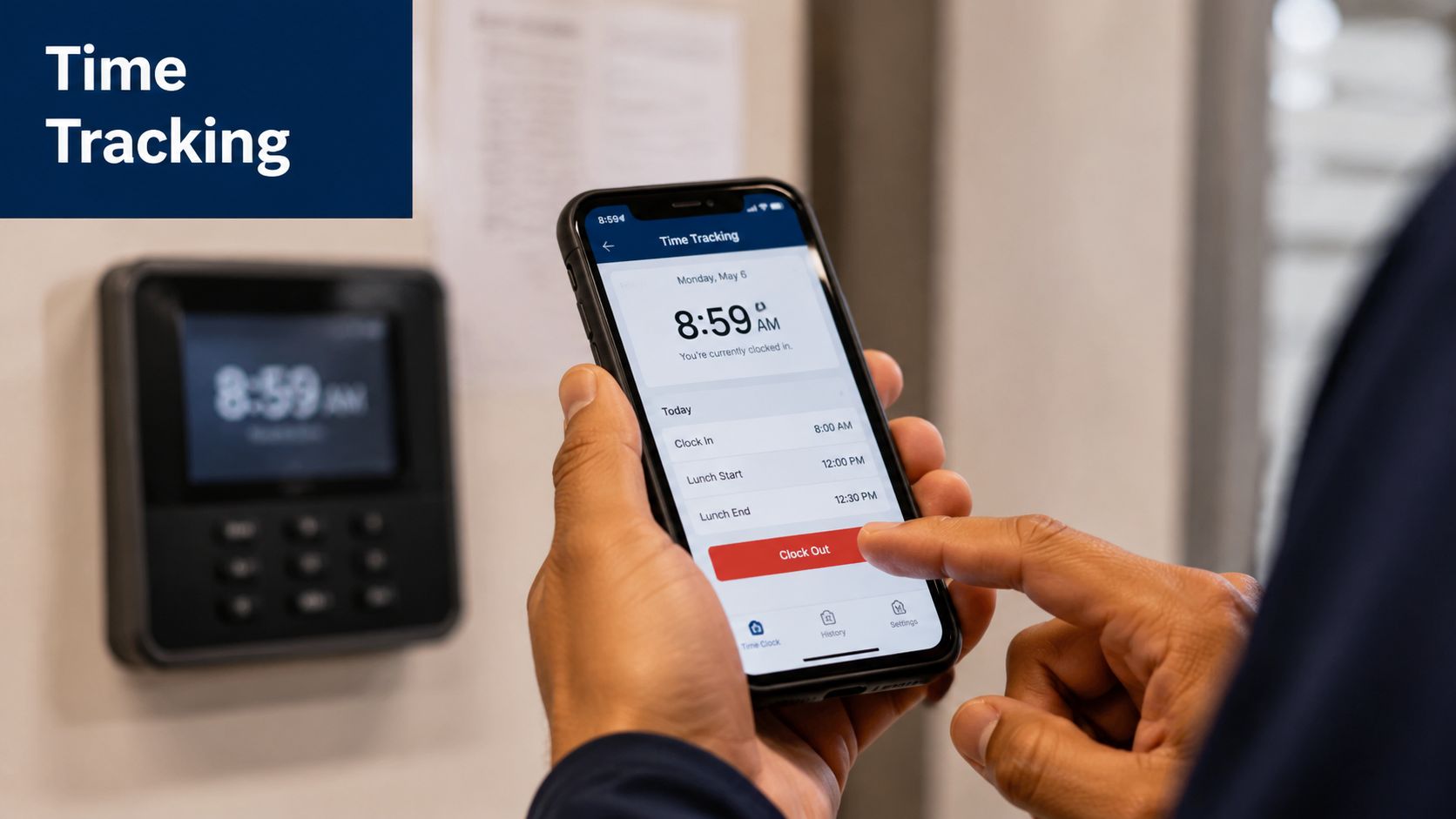
5. Maintain Accurate Time and Attendance Records
Time records are the proof behind the paycheck. If someone says they worked more hours than they were paid for, your time records are what decide whether the claim is true. That's why even salaried staff need some kind of attendance record, not just hourly workers.
The verified data says payroll and wage records should be kept for at least 3 years under FLSA guidance, and payroll tax records should be kept for at least 4 years under IRS guidance. In practice, that means your timecards, adjustments, and payroll reports need to stay organized long enough to stand up in an audit or wage dispute. For a Pennsylvania business, that retention habit matters because the records have to support both pay accuracy and compliance over time.
Use the record that matches the work
A construction company using paper timesheets miscalculated hours for three weeks and had to fix an overpayment. A healthcare practice moved to digital time tracking and caught an employee clocking in for hours they didn't work. Both stories point to the same thing, sloppy time tracking costs money either way.
- Use integrated software: Cut down on manual entry.
- Require manager approval: Don't let unreviewed hours go straight to payroll.
- Track remote work carefully: Use a tool that respects privacy.
- Check for odd patterns: Big jumps in hours usually deserve a second look.
- Train supervisors: Late time entry creates payroll errors downstream.
Good time records don't just help with pay, they help with trust.
A professional services firm that faced an overtime dispute had solid records and could show the employee had been paid correctly. That's the value of keeping clean attendance data. It gives you a calm answer when someone asks, “How do we know this is right?”
6. Comply with Wage and Hour Laws
A payroll team can get taxes right and still make a wage mistake. Wage and hour rules control when people must be paid, how overtime is calculated, and whether a role is really exempt. The federal minimum wage is $7.25 an hour, and Pennsylvania's minimum wage is also $7.25, according to the source brief's payroll compliance overview. Overtime usually starts at time-and-a-half after 40 hours in a workweek, and local rules can add another layer for businesses in Philadelphia or West Chester. If you classify someone as exempt without meeting the legal test, back pay can follow later.
Job titles do not decide the result. A developer labeled “senior” is still not exempt unless the duties and pay test are met. A Philadelphia IT consulting firm learned that lesson when it treated developers as exempt based on title alone and later owed back overtime after an employee complained. The title looked tidy on paper, but the facts did not support it.
Build pay rules around the actual job
A healthcare practice that classified medical assistants as non-exempt and planned for overtime stayed ahead of surprise costs. That is the cleaner path. If someone's hours change from week to week, the payroll setup should be ready for that pattern instead of assuming every paycheck will look the same.
A simple way to check your process is to ask one question at each step. Does the pay rule match the actual job, the actual hours, and the actual location of work?
- Use strict exemption tests: Salary alone is not enough.
- Track all hours worked: Overtime starts with accurate timekeeping.
- Pay on a steady schedule: Keep wage timing consistent.
- Check final pay rules: Final checks can have their own deadlines.
- Review job duties yearly: A role can change without anyone noticing.
For businesses in the service industry, these rules can be particularly complex, and there are specific overtime insights for restaurant owners that can help clarify these duties. The internal guide on PTO and sick leave is also useful for employers trying to line up leave rules with payroll practice. A construction company that misunderstood Pennsylvania break requirements ended up with a wage claim for unpaid break time, which is a good reminder that payroll and labor law sit close together. If a role is hard to classify, it is better to ask before the problem starts.
7. Handle Deductions, Garnishments, and Court Orders
Payroll isn't only about taxes and wages. Sometimes money comes out for health coverage, retirement savings, child support, or debt collection. Each type of deduction has its own reason, and some need written permission while others come from a court order. If you take the wrong amount or delay a required deduction, you can create a legal mess for the business and real stress for the employee.
A West Chester professional services firm received a child support garnishment order and did not implement it until two weeks late, which led to arrears. That kind of mistake is simple to make if no one clearly owns garnishment handling. A healthcare practice also ran into a wage claim after taking health insurance premiums without proper written authorization. In both cases, the issue wasn't that payroll was impossible, it was that the handoff and proof were weak.
Give garnishments one clear owner
When a court order arrives, someone should own it the same day.
That person should confirm the amount, the priority, and when the first withholding starts. If you have more than one deduction coming out of a paycheck, the order matters. A construction company that prioritized garnishments correctly, with child support before tax levy, avoided legal trouble because it followed the proper sequence instead of guessing.
- Get written approval: Voluntary deductions need proof.
- Act fast on court orders: Don't let them sit on a desk.
- Track every deduction: Keep dates, amounts, and where the money went.
- Watch state limits: Pennsylvania garnishment limits can vary by type.
- Avoid discrimination: A garnished worker still has the same employment rights.
- Use professional support: A payroll processor can help reduce mistakes.
For a business with a small office team, this is one of the easiest areas to overlook and one of the hardest to unwind later. If a deduction looks unusual, pause and verify it instead of hoping it sorts itself out.
8. Maintain Payroll Documentation and Audit Trail
Good records are the part of payroll nobody gets excited about, but they're what save you when something gets questioned. You should be able to show paychecks, tax deposits, withholding forms, time records, payroll changes, and correction notes without digging through random folders. If the IRS audits you or an employee files a claim, those records are your proof.
Digital records are usually easier to manage because they show who changed what and when. Paper can work too, but only if it's organized and stored securely. A Philadelphia healthcare practice that kept clean digital payroll records was able to show compliance during an IRS audit without scrambling, while a construction company with incomplete records had a much harder time defending a wage claim.
Build the trail before you need it
A payroll audit trail should answer simple questions. Who approved the change? Why was it made? When did it happen? If you can answer those questions quickly, you're in a much better spot.
- Store records in the cloud: Backups matter.
- Separate sensitive files: Keep W-4s and I-9s in secure employee folders.
- Review monthly: Catch errors before the books close.
- Write down corrections: Explain what changed and why.
- Set a retention schedule: Keep current records easy to find and archive older ones.
- Limit access: Payroll data should not be open to everyone on the team.
A professional services firm found an accounting error from six months earlier because its payroll system kept a complete audit trail. That's the kind of quiet win that saves time later. If your records are scattered, the fix doesn't have to be fancy. It just has to be consistent.
8-Point Payroll Compliance Checklist Comparison
| Item | Implementation Complexity (🔄) | Resource Requirements (⚡) | Expected Outcomes (📊 / ⭐) | Ideal Use Cases | Key Advantages (💡) |
|---|---|---|---|---|---|
| Verify Employee Classification (W-2 vs. 1099) | 🔄 Medium–High: requires judgment, federal and state tests | ⚡ Legal guidance, payroll/bookkeeper, documentation | 📊 Accurate tax/benefit treatment; ⭐ lowers misclassification risk | Hiring mixed workforce; onboarding new roles | 💡 Reduces IRS penalties and back taxes; clarifies budgeting |
| Withhold and Remit Income Taxes Correctly | 🔄 High: strict timing and calculation rules | ⚡ IRS tables/software, EFTPS access, bookkeeping support | 📊 Timely deposits; ⭐ protects against penalties and employee issues | Any payroll with taxable wages | 💡 Prevents audits/penalties; improves employee trust |
| Calculate and Pay Payroll Taxes (FICA, Unemployment) | 🔄 Medium: recurring calculations and rate updates | ⚡ Integrated payroll system, funds for employer taxes, SUTA knowledge | 📊 Accurate employer tax payments; ⭐ predictable budgeting | Employers with W-2 staff, seasonal/turnover-prone businesses | 💡 Ensures correct employer contributions and audit trail |
| Track and Report W-2 and 1099 Forms | 🔄 Medium: year-end reconciliation and filing deadlines | ⚡ Payroll software with W-2/1099 module, SSN validation | 📊 Accurate filings to IRS/SSA; ⭐ fewer notices and corrections | Year-end reporting; businesses paying contractors | 💡 Electronic filing reduces errors; supports tax compliance |
| Maintain Accurate Time and Attendance Records | 🔄 Medium: setup, enforcement, and approvals required | ⚡ Time clocks/software, manager oversight, integration with payroll | 📊 Correct pay calculations; ⭐ fewer wage disputes | Hourly, remote, or flexible-schedule workforces | 💡 Prevents disputes and payroll errors; improves productivity insight |
| Comply with Wage and Hour Laws | 🔄 High: complex exempt/non-exempt and state rules | ⚡ Legal guidance, time tracking, payroll adjustments | 📊 Avoids wage claims and back pay; ⭐ legal and reputational protection | Businesses paying overtime or classifying salaried staff | 💡 Proper classification prevents costly litigation |
| Handle Deductions, Garnishments, and Court Orders | 🔄 High: priority rules and strict timing | ⚡ Payroll processor, secure record-keeping, legal notices handling | 📊 Correct remittances; ⭐ avoids liability to courts/creditors | Employees with garnishments or multiple deductions | 💡 Protects employer from legal penalties; maintains employee confidence |
| Maintain Payroll Documentation and Audit Trail | 🔄 Low–Medium: disciplined processes and retention | ⚡ Cloud payroll system, secure storage, access controls | 📊 Defensible records for audits; ⭐ faster error resolution | Any employer wanting compliance and audit readiness | 💡 Digital trails simplify audits and error correction |
Next Steps to Bulletproof Your Payroll
A solid payroll compliance checklist does more than organize chores. It gives your business a repeatable process. One person decides worker classification, another handles deposits, another checks time records, another reviews garnishments, and another keeps the audit trail ready if someone asks for proof. That kind of role clarity helps Pennsylvania owners in Philadelphia, West Chester, and nearby towns, where payroll often sits between the owner, the bookkeeper, the CPA, and a payroll vendor.
The best systems are the ones people can follow every pay period. If your team still relies on memory, sticky notes, and a few calendar reminders, small misses will keep showing up. A better setup is to assign each task to one person, set a due date, and review the work on a regular schedule. That fits modern payroll compliance, where recurring controls matter more than one-time fixes. The source brief also points out that compliance has become more data-heavy, with employee classification, timekeeping, retention, and multi-jurisdiction rules tied together.
For small and midsize businesses, ownership matters as much as the forms. If you outsource payroll, define where your provider's work ends and where your internal review begins, and if you are comparing vendors, LeaveWizard's payroll software comparisons can help you evaluate different options. If you use a bookkeeper, make sure someone still checks deposits, classifications, and year-end forms. If you have a CPA, bring them in before year-end, not after a notice arrives. Clear deadlines, rates, owners, and review dates keep the process current and easier to manage.
The simplest next move is to turn each of the eight steps into a routine. One person handles worker status. One person confirms withholding. One person watches tax deposits. One person checks year-end forms. One person keeps records organized. That setup lowers errors, and it makes payroll less stressful for everyone involved.
MyOfficeOps supports that kind of cleanup with bookkeeping, payroll integration, and advisory help for businesses that want clearer numbers and fewer surprises. If payroll still feels messy, get help setting up the process before the next deadline lands on your desk. A CTA for MyOfficeOps.