When you start searching for the best payroll software for small business, you’ll see the same names everywhere: Gusto, Rippling, and ADP. They all promise to make paying your team easier, but the right one for you really depends on what your business actually needs.
Why Good Payroll Software Is a Big Deal
Let's be real, doing payroll can be a pain. It’s not just about writing checks. You have to figure out taxes, follow labor laws, and make sure everyone gets paid the right amount, on time. One tiny mistake can lead to big fines from the IRS and unhappy employees.

This is where good payroll software comes in. Think of it like a super-smart assistant that does all the boring work for you. It automatically calculates taxes, files the right forms, and handles direct deposits.
This gives you more time to focus on growing your business instead of getting stuck doing paperwork. For a small business, this isn't just a nice thing to have—it's a must-have to stay organized, follow the rules, and keep your stress levels down.
What Payroll Mistakes Really Cost
Trying to do payroll by hand is like trying to juggle with one hand tied behind your back. A small typo on a tax form or getting overtime hours wrong can cause a lot of problems later. The American Payroll Association found that using software can cut the cost of doing payroll by as much as 80%.
There’s a reason the market for this software is growing so fast—it’s expected to be a $65.66 billion industry by 2029. Small business owners are tired of making manual mistakes that cost U.S. companies an estimated $800 billion each year. People are switching to software because it helps them avoid costly errors and keeps their business running smoothly.
"A good payroll system saves time and gives you peace of mind. Paying your team on time and correctly isn’t just something you have to do by law. It shows you respect them, which builds trust and makes for a happier team."
Linking Payroll to Your Money
The best part is when your payroll software connects directly to your bookkeeping system. Instead of typing in numbers twice, the information flows automatically from your payroll to your financial records. This gives you a clear, up-to-the-minute look at how much you're spending on labor.
To learn more, this guide to streamlining your payroll process efficiently is a great read. Connecting these systems helps you see exactly how payroll affects your profits, which is super important for making smart decisions and using tools for financial reporting automation.
How to Pick the Right Payroll Software
Choosing payroll software is like picking a new car. You don't just look at the price. You need something that fits your daily life and is easy to use. You want something that just works every time you need it, without you having to read a thick instruction manual.

The goal is simple: find a tool that makes paying your team so easy you barely have to think about it. If you can run payroll in a few clicks while drinking your morning coffee, you've found a winner.
Look for More Than the Basics
Sure, any payroll tool can pay people. But the best payroll software for your small business will do a lot more. Think about your team. Do you have a mix of full-time employees (W-2s) and freelancers (1099s)? A good system should handle both easily.
Some businesses have special needs. For example, a construction company needs to track labor costs for each specific job (this is called job costing). A restaurant needs an easy way to handle tips.
It's important to pick software that understands your type of business. A general one might work, but one made for your industry will save you tons of time by handling the little details automatically.
For example, if you run a tutoring business, this guide to tutor payroll software can give you specific advice. Don't pick a one-size-fits-all tool if your business has unique payroll needs.
Make Sure It Handles Taxes Correctly
Let's talk about the scariest part of payroll for most owners: taxes. This is something you can't mess up. A good platform will automatically figure out, file, and pay federal, state, and even local payroll taxes for you. This isn't just a nice feature—it's a must.
This is even more important if you have employees in different states. Each state has its own rules, and one mistake can lead to fines and big headaches. The right software acts like a safety net, making sure everything is filed correctly and on time.
Make Sure It Works with Your Other Tools
Your payroll software doesn't work alone. It needs to connect easily with the other tools you use, especially your accounting software like QuickBooks or Xero.
This connection, called an integration, keeps your financial information accurate without you having to do extra work. When you run payroll, all the important details—like wages and taxes—should flow right into your financial records. A good connection means your reports are always up-to-date, giving you a clear picture of your labor costs in real time.
This is a key part of keeping good records, which is why having an expert help with setup can be so helpful. To learn more, check out our guide on the benefits of outsourced bookkeeping for small business. A good integration makes sure your numbers are right, helping you make smarter decisions about your business.
A Real-World Look at Top Payroll Tools
Looking at payroll software can feel overwhelming. You have a bunch of websites open, and they all claim to be the best. Let’s cut through the sales talk and compare three of the biggest names—Gusto, Rippling, and ADP—to see how they actually work for a small business.
We won’t just list features. We’ll talk about what it’s like to use these tools day-to-day, focusing on what really matters: how easy it is to set up, how good the customer support is, and any hidden costs you should know about.
Gusto: Simple and Easy to Use
Gusto is usually the first choice for new and small businesses, and for good reason. It was made to be simple. Think of it like your favorite coffee shop—it's friendly, easy to get, and does the job without any drama.
When you sign up, Gusto guides you through the setup process step-by-step. The screen is clean, and running payroll only takes a few clicks. If you're a business owner who does a little bit of everything and just needs payroll to work, Gusto is a great choice.
- Best for: New businesses, coffee shops, small marketing agencies, and any company with simple payroll. If you have fewer than 25 employees in one or two states, Gusto is perfect for you.
- How it feels: It feels less like old, clunky software and more like a modern website. Everything is clear and organized in a way that just makes sense.
- A real-world example: A local marketing agency with 10 employees uses Gusto. They love the "autopilot" feature, which runs payroll automatically if nothing has changed. It saves the owner a couple of hours every two weeks.
Gusto is great because it's simple, but that can also be its weakness. If your business has complex needs, like special payroll reports for government jobs or detailed HR tracking, you might outgrow it as your company gets bigger.
Rippling: The All-in-One Tool
If Gusto is the friendly coffee shop, Rippling is the entire mall. It does payroll, but it also handles HR, IT, and employee benefits all in one place. Rippling is built for businesses that are growing quickly and need their systems to keep up.
The main idea behind Rippling is its "employee graph." When you hire someone, you enter their information one time, and Rippling uses it to set up everything: payroll, health insurance, their new laptop, and even their work chat account. It's a very powerful idea.
Rippling's real strength is how it connects everything. When payroll, HR, and IT are all linked, you get rid of a lot of repetitive tasks. For example, when an employee leaves, the system can automatically calculate their final paycheck, end their benefits, and shut down all their company accounts.
All this power means it takes longer to learn, and the price can be more complicated. You pay for each part you use, so the cost can add up if you're not careful.
- Best for: Fast-growing tech companies, businesses with remote workers, and companies that want one system to manage everything related to their employees.
- The setup: It's more work than Gusto because you're setting up more than just payroll. But once it's done, you save a lot of time.
- A real-world example: A software company has 50 employees in 10 different states. They use Rippling to hire new people in minutes, ship them a work laptop that's already set up, and make sure they're paid correctly based on their state's laws—all from one place.
ADP: The Long-Time Expert
ADP is the oldest and biggest name in payroll. They were doing payroll long before the internet, and they have a lot of experience. ADP's tool for small businesses, ADP Run, is a strong platform that can handle almost any payroll problem you can think of.
This tool is great for businesses with more complicated needs, like companies with workers in many states with different tax laws. ADP is excellent at making sure you follow all the rules; they have whole teams of people who track changes in tax and labor laws so you don't have to.
The downside? ADP can sometimes feel like a big, old company. The software isn't always as easy to use as newer tools like Gusto, and the pricing isn't clear—you often have to talk to a salesperson to get a price. The market is definitely shifting toward easier-to-use systems.
This trend is why small and medium businesses are driving huge growth in the payroll software market, which is expected to grow by $7.84 billion between 2024 and 2029. While big companies like ADP own a large piece of the $8.4 billion market, it's the smaller firms—like local law offices or IT companies—that want cloud-based tools to save money. You can learn more about how small businesses are fueling this growth.
Feature Comparison: Gusto vs. Rippling vs. ADP
So, how do these three really compare when you look at the details? Let's break it down.
Here’s a side-by-side look at how the top three payroll tools measure up on important features for small businesses.
| Feature | Gusto | Rippling | ADP Run |
|---|---|---|---|
| Core Payroll | Excellent. Simple, automatic, and great for normal payroll. | Excellent. Very flexible and powerful, especially for paying people in many states. | Excellent. Strong and handles tricky things like wage garnishments and tips well. |
| Ease of Use | The best. The most user-friendly and easiest to understand. | Medium. Powerful but harder to learn because it does so much. | Fair. Can feel old and not as easy to use as newer tools. |
| HR & Onboarding | Good. Offers good tools for hiring, benefits, and basic HR. | The best. Fully connected HR, IT, and finance in one system. | Good. Offers a lot of HR tools, but they can feel like separate add-ons. |
| Integrations | Good. Connects well with popular accounting software like QBO and Xero. | The best. Over 500+ built-in connections to other business tools. | Fair. Connects to key software but doesn't have as many options as Gusto or Rippling. |
| Pricing Model | Clear and simple. You pay a set price per employee each month. | Complicated. You pay for each part separately, which can get expensive. | Not clear. You have to get a price from a salesperson, which makes it hard to compare. |
| Best For | Businesses with < 25 employees and simple payroll. | Fast-growing companies that need one system for HR, IT, and payroll. | Businesses with complex legal needs or in industries with a lot of rules. |
While all three can get the job done, the experience of using them is very different. Gusto is designed to make your life easier right now, Rippling is built to handle future growth, and ADP is the proven choice for dealing with tough rules and regulations. The right one for you depends on where your business is today and where you want it to be tomorrow.
Finding the Right Payroll Software for Your Business
Let's be honest: there's no such thing as the “best payroll software for small business.” The perfect software for a one-person design company is a terrible choice for a 30-person construction team.
Think of it like buying a car. A sports car is fun, but you can't use it to haul furniture. Your business is special, and your payroll tool needs to fit its specific needs. The goal is to find the right fit, so you're not paying for features you don't use or, even worse, outgrowing a simple tool right when your business starts to take off.
This decision tree can help you figure out which option makes the most sense for where your company is right now.
As you can see, the right choice depends on if you're just starting, growing, or already dealing with more complex stuff.
For the Solo Owner or Small Firm
If you're a one-person business or only have a couple of employees, your needs are simple. You need a reliable way to pay yourself (and maybe one or two others), handle taxes correctly, and get back to your real work. A system with too many features is just a distraction.
Your main goal here is simplicity and a low price. Look for software with a basic, low-cost plan made for "owner's draws" or single-employee payroll.
- What to look for: An easy-to-use screen, automatic tax filing for federal and one state, and a low monthly price that doesn't hurt your profits.
- Example: A freelance writer who started an S-Corp needs to pay herself a regular salary. A tool like Gusto's basic plan is perfect. It handles her taxes and costs less than a few cups of coffee a month.
For Businesses with Employees in Different States
The moment you hire employees who live in different states, your payroll gets way more complicated. Every state has its own rules for taxes, unemployment insurance, and even paid time off. Trying to keep track of all that by hand is a recipe for disaster.
Here, you absolutely need a platform that is good at handling multi-state taxes. The software should automatically know the rules for each state where your team members live and file all the right forms for you.
Don’t underestimate how tricky multi-state payroll can be. One small mistake in a state you don't know well can lead to fines and a mountain of paperwork to fix it. Your software should be your expert on rules, not just a calculator.
For Companies That Use a Lot of Contractors
Does your business depend on freelancers, consultants, or other 1099 contractors? Paying them shouldn't be a separate, difficult process. The right payroll software for a business with a lot of contractors lets you pay both your W-2 employees and 1099 workers from the same place.
It also needs to handle their year-end tax forms for you. A good system will automatically create and send 1099-NEC forms to all your contractors, saving you a huge headache every January.
For Special Industries Like Healthcare and Construction
Some industries have such unique payroll needs that a regular tool just won’t work.
- Healthcare Clinics: Medical and dental offices often have complicated pay, like bonuses based on performance or different pay rates for certain procedures. You need software that can handle these calculations without needing you to do a bunch of extra work.
- Construction Companies: Construction payroll is a whole different beast. You often need certified payroll for reporting wages on government jobs and job costing to track labor costs for each project. Only special software can handle these needs correctly.
The good news is that cloud-based payroll is making these special features easier to get. The market is expected to grow from $8.32 billion in 2024 to $11.99 billion by 2033, mostly because modern tools give business owners more financial control. For a construction company, this means tracking overtime up to 90% faster; for a healthcare clinic, it means following all the healthcare laws perfectly. This change lets owners connect payroll directly to their most important financial numbers. You can discover more insights about the growing payroll market and how these changes affect small businesses.
In the end, finding the right software is about matching its strengths to what your business does every day. By focusing on your specific industry and needs, you can pick a tool that helps your business grow instead of just giving you another task to do.
Connecting Payroll to Your Bookkeeping
Choosing your new payroll software is a big first step, but the real win is when it connects perfectly with your other financial tools. Think of it this way: your payroll system is your star player, but if it can’t pass the ball to the rest of the team—your accounting software—you’re not going to win.
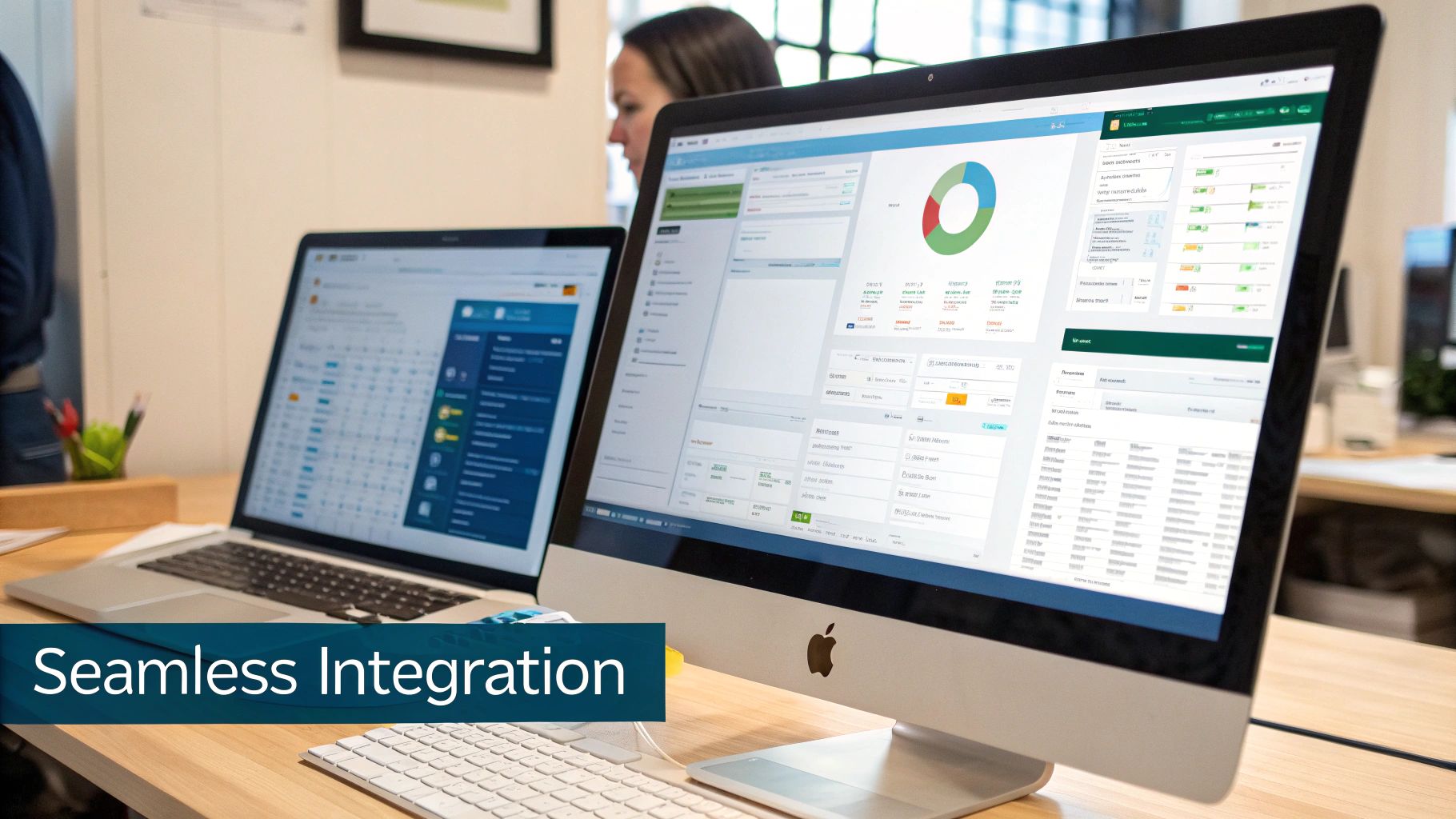
A bad connection between your systems can cause more problems than it solves, forcing you to spend hours manually entering data to fix mistakes. When it's set up correctly, your payroll information flows into your financial reports automatically. This gives you a clear, instant look at your labor costs and how profitable you are, without you having to do anything.
Why a Good Connection Is Important
When your payroll software connects with your bookkeeping system (like QuickBooks Online or Xero), every single dollar is tracked. Each time you run payroll, the system automatically records wages, taxes, and other deductions in the right places in your financial records.
This means you can actually trust your numbers. You can look at your Profit & Loss statement and see exactly how much you’re spending on labor—which is almost always a business's biggest expense. A good connection is the difference between guessing about your financial health and knowing for sure.
Without this link, someone has to manually type all that payroll information into the books. It's not just boring; it's a huge risk for mistakes. One typo could mess up your entire financial picture for the month.
Your Simple Setup Checklist
Getting this connection right from the start is super important. It’s not as hard as it sounds, but you need to be careful. This is where working with a bookkeeping expert can make a big difference, as they’ve done this many times and know what to look out for.
Here’s a simple checklist to follow for a smooth setup:
Link the Accounts: First, connect your payroll and accounting software. Most modern tools have an "integrations" or "apps" section where you can approve the connection in just a few clicks.
Map Your Accounts: This is the most important step. You need to tell the software where to put the money. For example, you’ll link “Gross Wages” from your payroll to the “Wages Expense” account in your books. You’ll do the same for employer taxes and benefits costs.
Run a Test Payroll: Before you start for real, run a small test payroll (or your first real one) and check the numbers. Does the information in your accounting software match your payroll report? If not, you may need to fix your account mapping.
A common mistake is putting all payroll costs into one general account. For a clearer picture, create separate expense accounts for things like gross wages, employer payroll taxes, and health insurance costs. This gives you a much better idea of your true labor costs.
Getting these details right is key to good financial management. If you want to learn more about the basics, our guide on small business bookkeeping basics is a great place to start.
The Long-Term Benefit of Doing It Right
Taking the time to set up this connection correctly will save you a lot of trouble later. Your financial reports will be more accurate, so you won't make bad decisions based on wrong information. You'll also save hours of boring work each month.
Imagine closing your books at the end of the month and your payroll data is already there, perfectly organized. No more searching for reports or typing in numbers. That’s the peace of mind a good connection gives you. It turns your financial tools into a single, trustworthy system that actually helps your business grow.
Answering Your Top Payroll Software Questions
Getting a new payroll system is a big step, and it’s smart to get your questions answered before you decide. We hear the same few questions from business owners all the time. Let’s clear them up.
Can I Switch Payroll Software in the Middle of the Year?
Yes, you can definitely switch payroll providers mid-year, but you need to plan it carefully. This isn’t something you should do without thinking.
The best time to switch is at the beginning of a new quarter—like April 1st, July 1st, or October 1st. This makes the tax filings much cleaner for everyone. If you try to switch in the middle of a quarter, you’re just asking for a headache.
To do it right, you’ll need to gather all your payroll records from the year so far. We’re talking about every single paycheck for every employee, showing their total pay, deductions, and all taxes paid. Your new provider needs this information to get their records straight and, most importantly, to make sure your team’s year-end W-2 forms are 100% correct.
What's the Difference Between a PEO and Payroll Software?
This is a great question because people get them confused all the time, but they do very different things. The easiest way to think about it is this: payroll software is a tool you use yourself, while a PEO is a service partner you hire.
Payroll Software: This is a do-it-yourself option. You are still the full employer, responsible for all HR, rules, and benefits. The software is just there to help you run paychecks and file taxes.
Professional Employer Organization (PEO): When you work with a PEO, you enter a "co-employment" relationship. The PEO becomes the official employer for tax purposes. They don’t just do your payroll—they take over most of your HR tasks, benefits management, and legal responsibilities.
If you just need a tool to make payroll easier while you handle the rest, software is your best choice. If you want to hand off almost your entire HR department to an expert, a PEO is the way to go.
The main difference is who is responsible. With software, it's all on you. With a PEO, you're sharing that responsibility with a partner that deals with HR and legal rules every day.
How Much Does Payroll Software Usually Cost?
Payroll software for small businesses almost always uses the same pricing model: a monthly base fee plus a small fee for each employee. This makes it affordable and lets the cost grow as your team gets bigger.
For most small businesses, you can expect to pay somewhere between $40 and $150 per month. Where you fall in that range depends on the features you need.
Basic Plans: These are the cheapest options and cover the basics—calculating paychecks and automatically filing your federal, state, and local taxes. They’re perfect for small teams with simple payroll.
Advanced Plans: As you pay more, you get access to better tools. This could include things like built-in time tracking, HR support (like job offer templates), and help with benefits like health insurance and 401(k) plans.
Before you sign up, always ask about extra fees. Some companies charge more for filing year-end W-2s or for handling payroll in multiple states. Getting a clear idea of the total cost upfront helps you avoid surprises and find the best payroll software for your small business without spending too much.
Navigating these choices and ensuring a perfect setup with your bookkeeping is where an expert partner makes all the difference. MyOfficeOps can help you select, implement, and integrate the right payroll solution to keep your financials clean and your business running smoothly. Learn how we can streamline your back office.