
You know the feeling, month-end closes, the spreadsheet tabs multiply, and the report still doesn't answer the only question that matters, “Can I make a decision from this?” That's where the right financial reporting templates change the job. They cut the cleanup work, make lenders and partners trust the numbers, and turn a pile of raw data into something you can use. If you're still building reports by hand, a good starting point is this step-by-step CGT guide for founders, but the better move is to pick a template that fits your stage and your reporting habits.
1. Microsoft Excel built-in templates
If your team already lives in Excel, start here. Microsoft's built-in templates cover the basics, including balance sheet, profit and loss, and cash flow layouts, and they work in both the browser and desktop versions of Excel. The appeal is simple, the formulas are already there, the layout is familiar, and you don't have to persuade anyone to learn a new tool. You can also get help from Copilot in Excel if your setup includes it, which is useful when formatting starts to get messy.
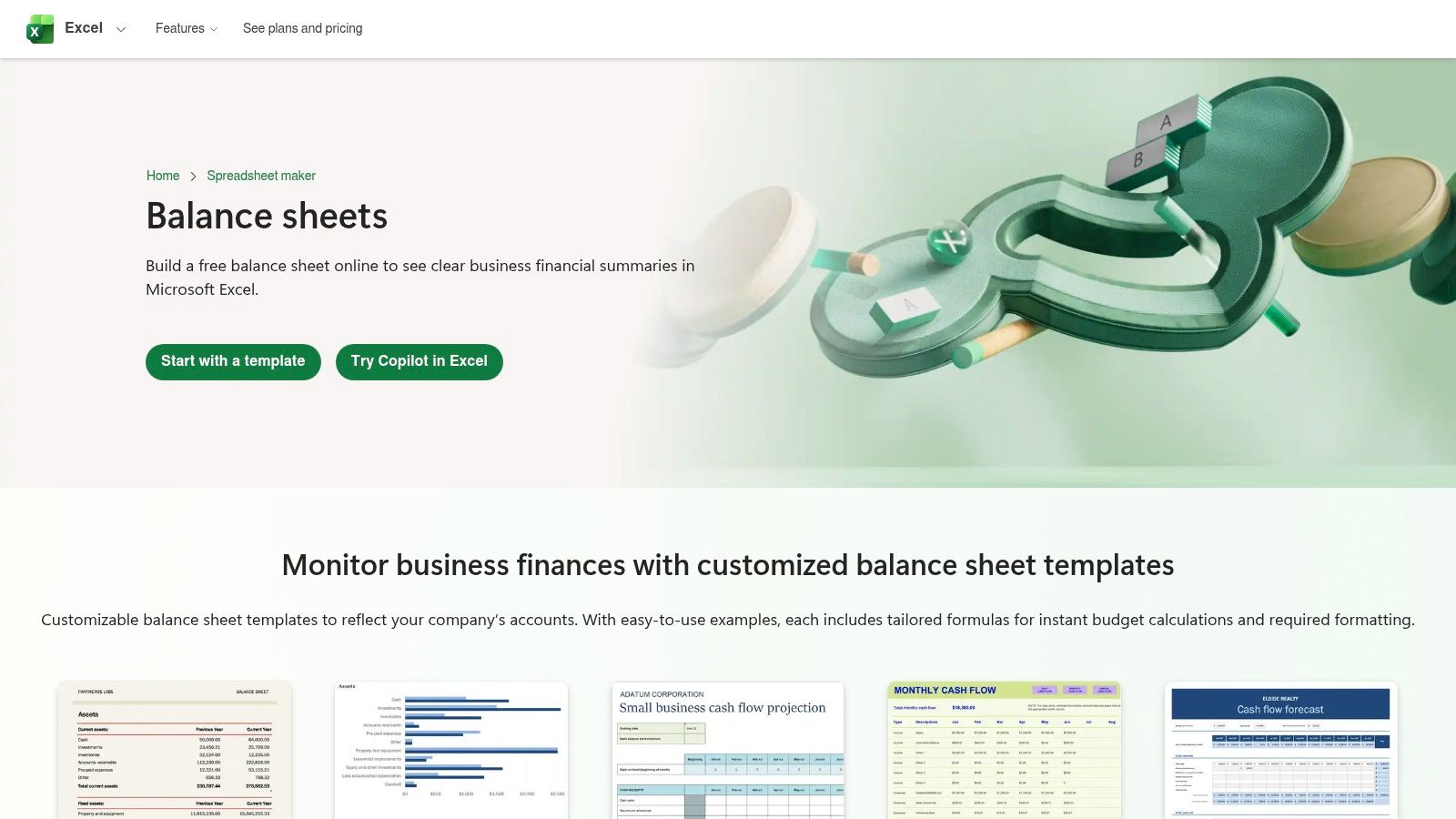
Use it when the books are simple and the audience wants a clean PDF
This works best for a small business that needs a lender pack, a board update, or a monthly snapshot without buying software first. It's also a decent fit if one person owns the report and can keep the chart of accounts tidy.
Practical rule: if your reporting still fits on a few tabs and your reviewer wants print-ready pages, Excel is usually enough.
The trade-off is control. Excel gives you freedom, but that also means more room to break formulas or end up with a report that looks different every month. Collaboration depends on your Microsoft 365 setup, so if several people edit the file, version control can get ugly fast. For operators who need more than a basic forecast, a cash flow forecasting template from MyOfficeOps is a cleaner next step than trying to force one workbook to do everything.
Bring in a bookkeeper or CFO when the chart of accounts no longer matches the way you run the business. If you're spending time renaming lines, retyping notes, or explaining every variance in a meeting, the template has stopped being helpful.
2. Smartsheet financial statement templates
Smartsheet is a good middle ground when you want something that feels organized right away. Its template library includes P&L, balance sheet, cash flow, and multi-year projection formats in Excel, Google Sheets, Word, and PDF, with example data and short how-to guidance built in. That makes it easier for founders and small teams to stop staring at a blank page.
The nice part is the consistency. You can keep the core statements in the same style and format, which helps when you're comparing this month to last month or handing the pack to someone outside finance. If you later move into the Smartsheet platform, you can add dashboards and more automation, but you don't need to start there.
Quick customization tip for SMB teams
Strip out anything you don't review every month, then rename the lines so they match how your business earns and spends money. A consulting firm and a small manufacturer may both use the same template, but they shouldn't keep the same category names.
Most generic templates fail because they try to please everyone. Your version should please the people who make decisions.
Smartsheet is strongest when you want a credible starting point and a neat presentation without designing every page yourself. It's weaker when your industry has special reporting needs, because you'll still need to tailor categories and commentary. Advanced automation and dashboards also sit behind a paid plan, so if you only need a static pack, the simpler export files may be enough.
Bring in a bookkeeper when the template needs monthly cleanup before it can be shared. Bring in a CFO when the report starts to support planning, not just recordkeeping.
3. Vertex42 Excel financial statement templates
Vertex42 has been around long enough that many accountants already know it by name. Its Excel templates for income statements, balance sheets, cash flow statements, and related finance tools are built for people who want a focused workbook with clear instructions and sample data, not a flashy dashboard. That makes it a solid fit for owners who care more about the numbers than the design.

Use it when you need a printable package that an advisor can review fast
Vertex42 works well for SMBs, consultants, and finance advisors who want the core statements laid out clearly and not buried in extra features. It's also a good choice if you want something you can hand off to a bookkeeper without giving them a whole new system to learn.
The benefit is focus. The layouts are simple, the instructions are visible, and the files are easy to print or export. The downside is that some templates feel old-fashioned, so you may want to update fonts, colors, and spacing before you share them with a client or lender. Some premium packs also exist, and the pricing details aren't always obvious on the page.
A small tweak that helps a lot
Keep the core statements, then add a short notes tab with the three things you'd normally say out loud in a meeting. That one change makes the workbook feel less like a spreadsheet dump and more like a reporting pack.
If your team is still young and your main issue is clarity, Vertex42 is a safe pick. If your reporting needs more automation, consolidation, or live data pulls, it starts to feel limited. That's the point where a bookkeeper can keep the file clean, but a CFO can tell you whether the report itself still fits the business.
4. SCORE Financial Projections Template
SCORE's financial projections workbook is one of the better free options for owners who need something lender-friendly. It's built around the three-statement model, meaning profit and loss, balance sheet, and cash flow all work together, and it's set up for monthly and annual roll-ups. That matters when you're trying to explain how money moves, not just how profit looks on paper.
Use this guide to shape your forecast before you fill the template.
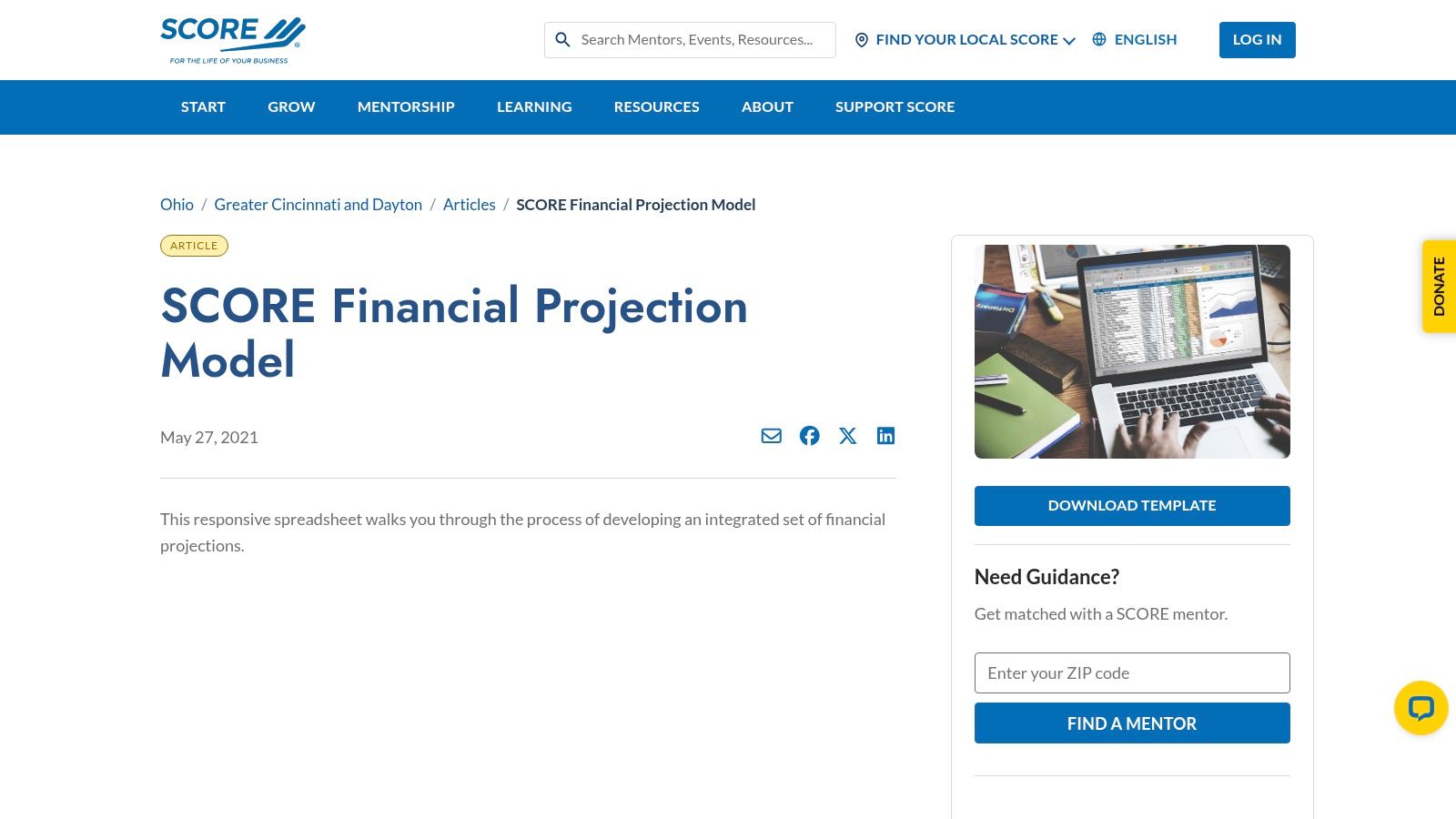
Use it when a bank or SBA lender wants to see your logic
This is the right template when you're preparing a financing package, a startup plan, or an SBA-aligned submission. It gives you structure without making you build a model from scratch, which is a relief if you're not deep in Excel all day.
The workbook includes example assumptions and a how-to guide, so you're not guessing how the pieces fit together. The trade-off is flexibility. It's not as customizable as a fully custom model, and the styling is plain, which is fine for a lender but not ideal for a polished board deck.
Practical rule: use SCORE for the story behind the funding ask, not for daily operational reporting.
The template works best when a founder needs discipline more than design. If you're still deciding how revenue ramps, what margin assumptions make sense, or how debt service affects cash, this format keeps the thinking organized. If the numbers start branching into multiple entities, several revenue streams, or detailed job-level tracking, a bookkeeper can maintain the data and a CFO can pressure-test the assumptions.
5. QuickBooks Online Management Reports
If your books already sit in QuickBooks Online, this is one of the easiest ways to standardize a monthly pack. QuickBooks Online includes management report templates that let you combine reports, add a branded cover, write an executive summary, and reuse the same setup every month. That saves time and keeps the report from changing shape every time someone opens it.
See how to choose accounting software before you build your reporting pack.
Find the right QuickBooks for your firm
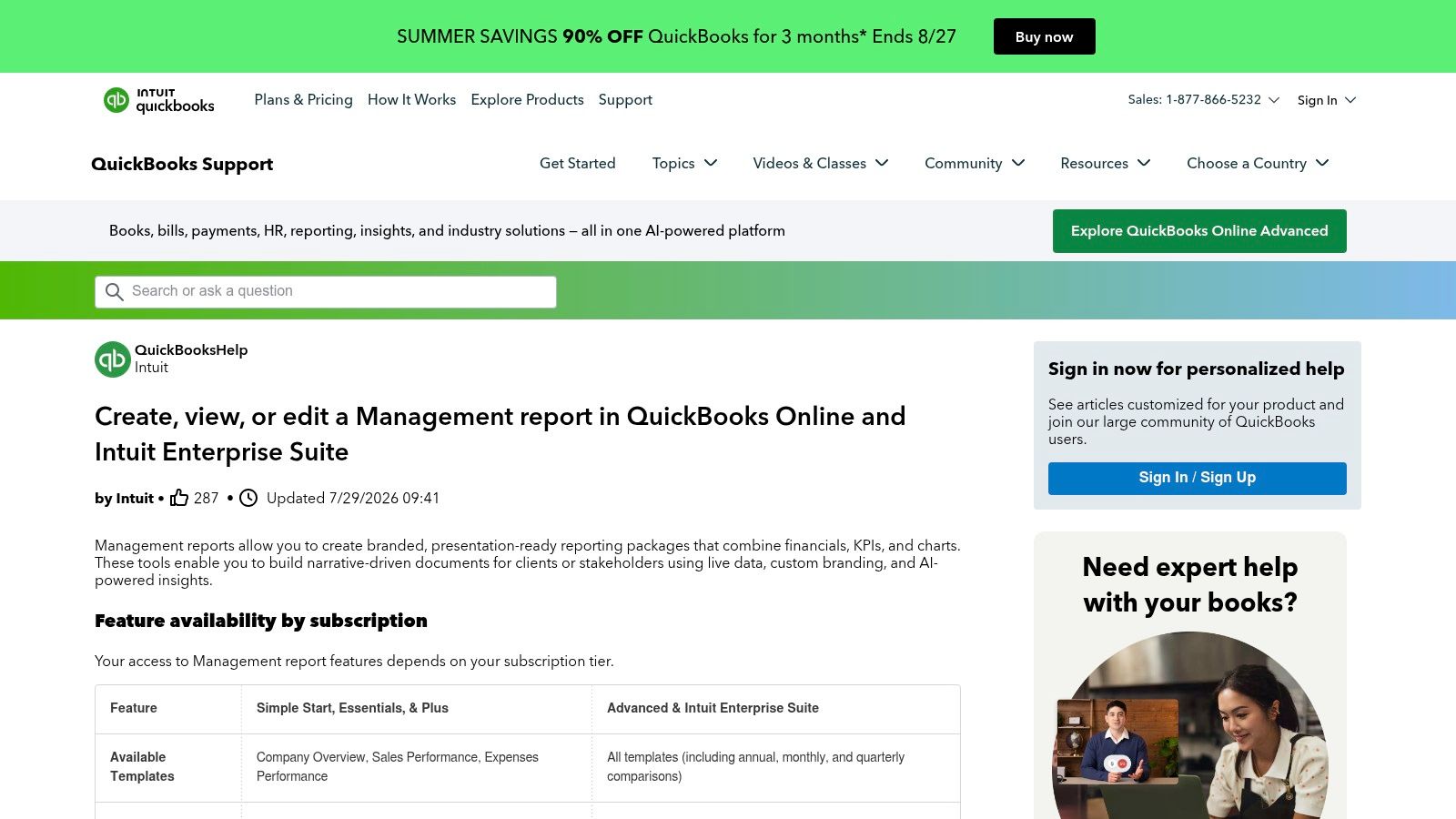
Use it when you want the report to come from the books directly
This is the easiest choice for small firms and multi-entity owners who need routine reporting without exporting data into another system. It's especially handy when the books are already clean and the only real problem is presentation.
The advantage is speed. You can copy a report setup, update the period, and keep the format the same across months. The downside is that formatting can feel limited compared with a custom deck, and some features depend on the QuickBooks Online subscription tier. If you need a high-end investor packet, QuickBooks alone may feel too narrow.
A strong use case is an agency owner who wants the same monthly pack every time, with a short note explaining why gross margin moved or why cash tightened. That sort of pack doesn't need fancy design, it needs consistency.
When the report has to explain more than it shows, bring in a bookkeeper first. When the report has to support planning, hiring, or debt decisions, bring in a CFO too. The template is good, but the commentary is what makes it useful.
6. Xero Management Report and Report Templates
Xero is a strong option for firms that want repeatable reporting built into the accounting workflow. Its Management Report bundles core reports into one pack, and Xero HQ report templates let firms standardize layouts across clients. That makes it a practical pick for accountants, bookkeepers, and business owners who want the same format every month without rebuilding it.
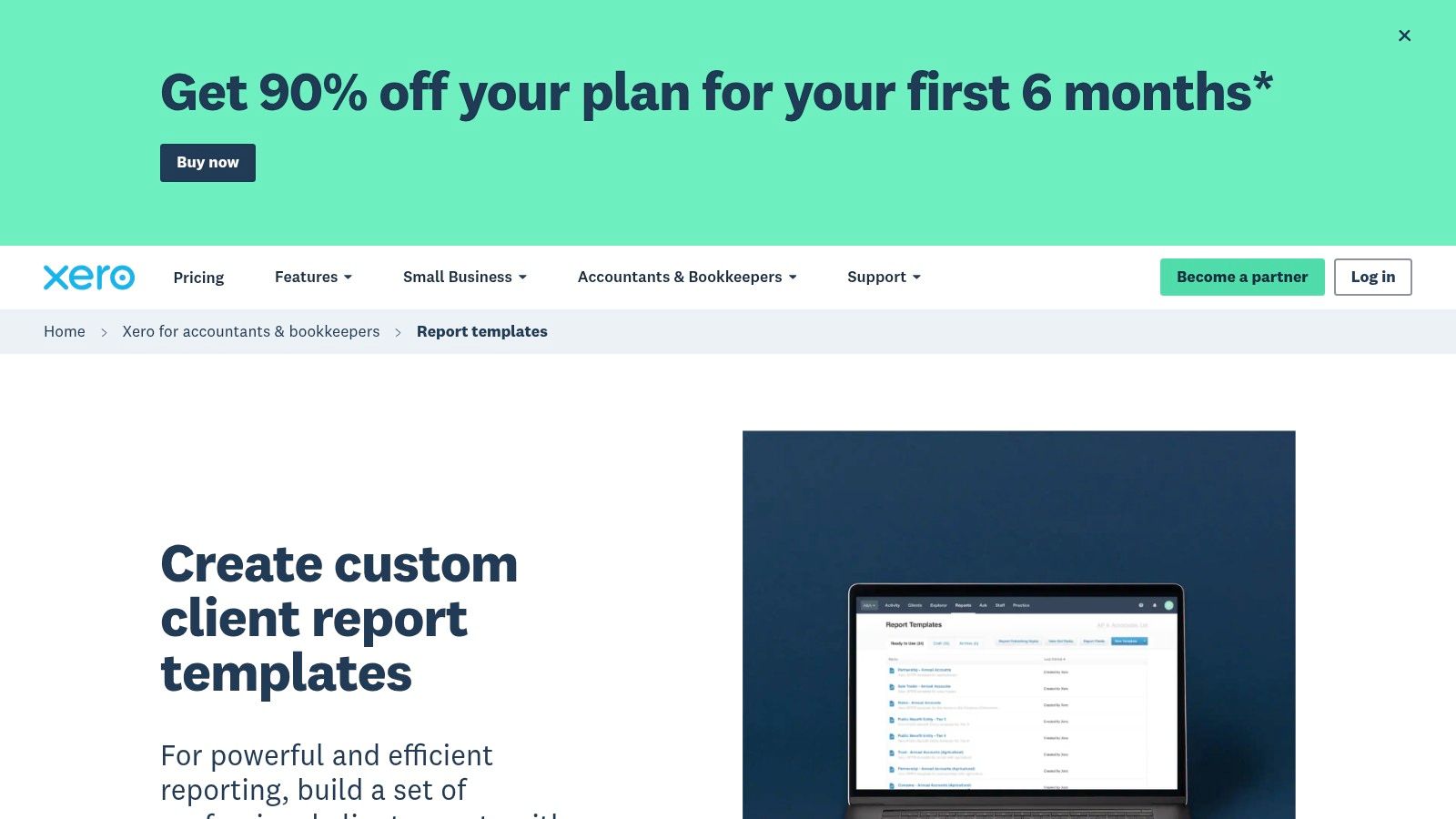
Use it when consistency across clients or entities matters
This is especially useful for accounting firms and operators with more than one business line. If you review several packs every month, having the same layout across entities reduces reformatting and makes the numbers easier to scan.
The best thing about Xero here is repeatability. You can keep the order of sections, pull in the same reports, and publish cleaner client-facing packs. The limitation is that it's most useful when your data already lives in Xero. If you're not on the platform, the value drops fast. Some of the deeper control also sits in partner tools and Xero HQ rather than the basic report view.
A quick customization tip for firm owners
Use the same cover page, section order, and commentary style for every client, then only change the numbers and notes that matter. That gives clients a familiar rhythm and saves your team from reinventing the pack each month.
Xero is a smart choice when you want a system, not just a file. If the reports are still being massaged by hand every month, a bookkeeper can clean that up. If you're trying to build a reporting standard across a growing firm, a CFO can help decide which sections should stay fixed and which ones should change by client type.
7. Fathom reporting templates and packs
Fathom is built for people who want the report to do more than list numbers. It connects to QuickBooks Online, Xero, and other systems, then gives you drag-and-drop templates, KPI dashboards, benchmarking, multi-entity consolidation, and forecasting. That combination makes it feel closer to a CFO pack than a basic statement generator.
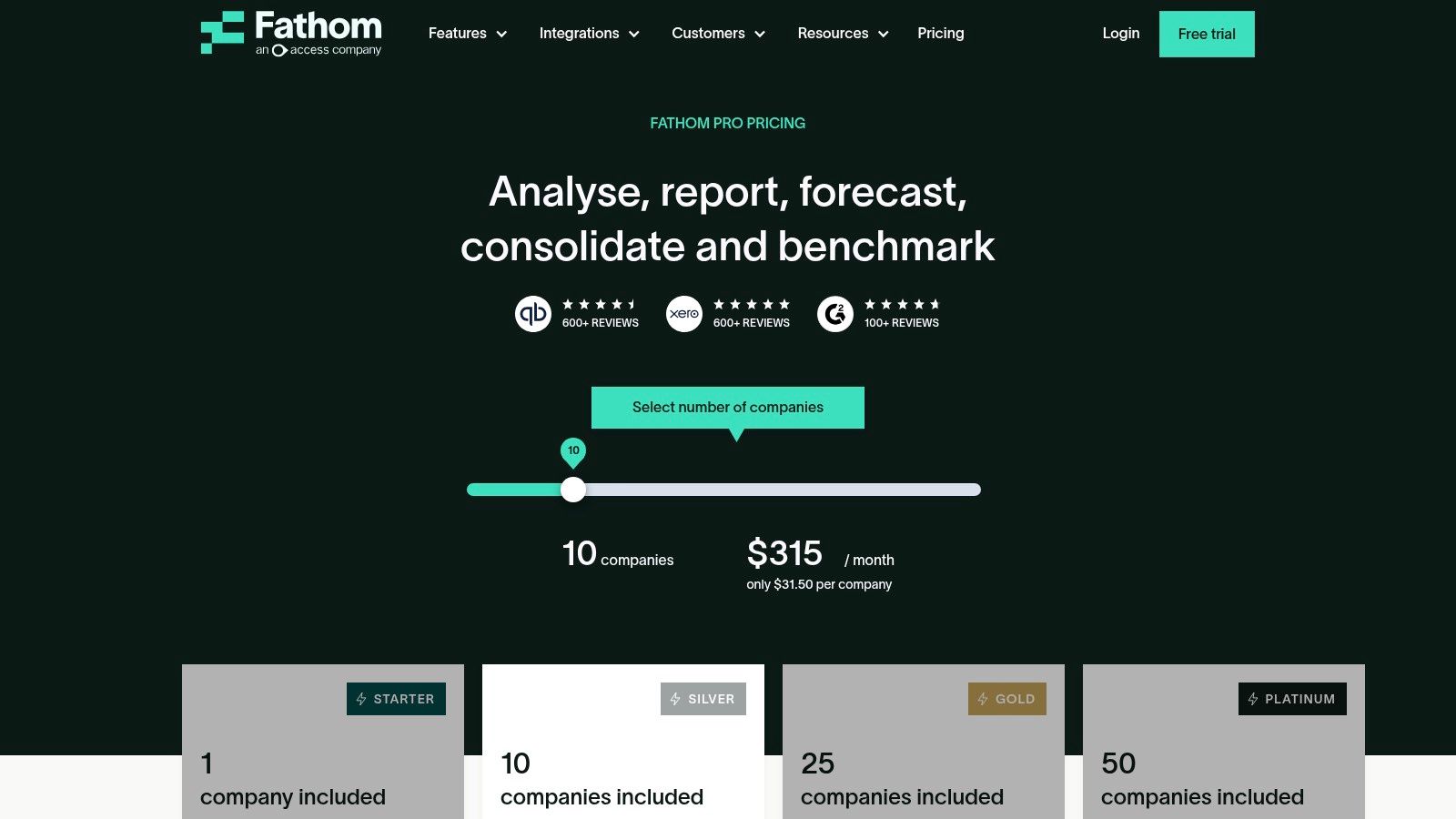
Use it when you need narrative reporting for owners or clients
Fathom fits advisory firms, multi-company businesses, and finance teams that want a polished story around the numbers. The visuals are strong, the reports are quick to generate once set up, and the KPI support helps you keep attention on the metrics that matter.
The trade-off is cost and fit. It's an extra subscription on top of your accounting system, and niche industries may still need template adjustments. But if you spend too much time turning raw reports into something clients can understand, that time savings can matter more than the subscription line.
Value shows up when a manager needs to see trends, not just totals. A clean dashboard with the right commentary usually beats a thick PDF that nobody reads past page two.
Bring in a bookkeeper when the source data needs to be cleaned before Fathom can help. Bring in a CFO when you want the pack to answer bigger questions about margin, growth, or capital needs. Fathom is strongest when someone knows what decision the report is supposed to support.
8. Spotlight Reporting
Spotlight Reporting is a good fit for firms that need more structure around consolidated reporting and benchmarking. It offers template-driven management packs, dashboards, and financial consolidations, and it works with Xero and QuickBooks Online. That makes it useful for franchises, multi-entity groups, and advisory firms that need to compare businesses side by side.
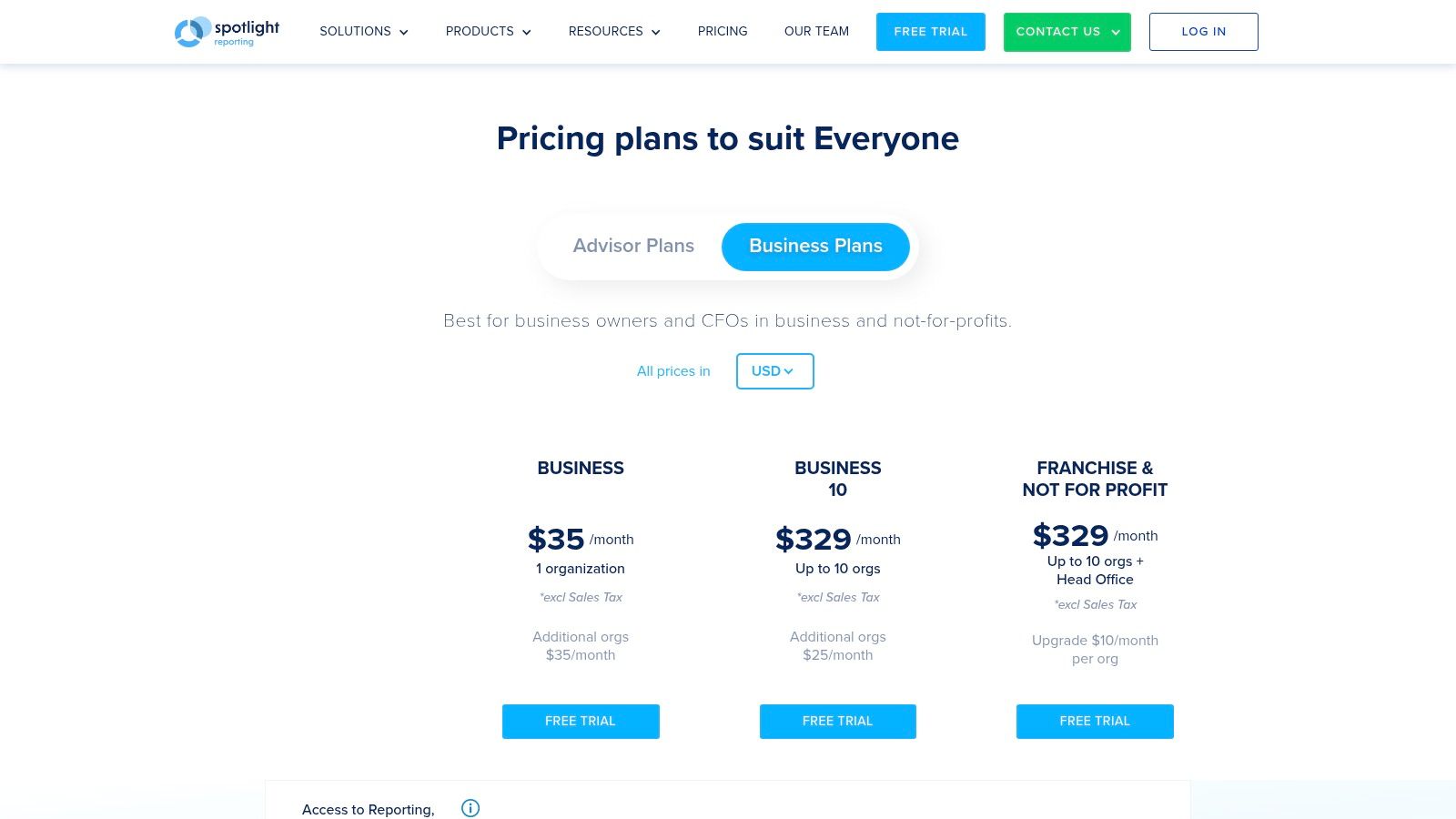
Use it when one entity is not enough
If your client base or business structure has several moving parts, Spotlight helps you keep the report organized without rebuilding each pack from scratch. It's especially handy when you need a standard layout for benchmarking, consolidation, and planning in the same place.
The upside is scale. The suite is built for advisory work and for groups that need more than a single-company view. The downside is the learning curve. It takes time to get the full value out of the templates, and the subscription cost can climb depending on entity count.
Practical rule: if you're still arguing over basic bookkeeping cleanup, Spotlight is too early. If you're reconciling several entities and comparing results across them, it's in range.
A useful customization move is to keep one master template for the firm and only vary the sections that matter by vertical or entity type. That keeps reporting from turning into a mess of one-off versions.
Spotlight makes sense when your reports need to support partner-level decisions, not just monthly bookkeeping. A bookkeeper can keep the inputs straight, but a CFO or advisory partner can make the report tell a stronger story across entities and periods.
9. LiveFlow Google Sheets and QuickBooks Online templates
LiveFlow is a strong pick for teams that want spreadsheet freedom without manual copy-paste. It syncs QuickBooks Online data into Google Sheets and gives you a large library of prebuilt templates for P&L, cash flow, consolidations, and variance reporting. That means you can keep working in Sheets while the data stays connected to the books.
Use it when your team lives in Google Sheets
This is a practical choice for startups, operators, and finance teams that want live accounting data inside a familiar spreadsheet canvas. It's also useful when a team wants to build custom KPI views without pulling CSV files every month.
The main win is removal of repetitive work. LiveFlow cuts out the manual transfer step, which is where a lot of reporting errors start. The downside is that you still need Google Workspace and QuickBooks Online, and more complex models may need tuning so they don't slow down or break under heavy use.
The template library gives you a head start, but the true value is in tailoring the sheet to the decisions you review every month. If you add too much, the workbook gets slow and hard to read. If you keep it tight, it becomes a practical reporting tool instead of a spreadsheet project.
For a construction or services company, this can be a nice bridge between bookkeeping and real analysis. The bookkeeper keeps the sync accurate, and the finance lead uses the sheet to watch job profitability, cash timing, and simple variance questions.
10. LivePlan
LivePlan is built for owners who need forecasting and presentation-ready reports more than a deep FP&A build. It produces the three core financial statements from user inputs, adds charts and narrative sections, and exports to PDF, Word, and Excel. That makes it useful for loan packages, board updates, and planning cycles.
Get funded with a solid budget
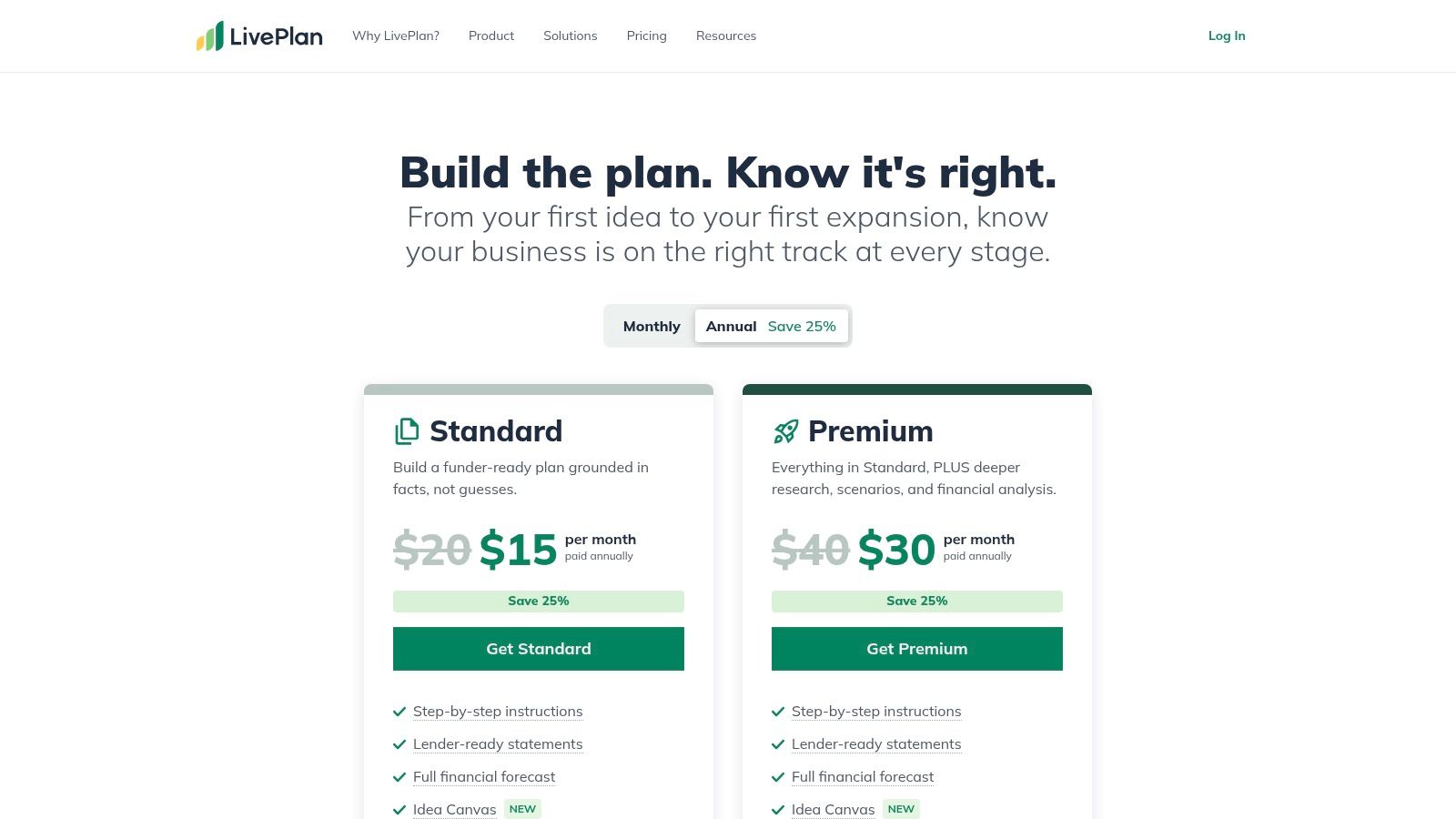
Use it when the first job is getting the model built at all
LivePlan works well for founders who don't want to spend days building formulas in Excel. The structure helps you move faster, and the output format is easy to share with lenders or investors. It's especially useful during planning cycles, when the business is shaping a budget or loan proposal rather than running a detailed monthly review.
The trade-off is depth. It's less granular than a custom Excel model, so if you want a very detailed operating view, it may feel too high level. It's better for presenting the plan than managing the day-to-day close.
A simple customization tip is to keep the forecast assumptions visible and written in plain language. If the numbers depend on hiring, pricing, or sales timing, spell that out so the report doesn't look like a black box.
LivePlan is a good bridge tool. A bookkeeper can keep the actuals clean, while a CFO can use the forecast to test scenarios, lender asks, and growth plans. If you're still trying to get from “we think this will work” to “we can explain why it should,” LivePlan is often enough to start.
Top 10 Financial Reporting Templates Comparison
| Product | Core Features ✨ | Quality ★ | Price/Value 💰 | Best For 👥 | USP/Notes 🏆 |
|---|---|---|---|---|---|
| Microsoft Excel built‑in templates | Ready Balance Sheet, P&L, Cash‑flow + formulas; Copilot (if available) ✨ | ★★★☆☆, Familiar UI | 💰 Free templates; M365 for collaboration | 👥 Small businesses & staff comfortable in Excel | 🏆 Print/PDF‑ready for boards & lenders |
| Smartsheet financial statement templates | Curated packs in Excel/Sheets/Word/PDF + examples ✨ | ★★★★☆, Clean, updated library | 💰 Free templates; paid platform for dashboards | 👥 Startups & SMBs needing quick templates | 🏆 Consistent formatting with how‑to context |
| Vertex42 Excel templates | Individual statements + finance tools; example data ✨ | ★★★★☆, Mature, minimal layouts | 💰 Mostly free; some premium packs | 👥 SMBs & advisors wanting printable layouts | 🏆 Long‑refined templates and clear instructions |
| SCORE Financial Projections Template | Three‑statement projection model with assumptions guide ✨ | ★★★☆☆, Utilitarian but structured | 💰 Free (lender/SBA‑friendly) | 👥 U.S. small businesses preparing loan/SBA packages | 🏆 Lender‑aligned structure for financing conversations |
| QuickBooks Online Management Reports | Prebuilt management packs; charts, narratives, saved settings ✨ | ★★★★☆, Fast within QBO | 💰 💰 Included in QBO tier (varies by plan) | 👥 Clients with books in QBO; firms standardizing reports | 🏆 Native integration; quick recurring packs |
| Xero Management Reports & Templates | One‑click report pack & firm templates; customizable order ✨ | ★★★★☆, Scales for firms | 💰 💰 Included with Xero/partner tools | 👥 Accounting firms and multi‑client practices | 🏆 Firm‑level templates for consistency at scale |
| Fathom (FathomHQ) | Drag‑drop reports, KPI library, consolidation & forecasting ✨ | ★★★★★, Executive visuals | 💰 Paid subscription (add‑on) | 👥 Advisory teams & CFO‑style reporting | 🏆 Powerful multi‑entity analysis and benchmarking |
| Spotlight Reporting | Template report packs, consolidations, forecasting modules ✨ | ★★★★☆, Advisory‑grade | 💰 Paid; cost scales with entities | 👥 Firms, franchises & multi‑entity groups | 🏆 Strong benchmarking & consolidation features |
| LiveFlow (Google Sheets + QBO) | Live QBO sync into Sheets + 100+ templates; multi‑entity support ✨ | ★★★★☆, Spreadsheet flexibility | 💰 Paid add‑on; requires GWorkspace + QBO | 👥 Spreadsheet‑savvy teams wanting live data | 🏆 Eliminates manual exports with live templates |
| LivePlan | Auto‑generated 3‑statement forecasts, narratives & exports ✨ | ★★★★☆, Planner‑focused | 💰 Paid subscription (planning tool) | 👥 Founders, planners, SBA/loan applicants | 🏆 Investor/lender‑ready plans with narrative |
Pick Your Template, Then Build the Habit
The best financial reporting templates are the ones your team will use next month. Pick the version that matches your business stage today, not the one you'll need when you have 50 employees and three subsidiaries. A simple Excel pack can be the right answer for a lean business, while a tool like Fathom, Spotlight Reporting, or LiveFlow makes more sense once you need live data, consolidation, or stronger commentary.
Spend an hour before month-end cleaning up the chart of accounts and the visual layout. That small block of time matters because it's when you decide what belongs in the report and what just creates noise. The best packs use a small number of clear metrics, show actuals next to budget and prior periods, and leave room for plain-English notes about why something changed. That lines up with the direction modern reporting has taken, from standardized statement structures used around the world to tighter, more decision-focused packs built around key KPIs and variance commentary, as reflected in guidance from the SEC's Financial Statement Data Sets, modern reporting pack guidance, and board reporting customization advice.
Templates are a starting point, not a substitute for clean books. If your numbers are late, inconsistent, or hard to reconcile, no template will fix that on its own. The right process is simple, keep the books clean, keep the template stable, and update the commentary so the report answers real questions instead of just looking polished.
When the reporting gets more complex, such as multi-entity packs, lender requests, valuations, or M&A prep, it helps to have a bookkeeping and advisory partner who can turn the template into a real decision system. That's where MyOfficeOps fits for owners in Philadelphia, West Chester, and beyond, because the goal isn't just prettier reports, it's better decisions, faster closes, and fewer surprises.
MyOfficeOps helps small and midsize businesses turn messy numbers into clear reporting, better cash flow insight, and monthly packs people can read. If you want help cleaning up your books and building a reporting system around the right financial reporting templates, visit MyOfficeOps and start the conversation with a team that knows bookkeeping, forecasting, and CFO-level advisory.