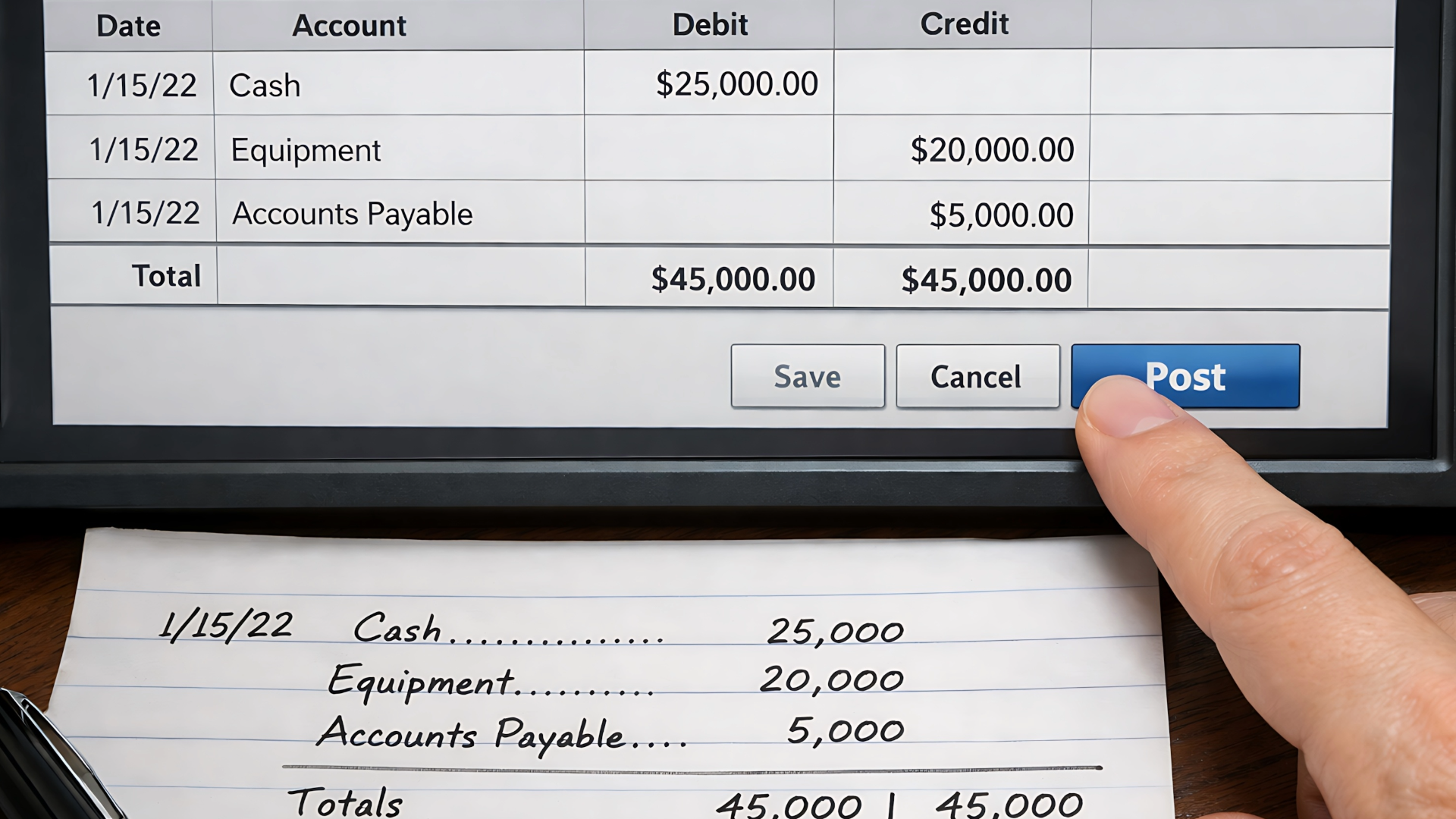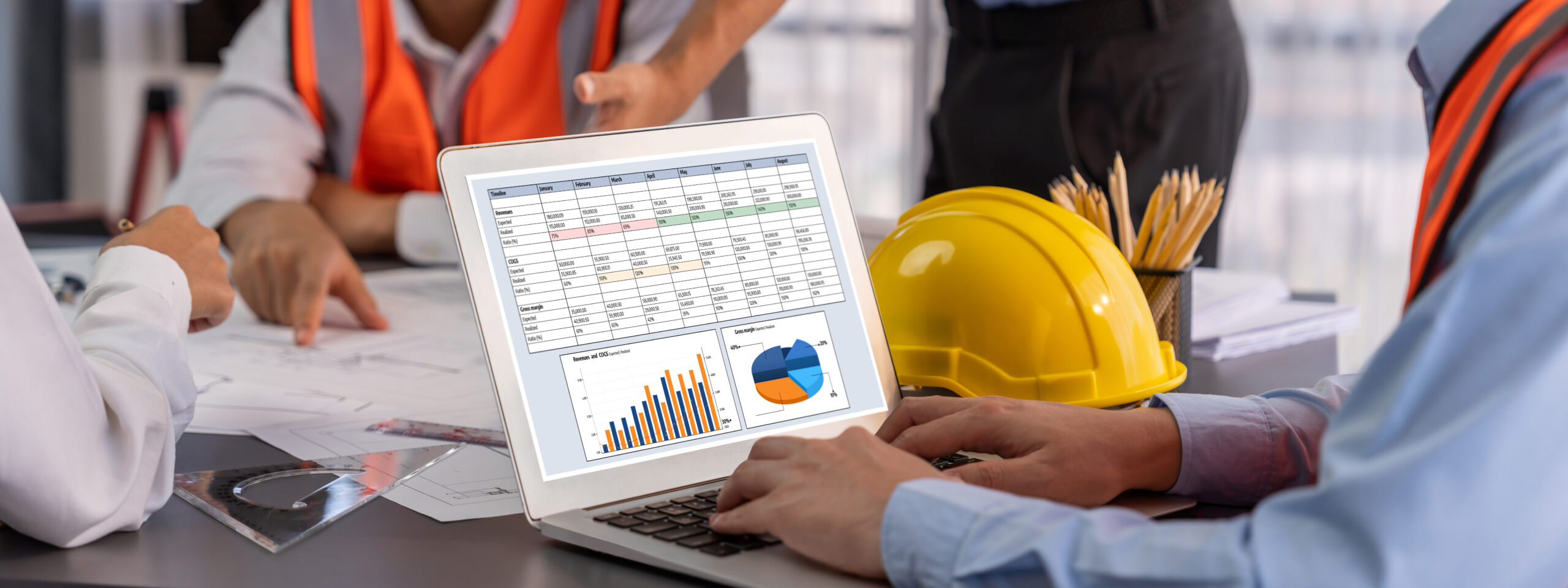
Using regular accounting software to run a construction business is like trying to build a house with a toy hammer. It just doesn't work well. You'll waste a lot of time, and the end result won't be very strong. Standard tools like QuickBooks weren't made for construction. They can't handle the money side of building things, where you need to track costs for each job, bill as you go, and manage held-back payments.
Why Standard Accounting Software Fails Construction Businesses
If you're in construction, you know your business is different. You aren't just selling products from a store. You manage big, long projects. Each one has its own budget and schedule. A lot of things can go wrong and cost you money.
A normal accounting program is made for simple sales. It's good for seeing your company's total income and expenses, but it misses the details for each project. Those details are what decide if you make money or lose it.
The Problem With Basic Tools
Let me give you a real-world example I've seen many times. A builder who makes custom homes uses a simple accounting tool. They get a big check from a client. Their bank account looks full, and they feel like they're doing great.
But the software can't tell them where they're losing money on the job. Was it paying the framing crew for extra hours? Did the price of wood suddenly go up? Without tracking costs for that specific project, they are just guessing. They'll probably make the same expensive mistakes on the next house. This is where basic tools fail. They can't answer the most important question: “Are we making money on this job?”
A construction company’s health isn't about how much money is in the bank. It's about whether each project is making a profit. Basic software often hides losses on a project until it's too late to fix.
To stop this from happening, many construction companies learn they need something better. They start looking for tools made just for them, often a complete construction enterprise resource planning (ERP) system. These systems are built differently from the start.
What Construction-Specific Software Does Differently
Unlike a one-size-fits-all program, software made for construction is built to handle how money works in the industry. We talk more about these special money processes in our guide on accounting for construction companies.
Here’s a quick look at what makes these systems different:
| Feature | Standard Software (e.g., QuickBooks) | Construction Software (e.g., Foundation) |
|---|---|---|
| Job Costing | Tracks company-wide spending | Shows costs for each job, task, and code |
| Billing | Makes simple, one-time bills | Manages bills sent at different stages of a project and AIA G702/G703 forms |
| Retainage | Has no easy way to track it; needs confusing workarounds | Automatically tracks and manages money held back on each project |
| Change Orders | Must be tracked by hand, often in separate spreadsheets | Adds change orders right into the project's budget and bills |
In short, standard software gives you a blurry picture of your company's money situation. Construction software gives you a clear, detailed view of every single project. It shows you exactly where your money is going so you can make smart decisions to protect your profits.
Key Features Your Construction Accounting Software Needs
When you start looking at software, you’ll see long lists of features and sales talk. It's easy to get lost. Let's ignore the noise and talk about what really matters on a job site.
Think of these as the must-have tools in your money toolbox. Without them, you're not really running a construction business—you're just guessing.
Job Costing: The Money X-Ray for Your Projects
If you remember only one thing, make it this: job costing is the most important feature you need. It’s like a money X-ray for every project, showing you exactly where every dollar goes.
Without it, all your income and expenses are just thrown into one big pile. You might know if your company made money at the end of the year, but you won't know which jobs were your big winners and which ones were secretly losing you money.
I once worked with a remodeler who thought he was doing great. His sales were up, but his bank account wasn't growing. It turned out his very profitable kitchen jobs were hiding the fact that he was losing thousands on every bathroom addition. This was because of surprise plumbing costs. Job costing software found this pattern right away. It gave him the information to fix his price quotes, turning a money-losing job into a moneymaker.
To do this right, you need to understand the basics. Our guide on what job costing in construction is explains it all.
Progress Billing and AIA Invoicing
Waiting until a six-month project is totally finished to send a bill is a bad idea for your cash flow. Progress billing is what keeps money coming in.
It lets you bill clients based on how much of the project is done—like when the foundation is poured or the frame is up. This keeps cash flowing into your business so you can pay your workers and buy materials on time.
For bigger jobs, you might need to use AIA G702/G703 documents. These are standard forms in the industry that explain everything to the client:
- The original price of the project
- The value of the work done so far
- Any approved changes to the project
- The amount of money being held back (retainage)
The right software creates these AIA forms automatically by using your job cost information. This saves hours of boring spreadsheet work and helps you avoid mistakes that can delay your payment.
Retainage Tracking
Retainage is the 5-10% of each payment that a client holds back until the very end of the project. It’s their way of making sure you'll finish the final to-do list and fix any problems. For you, it's money you've earned but can't get yet.
Trying to track this for many different jobs with a spreadsheet is asking for trouble. It's very easy to lose track of thousands of dollars tied up in retainage.
Good software tracks retainage for you. It shows how much clients owe you and how much you owe your subcontractors on every bill.
When it’s finally time to get that last payment, the system gives you a clear report showing exactly who owes you what. This one feature can make a huge difference to your cash flow when you finish a project.
Change Order Management
"Hey, while you're here, could you just move this wall?" or "Let's add another window over there." These small requests sound simple, but they are change orders. They add cost, time, and make the job more complicated.
If you don't have a solid system for tracking them, you'll end up doing a lot of extra work for free.
Good software makes this process official. You can create a change order, get the client to sign it online, and watch as the new work and cost are automatically added to the project budget and the next bill. This creates a clear record and makes sure you get paid for all the work you do.
Subcontractor Management and Compliance
Finally, your software must help you manage all the subcontractors you use. This is about more than just paying them—it's about protecting your business from risk.
Your system should be the main place for all subcontractor information. Look for the ability to:
- Track Payments: See exactly what you've paid each sub for each job.
- Manage Lien Waivers: Collect and store lien waivers. These are documents that protect the property owner (and your client) from claims after you've paid a subcontractor.
- Monitor Insurance Certificates: Keep up-to-date insurance certificates to make sure your subs have the right coverage. This protects you from big legal problems.
Putting all of this in your accounting system helps avoid payment arguments, lowers your legal risks, and keeps your projects running smoothly.
Comparing the Top Construction Accounting Software
Now that you know which features are must-haves, let's look at some of the top names in construction accounting. Every company's website will tell you their software is the perfect solution. We’re going to look past the sales talk and see who each program is really for.
Choosing the right software isn't about finding the one with the most features. It's about finding the one that fits how your team actually works. A custom home builder with a small team has very different needs than a large company building skyscrapers, and their software should show that.
Matching the Tool to the Team
This is where many companies go wrong. Some software is huge and made for companies with big accounting departments. Other software is built for smaller businesses where the owner or office manager handles the books.
The biggest mistake you can make is buying something too powerful. You end up paying for a lot of features your team will never use, and the system is too complicated for your daily work.
Let’s look at some popular options and see where they really fit.
The picture below focuses on the three main parts of any good construction accounting software: job costing, progress billing, and change orders. These aren't just features; they're the money engine for every project you do.
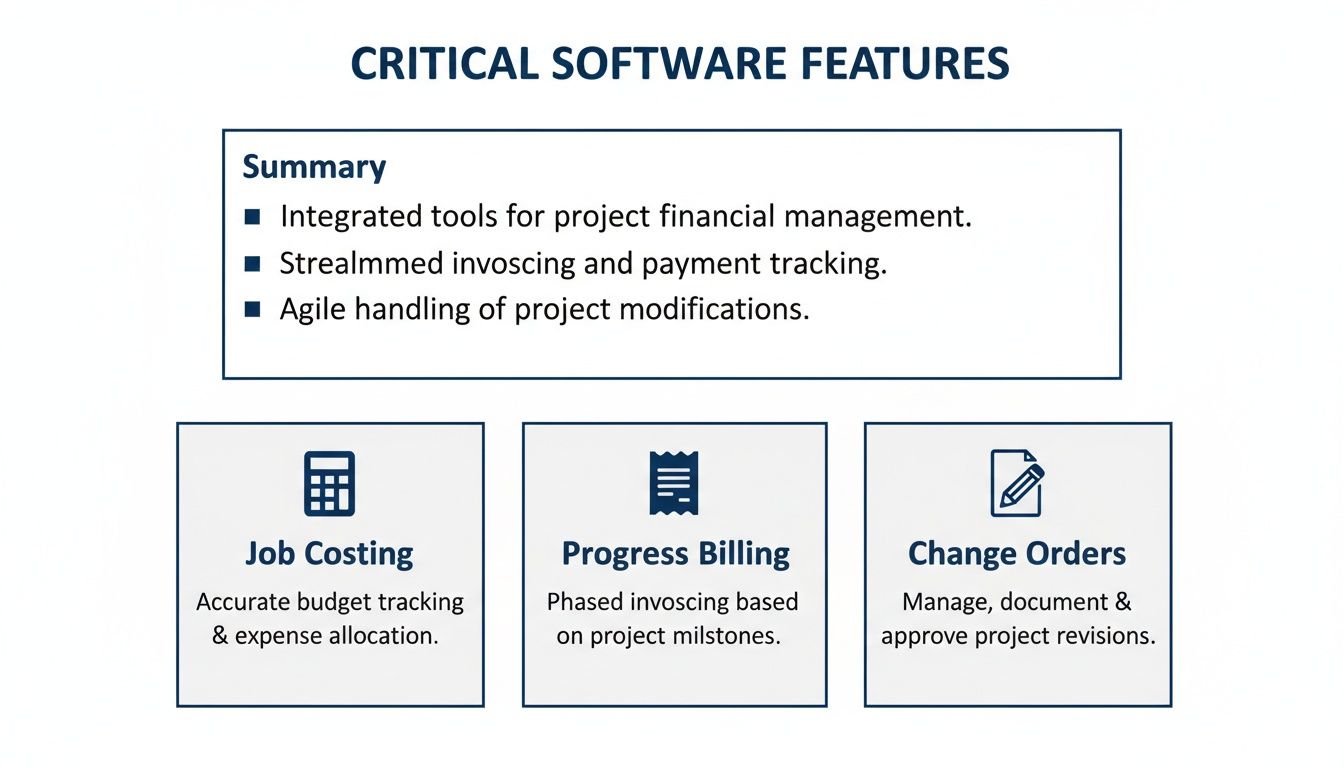
If the software you choose doesn't do these three things very well, it won't help your business protect its profits.
Head-to-Head Comparison of Leading Construction Accounting Software
To help you understand the options, here is a comparison of top programs. It focuses on who they're best for, their key features, and how much they cost. This table should make it easier to choose.
| Software | Best For | Standout Feature | Pricing Tier |
|---|---|---|---|
| Foundation Software | Mid-to-large contractors who need an all-in-one system with strong, construction-specific payroll and job costing. | Its payroll feature is one of the best for handling complex union, certified, and multi-state pay rules. | Mid-to-Enterprise: You’re buying a full system, not just a simple app. |
| Sage Intacct Construction | Large firms with multiple businesses that need excellent financial controls and reporting. | Multi-business management lets you combine financial reports from different companies or divisions easily. | Enterprise: This is a top-of-the-line cloud financial program. |
| Procore Financials | Firms that want to connect what's happening on the job site directly with the office, getting real-time information. | The strong connection between field tools (like timesheets) and the project budget. | Enterprise: Price is based on your company's total construction value per year. |
| Acumatica Construction Edition | Growing contractors who want a modern, flexible cloud system without paying for every single user. | Its unlimited user model is a big deal, letting you give access to everyone, from workers in the field to subs. | Mid-to-Enterprise: Price is based on how much you use it, not how many people use it. |
| Contractor Foreman | Small to mid-sized contractors who need a simple, affordable all-in-one tool without all the complexity. | It includes a huge number of features (from estimating to financials) in one of the most affordable packages. | Entry-Level: A great starting point for smaller teams moving away from spreadsheets. |
| CMiC | Large, enterprise-level contractors who want all their information—from planning to finances—in one single database. | The Single Database Platform gets rid of information gaps between project management and accounting. | Enterprise: Built for the biggest firms managing billions in projects. |
After looking at these options, it's clear that the "best" software depends on your situation. It depends on your company's size, how complicated your projects are, and your budget.
The most important thing to learn from this comparison is that there's no single "best" option—only the best fit for your company. Don't get sold on features you won't use.
For example, a general contractor making $5 million a year doesn't need the multi-business tools that Sage Intacct Construction offers. A simpler and more affordable system like Contractor Foreman or a solid platform like Foundation Software would provide all the needed tools without being too complex or expensive.
On the other hand, a $100 million company managing projects in three states would overwhelm a simpler system. The powerful payroll, compliance, and reporting in a platform like Foundation or an enterprise system like CMiC are necessary to manage risk and stay profitable at that size. Your goal is to find the right balance where the software supports what you do today but also lets you grow in the future.
How to Choose the Right Software for Your Company Size
There is no single “best” accounting software for construction. Anyone who says there is doesn't know this industry well. The only thing that matters is finding the best software for your company, right now. A solo contractor doing a few home remodels has very different financial needs than a large firm building skyscrapers—and their tools should be different, too.
I’ve seen this mistake happen over and over: buying the wrong-sized software is a costly error. A small team doesn't need a system built for a billion-dollar company; that’s like buying a giant excavator to plant a single tree. You just end up with a tool that’s too expensive, too complicated, and gets in your way.
But trying to run a growing business on software that's too simple is just as bad. You’ll soon find you can’t get the job cost information you need, which puts your cash flow and profits at risk.
Finding Your Fit: A Simple Checklist
To avoid these problems, start by looking at your business as it is today. Your answers will point you to the right kind of software and help you ignore the sales talk.
The "Right Now" Reality Check:
- How many projects do you manage at once? (A few small jobs vs. dozens of large ones?)
- Do you have a bookkeeper or office manager? (Or are you, the owner, doing it after work?)
- What kind of billing do you do? (Simple invoices, or complex AIA G702/G703 forms?)
- How many employees do you have? (And do you have to deal with certified payroll or union wages?)
- What is your yearly revenue? (Under $1 million, $1-10 million, or over $10 million?)
These answers give a picture of your company's real needs. Let's see what this means for choosing your software.
Software Scenarios for Different Builders
Think about which of these stories sounds most like your business. This will help you get rid of options that aren't a good fit for your size and needs.
Scenario 1: The Small Crew or Solo Contractor (Under $3M/year)
You're a small team—maybe a remodeler, a specialty trade, or a custom home builder. You're great at your work but you're stuck using spreadsheets and always losing track of job costs. You need something simple that gives you good job costing without all the corporate-level features you'll never use.
- Your Main Goal: To finally see if you're actually making money on each job.
- Software Focus: Look for programs that are affordable, easy to set up, and have good mobile apps for tracking time and costs from the field. Options like Contractor Foreman are made for this situation.
Scenario 2: The Growing Mid-Sized Builder ($3M – $20M/year)
Your business is growing fast. You're taking on bigger, longer projects, and you’ve probably hired an office manager or bookkeeper. Your old software is starting to fail, and you need better tools for change orders, subcontractor management, and maybe even some AIA billing.
- Your Main Goal: To get better control over your projects and make your financial work smoother.
- Software Focus: It’s time for a real construction accounting platform like Foundation Software or Acumatica Construction Edition. These give you the power you need without the high cost of an enterprise system. You can learn more about picking the right tools in our guide on the best accounting software for a small business.
The biggest mistake I see growing companies make is waiting too long to upgrade. If your current system is causing headaches and costing you time, it's already hurting your business.
When looking at your options, a general resource like a guide to software for small businesses in NZ can offer some good, general ideas about important business tools.
Scenario 3: The Large, Complex General Contractor (Over $20M/year)
You're running a big operation with many large projects, a full accounting team, and complex financial needs. You might work in different states or manage several businesses. You need a powerful system that can handle everything.
- Your Main Goal: To manage risk, grow your business well, and get high-level financial information for the whole company.
- Software Focus: This is where enterprise-level systems like Sage Intacct Construction or CMiC are great. They're built for complex finances, strict rules, and the detailed reporting a large contractor needs.
The Real Costs and Challenges of Switching Software
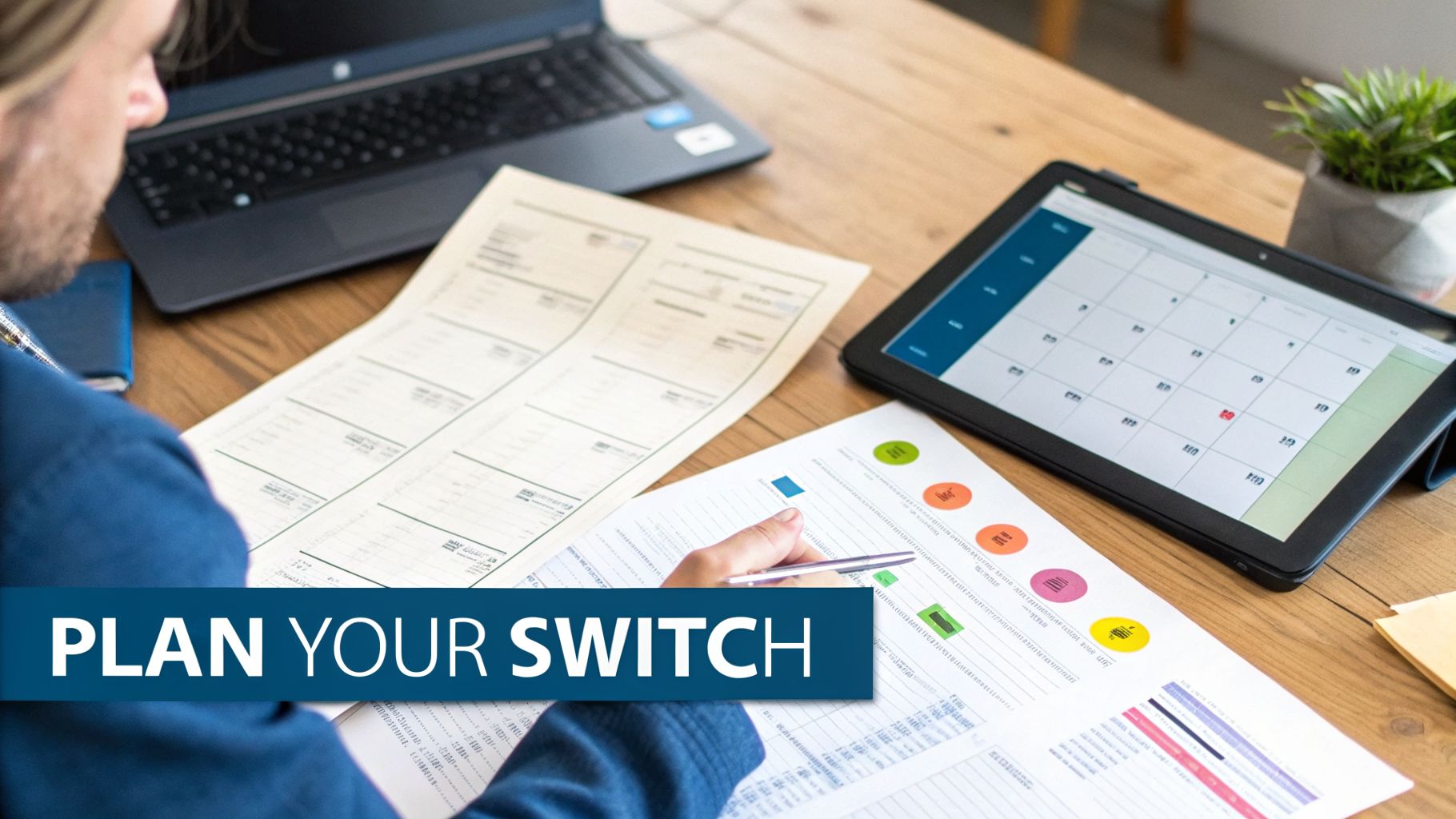
Picking your new construction accounting software feels like the hard part. It’s not. The real work—and the real pain—starts when you have to move your company’s entire financial history from one system to another.
This is a huge project, and it’s about more than just technology.
Many business owners focus on the price of the software, but that’s only a small part of the cost. The “hidden costs” are what really get you, and they aren’t just money. They are your team’s time, your business focus, and your stress.
The Hidden Price of a Software Switch
Let’s be real about the problems. Just choosing the best accounting software for construction companies doesn't mean it will be easy. You need a plan for the real-world problems that come with any big change.
These are the costs most people forget to plan for:
- Moving Data: You can’t just copy and paste years of financial information. Moving job cost history, customer lists, and vendor files into a new format is a big job. Some software companies will charge you thousands of dollars for this.
- Team Training: Your team knows the old system well. Learning a new one takes time and practice. Every hour they spend in training is an hour they aren't managing projects or sending bills.
- Work Slowdown: No matter how well you plan, things will slow down at first. Your bookkeeper might take twice as long to do payroll. Your project managers might struggle to get the reports they need. This temporary slowdown has a real cost.
I once worked with a contractor who tried to switch their whole accounting system over a weekend to save time. It was a disaster. They missed an important step when moving the data. On Monday morning, they couldn’t pay their workers. It took two weeks to fix the mess. The crew was angry and the office was in chaos.
This isn’t to scare you. It’s a reminder that having a good plan is key. Rushing the process is the fastest way to create expensive problems.
A Simple Plan for a Smoother Switch
Switching software doesn't have to be a nightmare. With some planning, you can avoid the most common problems and make the whole process easier. Think of it like a small construction project—you need a clear plan before you start.
A Transition Checklist:
- Clean Your Data First: Don't move messy information. Before you move any files, take time to clean up your old data. Get rid of duplicate customers, save old jobs, and make your records consistent. Starting with clean data is one of the smartest things you can do.
- Run Both Systems at the Same Time: This is called "parallel implementation," and it’s a great idea. For at least one full month, use both your old and new software. Enter bills, run payroll, and create reports in both systems. Yes, it's twice the work, but it's worth it.
- Compare the Results: At the end of the month, compare the numbers from both systems. Do the job cost reports match? Are the profit and loss reports exactly the same? This is the best way to find mistakes before you turn off the old system for good.
This method takes more time at the start, but it greatly lowers the risk of a big financial problem later. It gives your team a safety net and helps them feel confident with the new system.
How We Turn Your Accounting Data Into Decisions
Buying the right software is a great start, but even the best tool is useless if no one knows how to use it well. A new system won't magically organize your finances or tell you which jobs are making you money. That's where a partner like MyOfficeOps can help.
We don’t just give you a list of software and wish you luck. We start by meeting with you—especially if you're in the Philadelphia area—to understand your business, your projects, and your problems. Then, we help you pick the one system that actually fits how you work.
From Messy Data to Clear Answers
Once we’ve chosen the right program, we do the hard part. This isn’t just about installing software; it’s about making it a tool you can count on for your business.
Our process focuses on getting the details right:
- Correct Setup: We set up the software based on your specific projects and how you work, not some generic template.
- Data Migration: We carefully move your financial data to the new system, making sure every dollar is in the right place.
- Team Onboarding: We make sure your team knows exactly how to use the new tools, which makes the change smooth instead of frustrating.
Most importantly, we take over the daily bookkeeping in that new system. This means the numbers you use are always clean, correct, and up-to-date.
You bought accounting software to get answers, not another task. We turn your system from a confusing bunch of numbers into a simple guide that shows you exactly where your business stands.
Making Smarter Choices for Your Business
With clean, organized data, the real work can start. Instead of looking at a bunch of financial reports and trying to figure out what they mean, you get simple, clear information that helps you run your business better.
You’ll finally get straight answers to the questions that worry you. Is that big kitchen remodel actually making money, or are material costs eating up your profit? Which types of jobs are always your most profitable?
We take the raw numbers from your best accounting software for construction companies and turn them into useful advice. Our reports show you, in plain English, which jobs are your winners and which ones are hurting you. This helps you make smarter choices about everything from pricing your next job to managing your cash flow, giving you the confidence to grow your business.
We get asked the same questions over and over by construction owners trying to find their way through accounting software. These are the real-world answers you need to clear up any confusion and make a good choice.
Can I Get By With Just QuickBooks for My Construction Business?
You can, but I’ve seen how that decision can stop a company from growing. Standard QuickBooks just wasn't made for how complex construction is—it’s missing key features for job costing, retainage, and AIA-style billing that you need right away.
Sure, you can try to make it work with a lot of spreadsheets and other apps. But those "solutions" are usually clumsy, lead to expensive mistakes, and become a nightmare to manage as you get more projects.
If you’re doing more than just simple handyman work, a dedicated construction program will give you the financial control you need. It’s like having a financial project manager for every single job.
How Long Does It Really Take to Implement New Construction Software?
Honestly, it depends. For a smaller contractor with simple needs, we can often get a basic system ready in a few weeks.
But for a larger, more complex company, you should plan for a three to six month process. That time includes moving your old data, setting up the new system for your specific work, and properly training your whole team so they actually use it. Working with a partner can cut down that time and help you avoid common problems.
The most common mistake I see is owners buying software that’s way too powerful for what they need. They get sold an expensive, all-in-one system thinking they'll "grow into it," but they end up lost in a complex system and only use maybe 10% of its features.
It’s much smarter to choose a system that solves your problems today but can grow with you in the future. Think of it like buying tools—you buy the hammer you need for the job in front of you, not the giant crane you might need in five years.
What’s the Biggest Mistake People Make When Choosing Software?
The single biggest mistake is focusing on feature lists and forgetting about the people who have to use the software every day.
If a program is confusing or hard to use, your team will either avoid it or find their own ways to do things—which makes your investment worthless. Fancy features don't matter if no one uses them.
When you’re looking at options, ask for a live demonstration. More importantly, pay attention to how many clicks it takes to do daily tasks like entering a bill or getting a simple job cost report. The best accounting software for construction companies is the one your team will actually use, not the one they hate. If it’s easy to use, it's much more likely to give you the results you're paying for.
The right software is a huge step forward, but having an expert to manage it is what really makes the difference. MyOfficeOps doesn’t just help you pick the right system; we can run it for you, turning confusing data into clear decisions you can act on.
If you’re ready to get true financial clarity and control over your projects, schedule your free discovery call with us today.