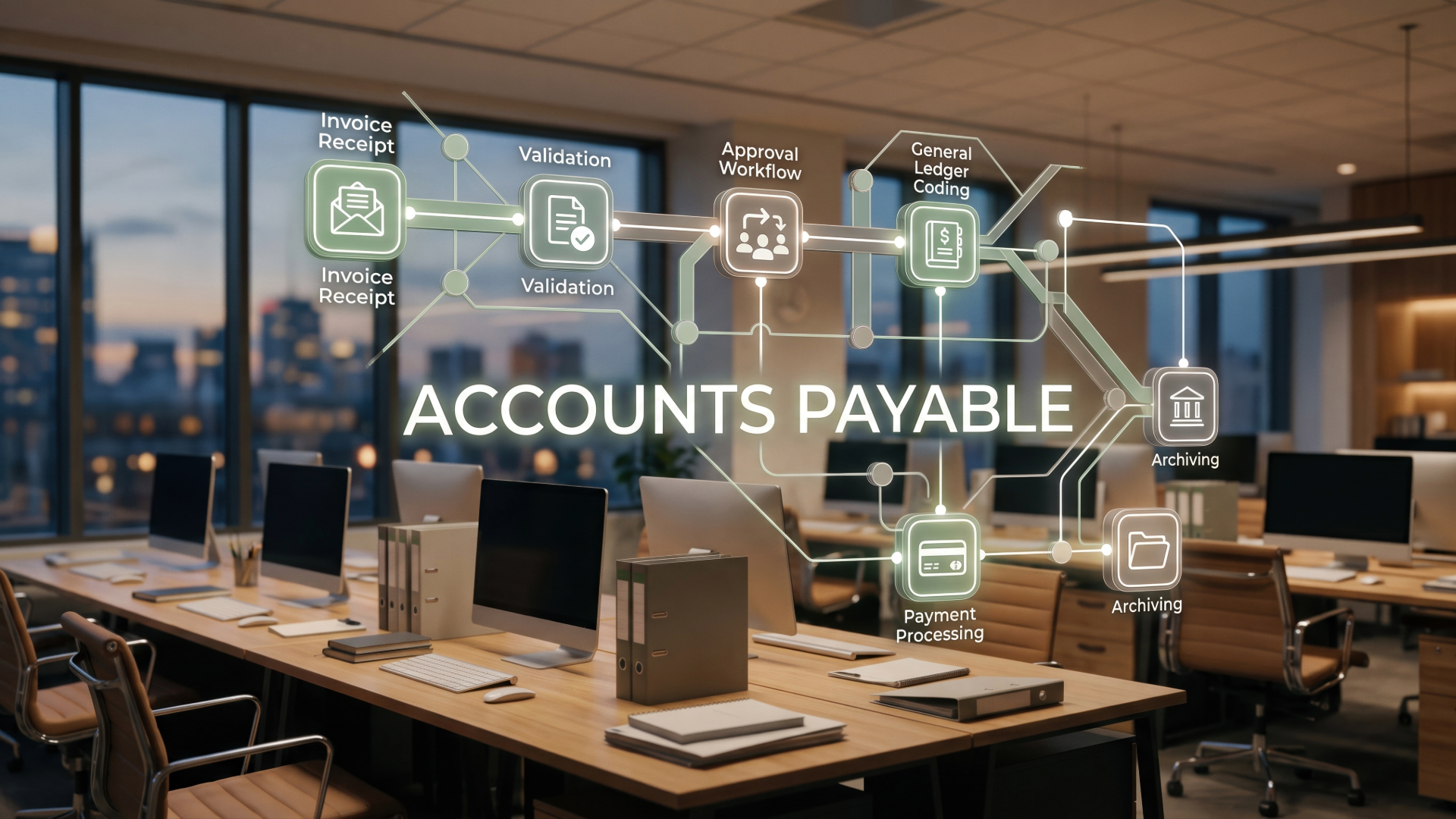
Organizing your business receipts is about having a simple system to catch, scan, and file proof of everything you buy for your business. It’s the only way to make sure you get all your tax write-offs and really see where your money is going.
The Real Cost of a Messy Shoebox of Receipts
Let’s be real. That shoebox full of receipts isn't just messy; it's costing you money. I know lots of business owners who’ve had a messy pile somewhere—a glove box, a desk drawer, or an actual shoebox filled with crumpled, faded receipts. It seems harmless, but it's one of the most expensive habits you can have.
Why? Because every lost receipt is money you can't claim.
Think about it. That $75 receipt from the hardware store for supplies? If you lose it, you can't write that expense off on your taxes. It’s like choosing to pay more tax than you need to. Same for that $30 lunch with a client or the $150 software you bought. Each lost receipt adds up, and by the end of the year, you could easily be missing out on hundreds or even thousands of dollars in tax savings.
More Than Just Missed Tax Savings
The problem is bigger than just taxes. A messy pile of receipts means you have no idea where your money is really going. You look at your bank account and see money going out, but you can’t tell why.
This causes some big problems:
- Are you actually making money? Without organized receipts, it’s hard to know. You might be spending way more on materials than you think, or not charging enough because you aren't tracking your costs right.
- Can you make good decisions? You can't decide if you should hire someone or buy a new tool if you don't really know what you're spending. To help with paper clutter, an online document scanner can be a good first step.
- What if the IRS asks questions? If you ever get audited, that shoebox is a nightmare. Without proof of your expenses, the IRS can say you can't claim them, which can lead to fines and a lot of stress.
I once worked with a contractor who thought he was barely making any money. We spent a weekend going through a year's worth of receipts he had stuffed in a tool bag. We found over $8,000 in real business expenses he had never recorded. Getting organized didn't just clean up his truck; it totally changed how he saw his business's health.
The point isn't to scare you. It's to show that getting organized is one of the easiest ways to make more money and feel in control of your business.
A simple system turns a mess into a clear picture. It turns those little slips of paper into useful info that helps you run a smarter, more profitable business. You can learn more about the basics in our guide to small business bookkeeping basics.
Let's start building that system.
A Practical System for Capturing Every Receipt
The first step to beating the receipt monster is to make sure you don't lose any in the first place. You don't need fancy software or a whole weekend to do this. You just need to build a simple habit every time you buy something.
Let's look at how to create a simple system for both paper and digital receipts.
If you don't get this right, the mess gets bigger and bigger, leading to lost money and confusion.
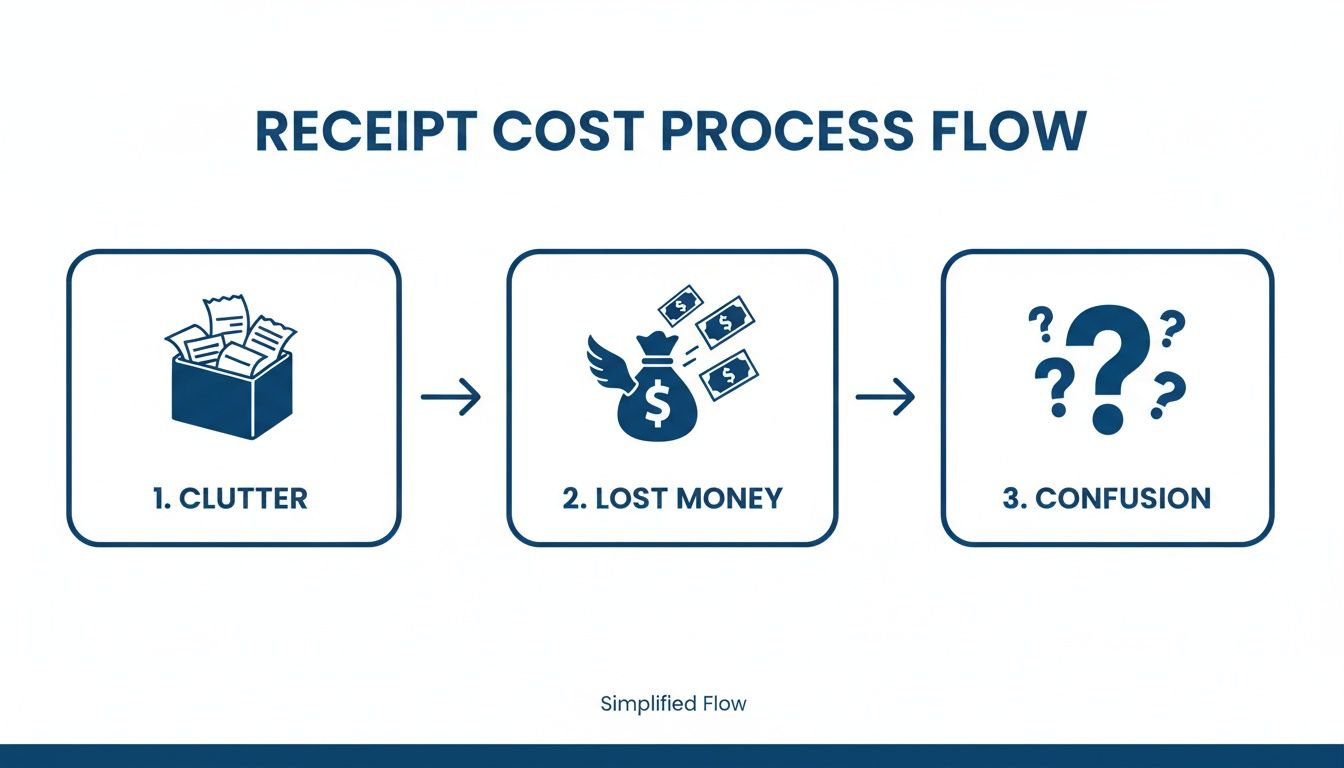
As you can see, having a good way to catch every receipt is the foundation of your whole money system.
Taming the Paper Trail
Believe it or not, we still get a lot of paper receipts. People like them because you can hold them and see all the info in one spot. In fact, one study showed that 55% of people still think paper receipts are easier for their records because the seller, items, and amount are all right there.
The secret is to give every paper receipt a "home" the second you get it. This isn't a shoebox. It’s a temporary spot where it lives before you turn it into a digital file.
For example, a plumber I know keeps a simple folder clipped to the sun visor in his truck. Every time he buys supplies, the receipt goes straight into that folder. No excuses. It never gets lost in his pocket or on the floor.
Your "home" can be just as simple:
- A special tray on your desk.
- A certain pocket in your work bag.
- A folder in your car.
It doesn't matter where it is. What matters is the habit. Putting every single paper receipt in that one spot, every time, is how you build an organized system.
Handling Digital Receipts with Ease
Digital receipts from online shopping or software subscriptions can get lost just as easily in your email. The solution is the same: give them a digital "home."
Set up an email rule. It’s a simple thing you do once that helps you forever. Create a rule that automatically moves any email with words like "receipt," "invoice," or "order confirmation" into a special folder named "Business Receipts."
By setting up this simple rule, you stop receipts from getting buried in your inbox. It’s like having an assistant who sorts your mail for you, making sure every important receipt is waiting in one place.
This little trick saves you from having to search like crazy for a receipt when it’s tax time. For more ideas on managing your spending, check out our guide on how to track business expenses.
Go Digital Instantly with Your Phone
Once you have a place to collect your receipts, the next step is to make them digital. This is where your phone becomes your best organizing tool.
Apps like Dext, Expensify, or even the apps for QuickBooks and Xero let you take a quick picture of a paper receipt and turn it into a digital file. The tech they use is pretty smart—it can actually read the store's name, date, and amount right from the picture.
Let's go back to that plumber. He buys supplies, gets the receipt, and puts it in his folder. Before he even starts his truck, he takes out his phone, opens his app, and snaps a picture of the receipt. Done. It's now a digital file, saved safely in the cloud. He could throw the paper one away right then if he wanted to.
This kind of technology is often called Intelligent Document Processing. It's what lets apps pull the key info from your receipts for you, saving you tons of time.
Doing this right away is a game-changer. It means no receipt ever gets left behind or forgotten.
Building a Digital Filing System That Works
Okay, you took a picture of that receipt. Now what? Just throwing it in a digital folder with a name like "IMG_4073.jpg" is no better than a shoebox. The goal is to create a clean, searchable digital filing cabinet. The good news is you can do it with tools you probably already use, like Google Drive, Dropbox, or OneDrive.
You don't need to buy fancy software. You just need to build a simple structure that makes sense. This is how you turn a pile of random pictures into an organized system that helps you, so you're not searching everywhere when your accountant asks for something.
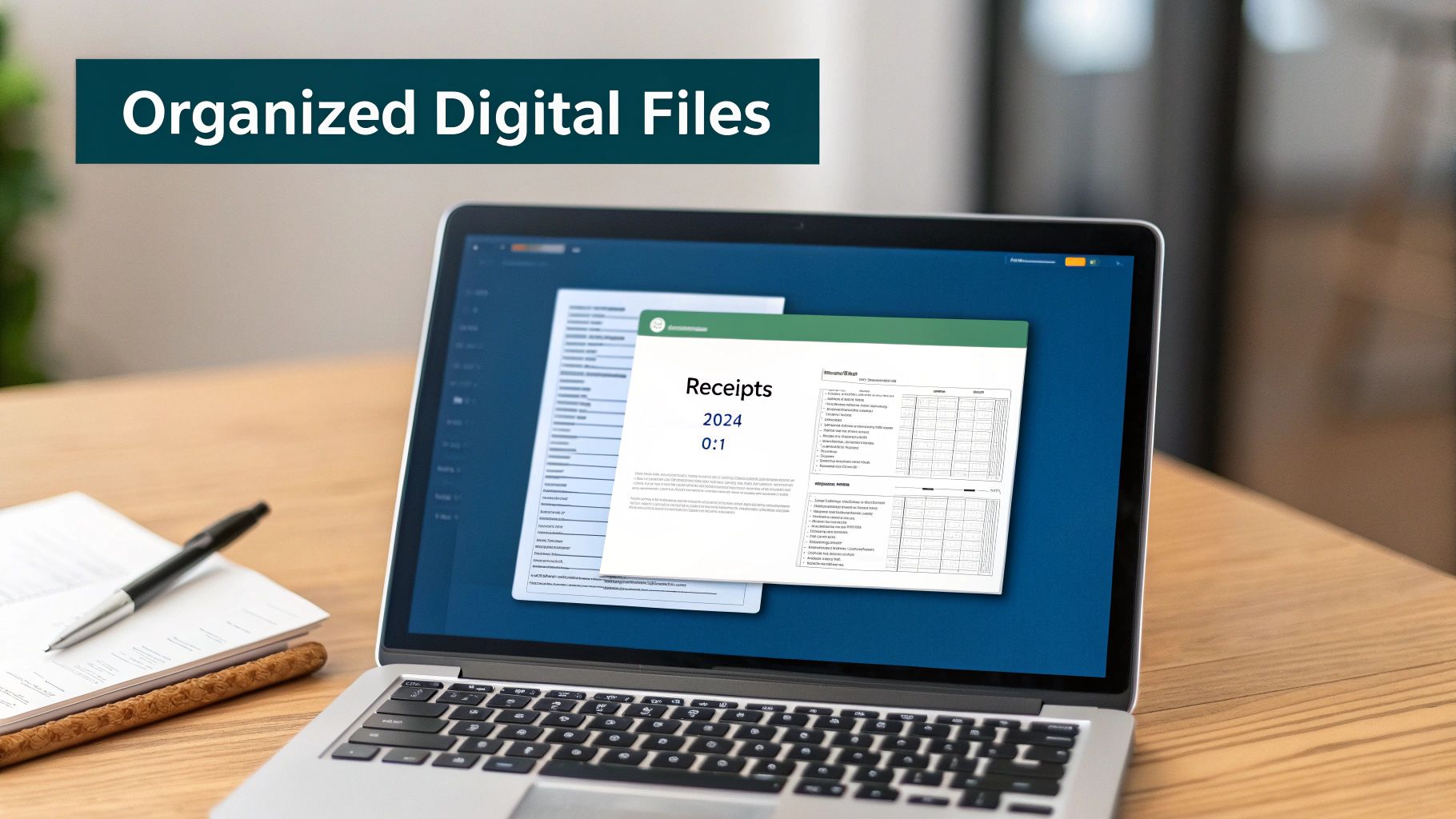
Create a Simple Folder Structure
The best systems are the ones you actually use. I've seen so many people create super complicated folder systems, only to give up after two weeks because it was too much work. We're not going to do that.
Your folders should be easy to understand. The idea is to start with one main folder and then break it down by year and month. This makes finding things easy.
Here’s a simple structure that works for almost everyone:
- Main Folder: Make one folder called "Business Receipts." Everything related to your expenses will go in here.
- Yearly Subfolders: Inside "Business Receipts," make a folder for the current year (like "2024"). Next year, you’ll just add a "2025" folder. Easy.
- Monthly Subfolders: Inside each year's folder, make 12 folders, one for each month. I suggest naming them "01-January," "02-February," and so on. Putting the number first keeps them in the right order all year.
That’s it. This simple, three-level system works no matter how many receipts you have. You’ll always know exactly where to save a new receipt and where to find an old one.
The Magic of a Smart File Naming System
Having good folders is half the job. The other half is naming your files the same way every time. This turns your folders from a storage space into a searchable database. A good file name tells you everything you need to know without even opening the file.
I always suggest a format that puts the most important info right at the start.
The Best Naming Convention: YYYY-MM-DD_Vendor_Amount.pdf
This format is awesome. Why? Because it automatically sorts all your files by date. When you open your "03-March" folder, every single receipt will be listed in perfect order.
Let's use a real example. You went to Home Depot on March 15, 2024, and spent $150.75. Your file name would be:
2024-03-15_HomeDepot_150.75.pdf
Now, that random photo has a purpose. You can see the date, where you went, and how much you spent, all at a glance. Even better, if you search your computer for "HomeDepot," every receipt you have from them will pop up instantly.
To make this super clear, here’s a table showing how the folders and names work together.
Sample Digital Folder Structure and Naming Convention
This table shows how the whole system works together to keep you organized.
| Level 1 Folder | Level 2 Folder | Level 3 Folder | Example File Name |
|---|---|---|---|
| Business Receipts | 2024 | 01-January | 2024-01-22_Staples_78.45.pdf |
| Business Receipts | 2024 | 02-February | 2024-02-05_Shell-Gas_62.10.pdf |
| Business Receipts | 2024 | 03-March | 2024-03-15_HomeDepot_150.75.pdf |
| Business Receipts | 2024 | 04-April | 2024-04-11_Amazon_215.30.pdf |
Follow this simple system, and you'll never have to hunt for a receipt again.
Why This System Is a Lifesaver for Your Business
This isn't just about being neat. This organized system has real benefits that help your wallet and your sanity.
If you have a business where you work on different projects for clients, like a contractor or a real estate agent, you can add a client or project name to the file.
- Example for a Contractor:
2024-03-18_Lowes_212.50_Smith-Kitchen-Remodel.pdf - Example for a Real Estate Agent:
2024-04-02_Staples_45.20_123-Main-St-Staging.pdf
Now you can search for a client's name ("Smith") or an address ("123 Main St") and instantly see every single dollar you spent on that project. This makes figuring out job costs and billing clients incredibly accurate and fast. You're no longer guessing what you spent; you know.
This simple habit—good folders and consistent file names—is one of the best things you can do to organize your receipts. It turns your cloud storage from a digital junk drawer into a useful business tool.
Connecting Receipts to Your Bookkeeping Software
Having neat digital folders is a great start, but it's only half the story. The real power comes when you connect that organized info to your bookkeeping software, like QuickBooks or Xero. This is the step where you stop just storing receipts and start using them to understand your business in real-time.
Think of it this way: your digital folders are the library, but your accounting software is the librarian who knows what all the books mean. By connecting them, you turn a picture of a receipt into useful financial info that helps you make smarter decisions.
How Modern Apps Bridge the Gap
Today's receipt scanning apps do more than just take a picture. They use a cool technology called Optical Character Recognition (OCR) to read the important stuff right off the receipt. It’s like a little robot that looks at the picture and automatically pulls out the store name, the date, and the total amount.
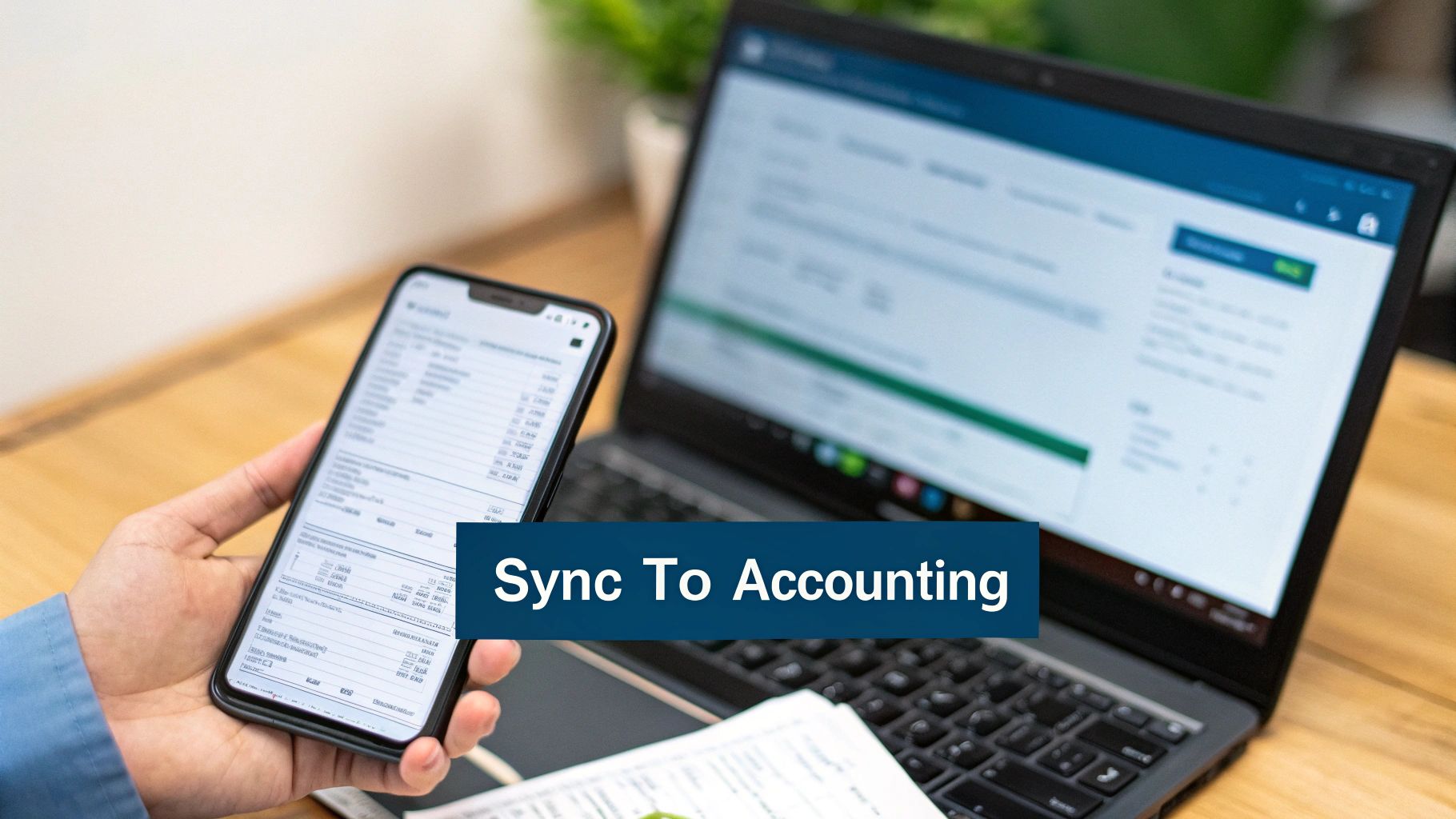
This is where the magic happens. These apps are made to "talk" to your accounting software. They don’t just store the picture; they send all that info right into your books, creating a smooth flow of information that changes how you handle expenses.
For example, when you take a picture of a receipt with an app like Dext, it doesn't just save the image. It reads the info and can automatically create a new expense in your QuickBooks account, with the receipt picture attached as proof.
This one action gets rid of manual data entry. You no longer have to sit down at the end of the week with a pile of receipts and type everything into a spreadsheet or your accounting software. The app does the hard work for you, instantly.
This kind of automation is a huge help for any busy business owner. It saves tons of time and, more importantly, it cuts down on mistakes. No more typos that mess up your numbers or forgetting to enter an expense altogether.
The Benefits of a Connected System
Connecting your receipts directly to your bookkeeping software does more than just save time. It creates a powerful, accurate, and up-to-date financial picture of your business. This is how you finally get ahead of your finances instead of always playing catch-up.
Here are the biggest wins of making this connection:
- Real-Time Financial Clarity: When receipts are synced right away, your books are always current. You can look at a profit and loss report any day of the week and know the numbers are accurate, not weeks old.
- Audit-Proof Records: Every single expense in your accounting software now has proof attached directly to it. If the IRS ever asks you to prove an expense, the evidence is just one click away. This gives you amazing peace of mind.
- Improved Cash Flow Management: With an accurate, real-time view of your spending, you can make much better decisions about your money. You’ll see exactly where your cash is going and can spot problems before they get big.
Choosing the Right Tools for the Job
Most major accounting programs have their own receipt-scanning features in their mobile apps, or they work well with other great tools. Your goal is to find a setup that works for you.
Here are a few popular options:
- QuickBooks Online App: If you use QBO, its mobile app has a good receipt capture feature that sends info straight to your account. It's a great place to start.
- Xero App: Just like QuickBooks, Xero's app lets you snap photos and create expenses on the go, syncing it all back to your main account.
- Dext (formerly Receipt Bank): This is a powerful, specialized tool that is great at pulling data from receipts and works with almost all major accounting programs.
- Expensify: This one is especially good if you have a team and need to manage expense reports, and it also syncs well with bookkeeping systems.
In the end, the specific tool you pick matters less than the process itself. The key is to find a system where you can snap a picture of a receipt, have the info automatically pulled out, and see it show up in your accounting software with the receipt image attached. This connected system is how you turn a messy pile of paper into a clear, useful financial dashboard.
How Long You Should Keep Business Receipts
This is one of the first questions business owners ask me: "How long do I really need to keep all this stuff?"
It’s a great question. No one wants to be a digital hoarder, but throwing away records too early can cause big problems. The answer isn't just about following an IRS rule; it’s about protecting your business.
Think of your organized receipts as your shield. If you ever need to prove an expense, you have the proof ready to go. It’s a basic habit that builds a strong financial history for your company.
The General IRS Guideline
The simple answer most people know is three years.
The IRS usually has a three-year window to audit your tax return. That means you should keep any records that back up the numbers on your return for at least three years from the date you filed it.
Here’s a real-world example: If you file your 2023 taxes on April 15, 2024, you need to keep all your 2023 receipts until at least April 15, 2027. After that date, you’re usually safe for that tax year.
This might sound like a long time, but with a good digital filing system, it’s not a big deal. You just archive the folder for that year and you're done.
When You Need to Keep Receipts Longer
While three years is the normal rule, there are a few important times when you need to keep receipts for much longer. These don't happen every day, but it's important to get them right.
You should keep records for seven years if you claim a loss from a bad debt. This gives the IRS a much longer time to look at those specific types of claims.
More importantly, you need to keep records for business property for as long as you own it, plus three years after you sell it.
This includes big things like:
- Vehicles and equipment: A new work truck or a big machine for your shop.
- Real estate: Your office building, warehouse, or any property your business owns.
- Big improvements: The cost of a major renovation to your office.
The receipts for these big purchases help you figure out depreciation each year and any profit or loss when you eventually sell the item.
Keeping these long-term records is a must. Forgetting to do this can create a huge headache and a much bigger tax bill when you decide to sell a major business asset later on.
Why Meticulous Records Matter
Properly organizing and storing your receipts is more than just a good idea—it’s how you protect yourself.
In fiscal year 2024 alone, the IRS closed 505,514 tax return audits that led to $29 billion in extra taxes. You can find more of these business tax statistics on the IRS website. Those numbers show how important it is to have your proof ready.
When every receipt is neatly filed and easy to find, you’re ready for anything. It shows you’re a professional and gives you the confidence to back up every number on your tax return. And if you want to make sure you're claiming everything you can, our small business tax deductions list is a great place to start.
Common Questions About Organizing Receipts
Even with a great system, you'll probably still have questions. That’s totally normal. Let’s go over some of the most common things people ask about managing receipts.
Do I Need to Keep the Paper Receipt if I Have a Digital Copy?
For most of your everyday business spending, a clear digital copy is fine for the IRS. Once you have a good scan or photo that’s easy to read and saved in your system, you can usually throw the paper away. This alone saves a ton of space.
But there's a catch. For very big purchases or major assets—like a new work vehicle, expensive machinery, or a building—it's smart to keep the original paper document somewhere safe. The most important thing is that your digital copy shows all the key info: the store's name, the date, what you bought, and the amount.
What Is the Best Way to Handle Cash Expenses?
Cash is tricky because it doesn't leave a trail. The best habit for cash spending is to deal with the receipt right away. Before you even leave the store, take a picture of it with your receipt app.
If you get a paper receipt, take a second to write a quick note on it explaining what it was for. Something simple like "Coffee meeting with client Jane Doe" gives important context. If you don't get a receipt at all—like for a cash-only parking meter—make a record of it yourself. Use a notebook or a notes app on your phone to write down the date, amount, and what it was for. The goal is to create a record for every dollar you spend.
What Information Absolutely Has to Be on a Receipt?
A good receipt tells the whole story of a purchase. For your books and for taxes, it needs to have five key pieces of information. If it’s missing any of these, it’s not a complete record.
Make sure every receipt you save clearly shows:
- Who you paid: The name of the store or person.
- The date: When you bought it.
- What you bought: A description of the item or service.
- How much you paid: The total amount.
- How you paid: The payment method, like the last four numbers of a credit card.
If a receipt doesn't have all the info, like why you bought a meal, just write it on there yourself. Do it right away while you still remember. This simple step turns a basic slip of paper into solid proof for your business expenses.
Does This Apply to Really Small Businesses Too?
Absolutely. In fact, it's even more important for smaller businesses. So many people who work for themselves mix their personal and business money, so having clean records is the only way to separate them when it counts.
These one-person businesses, which the U.S. Census Bureau calls "nonemployer establishments," are actually the most common type of business in the country. Many of these business owners are moving from casual record-keeping to more professional systems that help them grow. You can see just how many there are in the 2023 Nonemployer Statistics report.
No matter how big your business is, organizing receipts isn't just about taxes; it's about knowing if you're making a profit. For a one-person business, every dollar matters, and tracking expenses accurately is the only way to know if you're really making money.
A good receipt system is a sign of a healthy, professional business, whether you have a team of fifty or are just starting out. It builds the financial foundation you need to grow.
Feeling overwhelmed by the idea of setting up and managing your receipt system? The team at MyOfficeOps can help. We specialize in creating simple, effective bookkeeping workflows for small and midsize businesses, turning your financial chaos into clarity. Schedule a discovery call with us today to see how we can help you get organized and focus on what you do best.