
Juggling jobs, managing crews, and keeping clients happy is hard enough. The last thing you need is a shoebox full of receipts or a spreadsheet that’s more confusing than helpful. As a contractor, you need a bookkeeping system that gets how your business works—from tracking job costs and change orders to paying subcontractors and getting 1099s right. Without the right tool, you're flying blind, unable to see which jobs actually make you money and where your cash is going.
This guide cuts through the noise. We're going to walk you through the best bookkeeping software for contractors, explaining what each one does and who it’s for. Forget generic reviews. We’re focusing on the features that matter to you, like tracking retainers, managing lien waivers, and creating invoices by project phase. We'll look at everything from popular tools like QuickBooks and Sage to powerful construction-specific software like Foundation and Viewpoint. As you look at your options, it's also smart to compare the AI bookkeeping features in QuickBooks vs. Xero to see how new tech can save you time.
Our goal is simple: to give you a clear, honest comparison so you can find the perfect fit for your business, whether you’re a one-person operation or a growing company. Each review includes real-world pros and cons, screenshots to show you how it works, and direct links to get started. By the end of this article, you'll have a clear path to getting your finances organized, improving your cash flow, and making smarter decisions.
1. QuickBooks Online (QBO) with Projects
QuickBooks Online is often the first name that comes up for small business accounting, and for good reason. It’s what most bookkeepers and CPAs already know how to use. For contractors, the trick is to turn on the "Projects" feature. This turns the general accounting tool into a simple job costing system. It lets you track income, expenses, and labor costs for each job, giving you a clear picture of which projects are making you money and which are not.
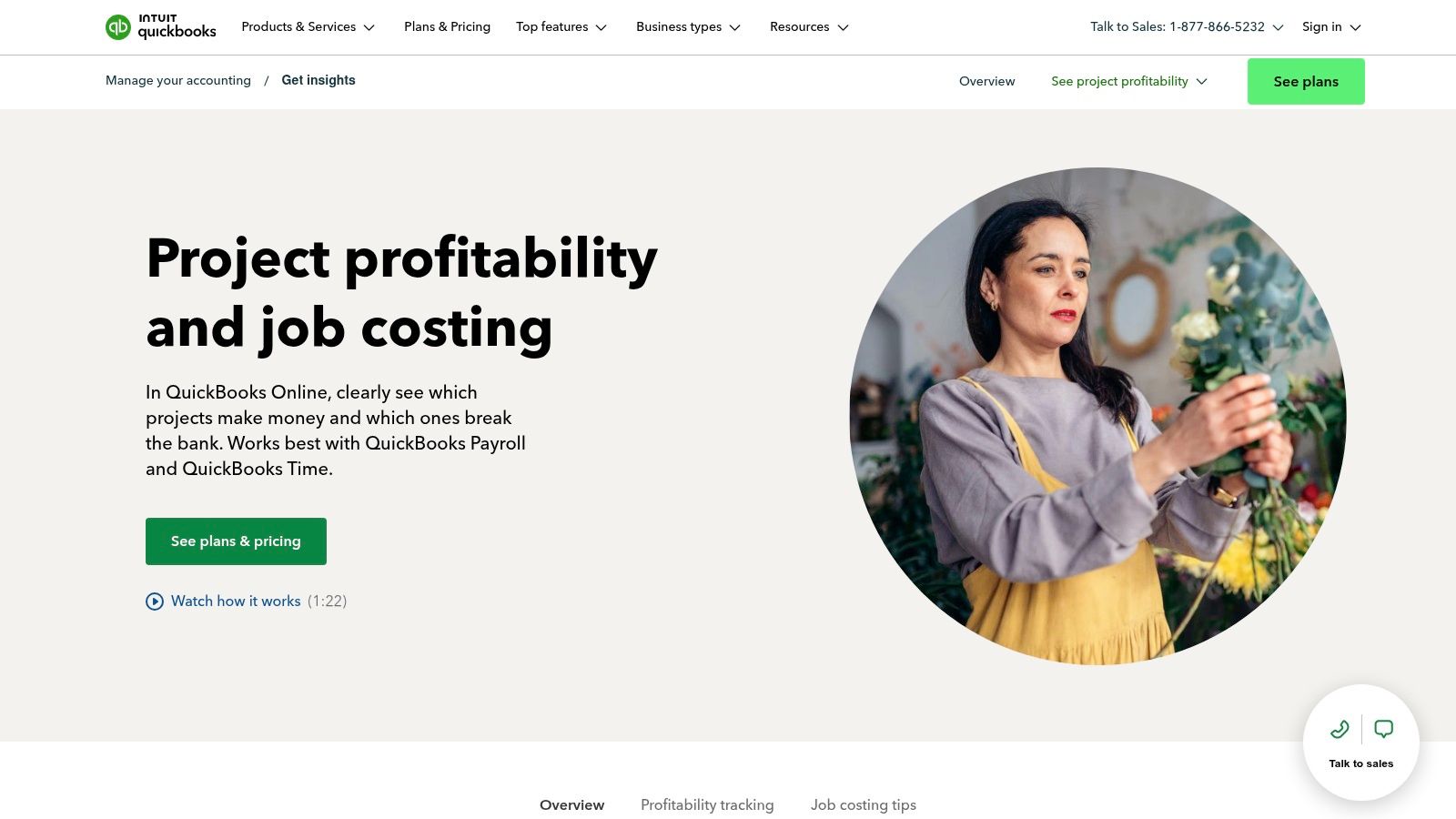
It's one of the best bookkeeping software for contractors because so many other tools and people work with it. You can connect it with QuickBooks Time to track labor hours precisely and QuickBooks Payroll to handle wages and taxes. For example, your crew can clock in on a job site using their phones, and that time automatically flows into your project costs and payroll, without you having to enter it by hand.
Key Considerations
- Best For: Solo operators, small to midsize contracting firms, and businesses that want a system their accountant already knows.
- Pricing: The Projects feature is only on the Plus and Advanced plans. Plus is a good start, while Advanced offers more users and reports. You'll pay extra for Payroll and Time tracking add-ons.
- Pros: It's very easy to find bookkeepers who know QBO for construction. The software is easy to navigate, and the reports give you clear profit numbers for each job.
- Cons: The best job costing tools are only in the more expensive plans. Also, Intuit has a history of raising its subscription prices, so your cost could go up.
For more details, visit the official website: https://quickbooks.intuit.com/small-business/accounting/job-costing/
2. QuickBooks Desktop Enterprise — Contractor Edition
For contractors who need more muscle than QuickBooks Online can offer, the Desktop Enterprise version with the Contractor Edition is the next step up. This is a powerful program that you install on your computer. It has some of the best job costing features in the QuickBooks family built right in. It includes special reports that contractors need, like Work-in-Progress (WIP), committed costs, and change order tracking, all inside the software.
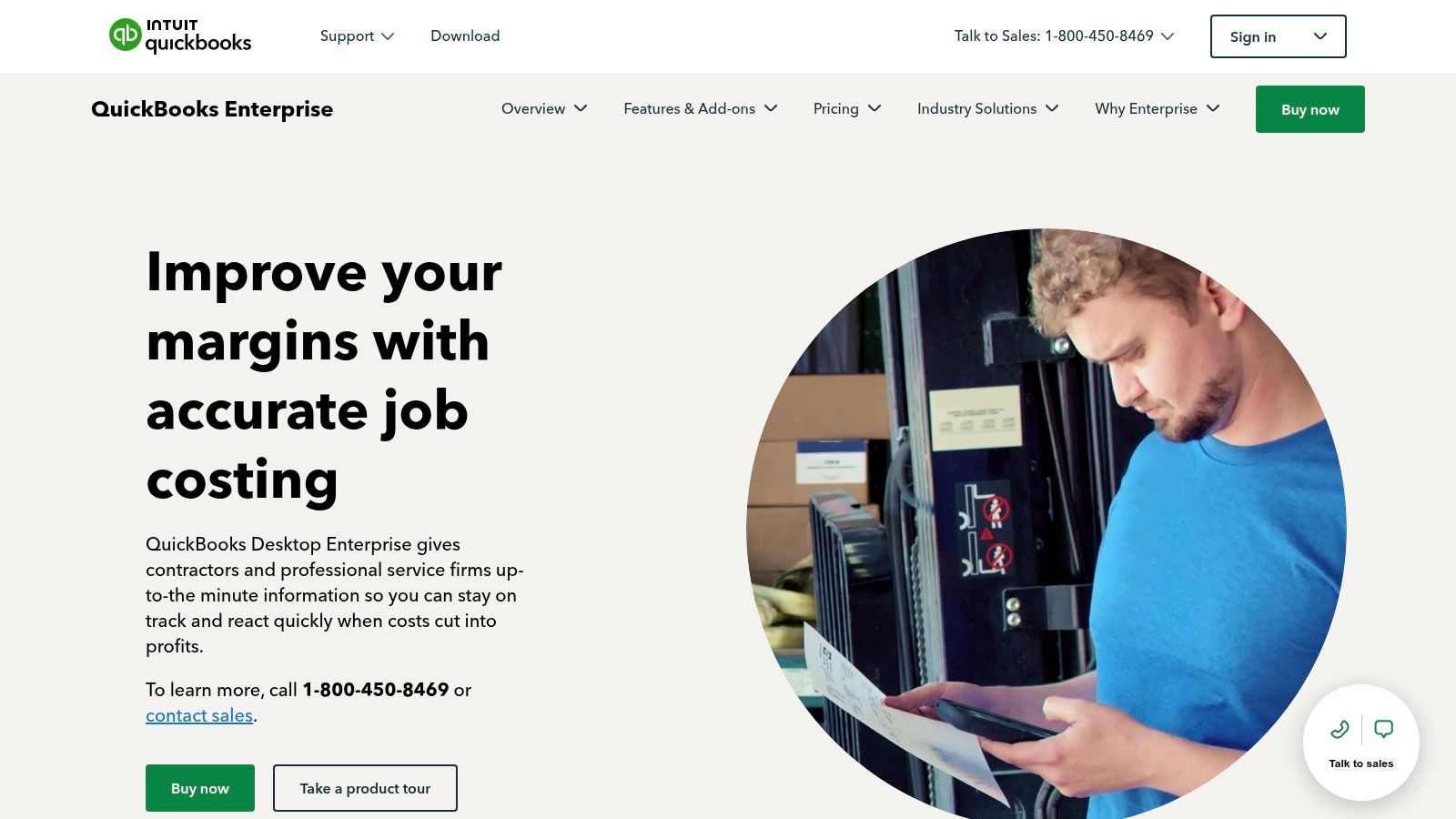
Even though it’s a desktop program, it can be hosted on the cloud, so your team can access it from anywhere. This makes it a great choice for established firms that want deep financial control but want to stick with the familiar QuickBooks look that their accountant already knows. This software is one of the best bookkeeping software for contractors because it handles tricky things like progress billing without needing a bunch of extra apps.
Key Considerations
- Best For: Mid-sized to large contracting businesses that have outgrown QBO and need detailed, built-in job costing and industry-specific reporting.
- Pricing: Enterprise is a subscription, and pricing is not public. You'll need to call Intuit's sales team for a quote. Expect it to cost a lot more than QBO.
- Pros: It offers much better job costing and reporting than QBO right out of the box. It looks and feels like QuickBooks, which makes it easier for your team and accountant to learn.
- Cons: As a desktop product, it doesn't connect as easily with modern cloud apps. The pricing isn't transparent, which can make it hard to budget.
For more details, visit the official website: https://quickbooks.intuit.com/desktop/enterprise/industry-solutions/contractor/job-costing/
3. Sage 100 Contractor
Sage 100 Contractor is a heavyweight in construction accounting. Unlike general software with add-ons, this platform was built from the start just for contractors. It combines job costing, payroll, scheduling, and equipment tracking into one system. Imagine being able to see all your labor costs, material expenses, and subcontractor payments for a kitchen remodel in one place, instantly. This all-in-one approach means you don't have to jump between different programs.
It has been around for a long time and is trusted by many contractors. Because it's designed for construction, it's one of the best bookkeeping software for contractors who have outgrown simple systems. Its reports are made for construction, giving you deep insights into how much money each job is making, where you're over budget, and how your cash flow looks. Getting the most out of it often means working with a specialist, which is a key part of good bookkeeping for construction companies.
Key Considerations
- Best For: Small to midsize contractors and established firms that need one complete system for accounting, job management, and payroll.
- Pricing: Pricing is quote-based and not listed online. You'll need to talk to a Sage sales rep to get a price based on your company's needs.
- Pros: It’s an all-in-one finance package designed for job costing from day one. The system is powerful and respected in the industry.
- Cons: The software can feel a bit dated compared to newer cloud programs. The lack of public pricing also makes it harder to know if it fits your budget.
For more details, visit the official website: https://www.sage.com/en-us/sage-construction-us
4. Sage Intacct Construction
When your contracting business gets too big for basic accounting software, Sage Intacct Construction is a great next step. This is a true cloud finance platform built for the construction industry. It does more than just bookkeeping. If you run multiple companies or divisions, it can manage them all from one dashboard. For example, if you have one LLC for new builds and another for remodeling, you can see the finances for both, together or separately, without logging in and out of different accounts.
It’s one of the best bookkeeping software for contractors because it provides strong financial controls from day one. Instead of trying to make a generic system work for construction, Sage Intacct starts with one designed for it. This means features like tracking change orders and retainage are built in, not added on. It’s made for growing firms that need to watch their spending and get deeper financial insights across all their projects.
Key Considerations
- Best For: Mid-sized to large construction firms, general contractors managing many projects and companies, and businesses that need strong audit trails.
- Pricing: Pricing is quote-based and not public, as it depends on your needs. It is a big price jump from tools like QuickBooks.
- Pros: Powerful for managing multiple companies. It's a modern, cloud-based system that's built to help you grow.
- Cons: The price is much higher, and you'll likely need a professional to help you set it up. It can be too much for smaller contractors.
For more details, visit the official website: https://www.sage.com/en-us/sage-intacct
5. Foundation Software (FOUNDATION)
Foundation Software is an accounting program built from the ground up just for the US construction industry. Unlike general accounting tools that need add-ons, FOUNDATION has key construction features out of the box. This includes real-time job costing, certified payroll for government jobs, and AIA billing. It’s a serious tool for contractors who need to follow strict rules and reporting standards.
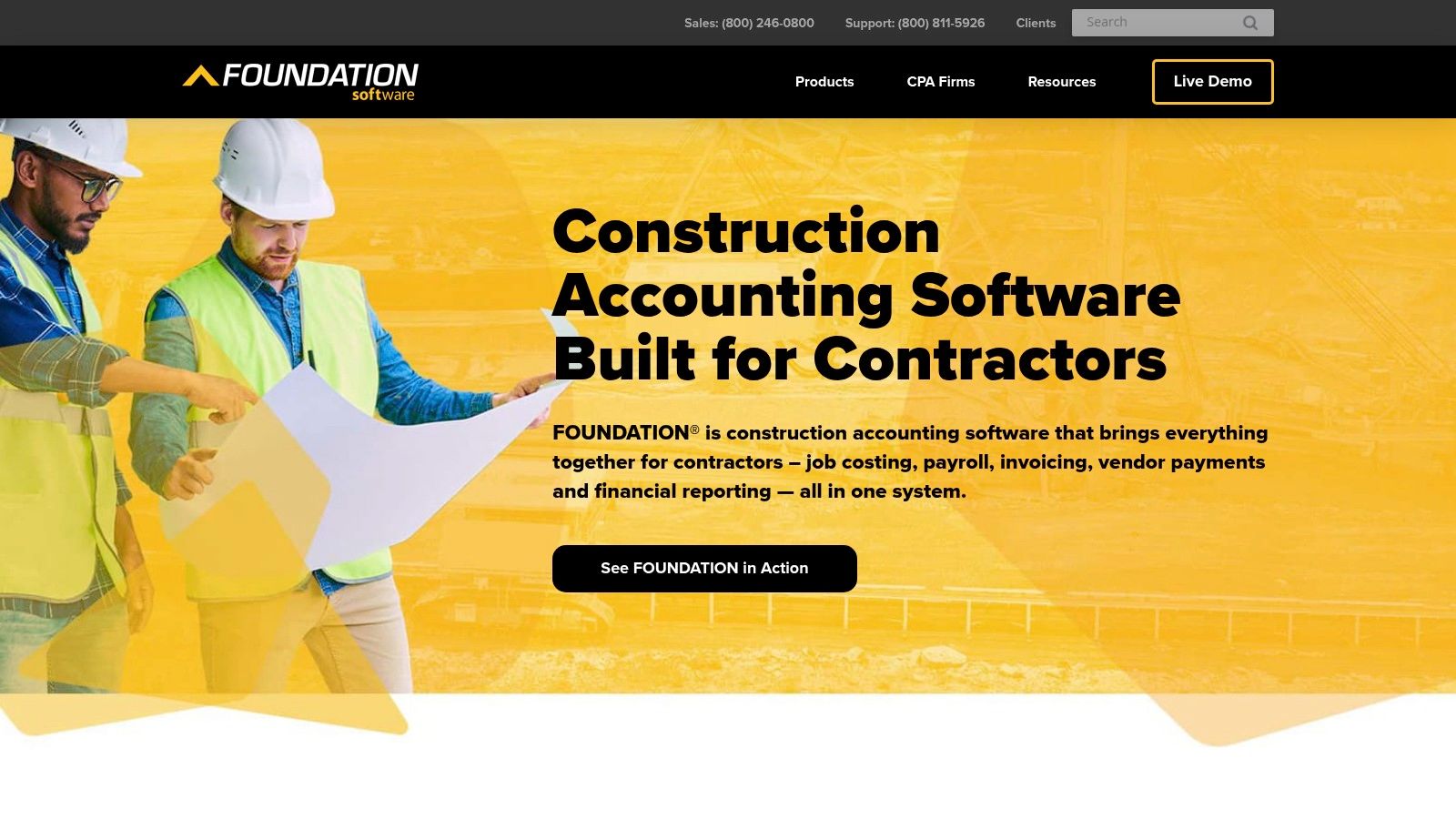
This platform is one of the best bookkeeping software for contractors because it handles complicated industry needs. For example, if you work on a government project that requires certified payroll, the software handles all the special reporting automatically, saving you from a manual nightmare. The software's approach to what is job costing in construction provides the kind of detail that general accounting systems just can't, connecting all your bills and payments directly to each job.
Key Considerations
- Best For: Midsize to large construction firms that deal with complex things like certified payroll, union reporting, and detailed work-in-progress reports.
- Pricing: Pricing isn't public. You’ll need to talk to their sales team for a custom quote after they learn about your company's needs.
- Pros: It’s a system made for construction, so every feature is designed for contractors. The reports are ready for your CPA and give you a great view of job profits and your company's financial health.
- Cons: The software can look complex and takes longer to learn than simpler cloud tools. You can't just sign up online; you have to go through their sales process.
6. Deltek ComputerEase
Deltek ComputerEase is built from scratch for construction accounting. It’s for contractors who have outgrown basic bookkeeping and need tools that understand their industry, like handling retainage, certified payroll, and complex job costing. This platform is great at giving you a live look at your project finances, tracking everything from future costs to work-in-progress reports in one place.
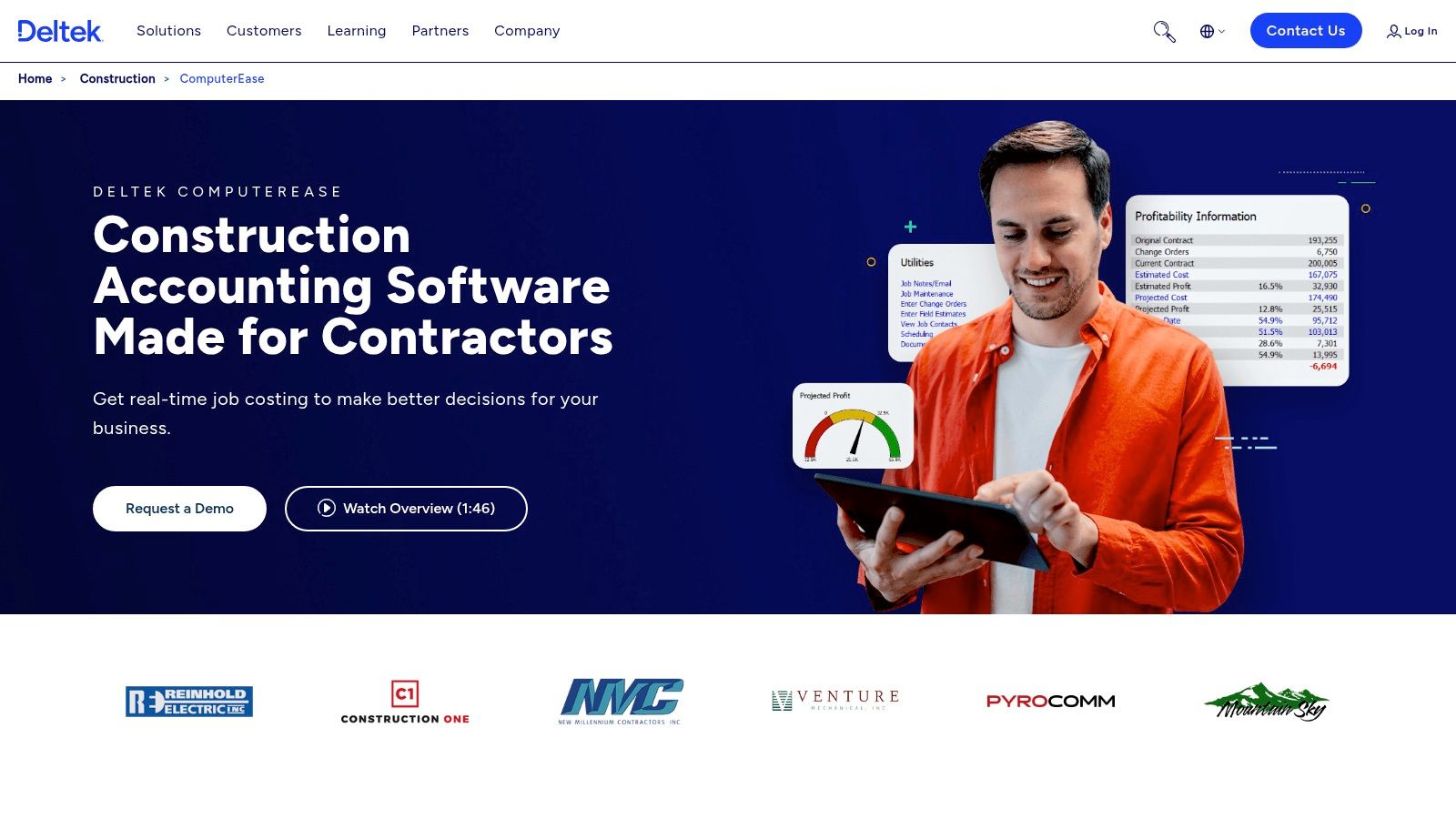
What makes it one of the best bookkeeping software for contractors is its deep support for construction-specific billing and rules. If you deal with AIA billing, union payroll, or prevailing wage jobs, ComputerEase has these functions built-in, not tacked on. This saves a lot of time and reduces the risk of expensive mistakes that can happen when using separate systems for payroll and accounting.
Key Considerations
- Best For: Midsize firms, specialty contractors, and any construction business that regularly handles certified payroll, union wages, or AIA-style billing.
- Pricing: Pricing isn't listed publicly and you need to talk to their sales team for a custom quote.
- Pros: It offers a very wide range of features for contractors in one platform. There are also many partners and CPAs who can help you set it up and use it.
- Cons: The sales process can be slow. Some users have complained about the cloud version and customer service, so it's a good idea to check recent reviews and ask for references.
For more details, visit the official website: https://www.deltek.com/en/construction/computerease
7. Trimble Viewpoint Spectrum
For contractors who need more than just accounting software, Trimble Viewpoint Spectrum is a full construction management system. This isn't just for bookkeeping; it's a complete system designed to connect your office finances with everything happening in the field. It puts accounting, job costing, payroll, HR, and project management into one place, giving you a real-time view of your business's financial health.
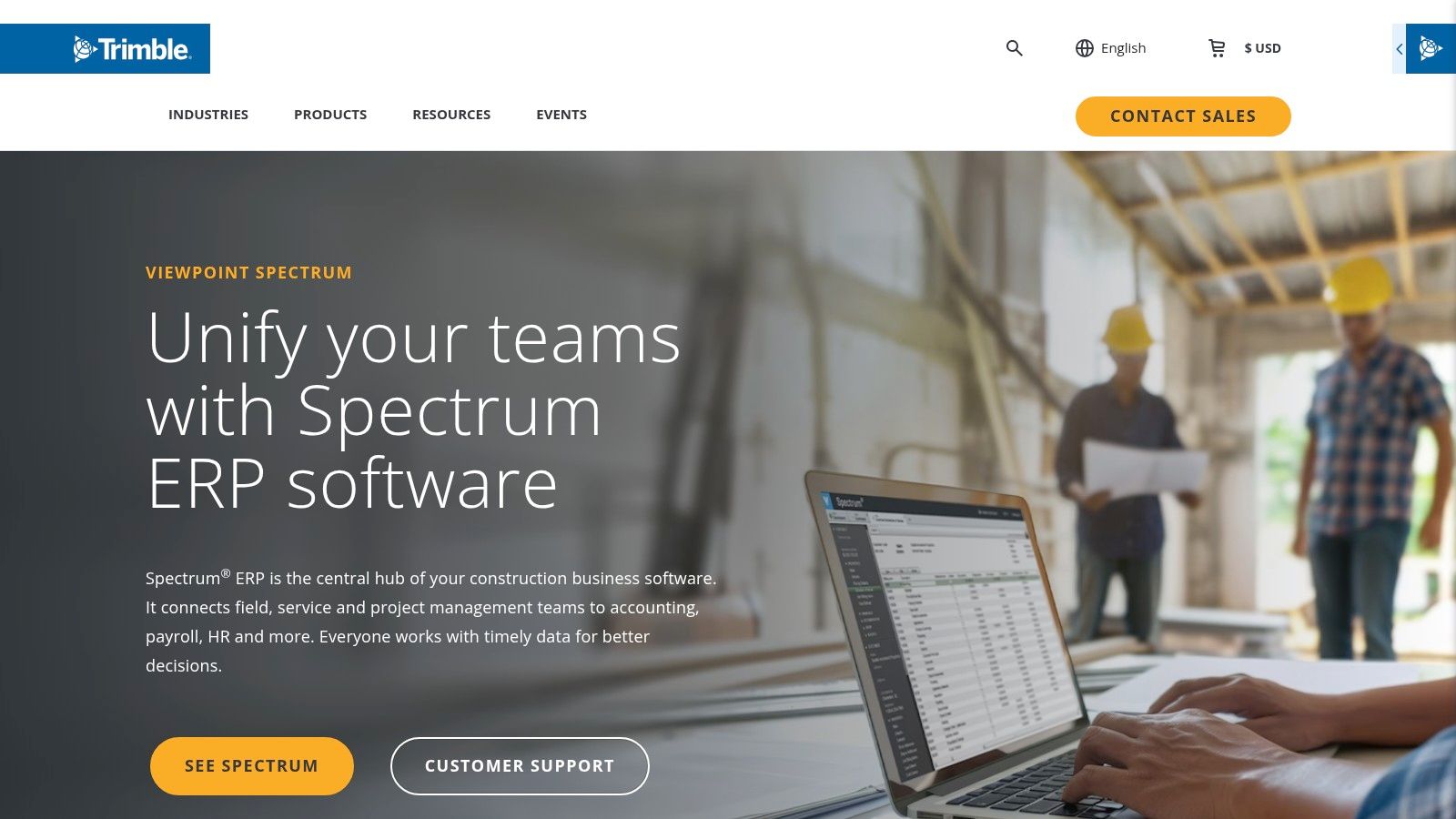
Spectrum's power is how it pulls data directly from field operations. For instance, a project manager can approve a change order on a tablet at the job site, and the cost is instantly updated in the accounting system. This makes it one of the best bookkeeping software for contractors on a larger scale, as it shows you your cash flow and job costs across the whole company without having to manually enter data.
Key Considerations
- Best For: Mid-sized to large construction firms that need a single system to manage complex operations, especially those with multiple unions to pay.
- Pricing: Pricing is quote-based and you have to go through a sales consultation. Expect a major investment, as this is a huge system that needs setup and training.
- Pros: The connection between field data and accounting is very strong. It’s backed by Trimble, a big name in construction tech, and offers lots of integrations.
- Cons: This is not a plug-and-play solution. Switching to Spectrum is a big project that requires time for training. The upfront cost and effort can be huge.
For more details, visit the official website: https://www.trimble.com/en/products/viewpoint/spectrum
8. Acumatica Construction Edition
Acumatica Construction Edition is for contractors who have outgrown systems like QuickBooks and need a true business management platform. Think of it as the brain for your whole construction operation, not just a bookkeeping tool. It combines accounting, job costing, project management, and payroll into one cloud-based system. This means you don't have to juggle different apps, giving you live data from the field to the back office.
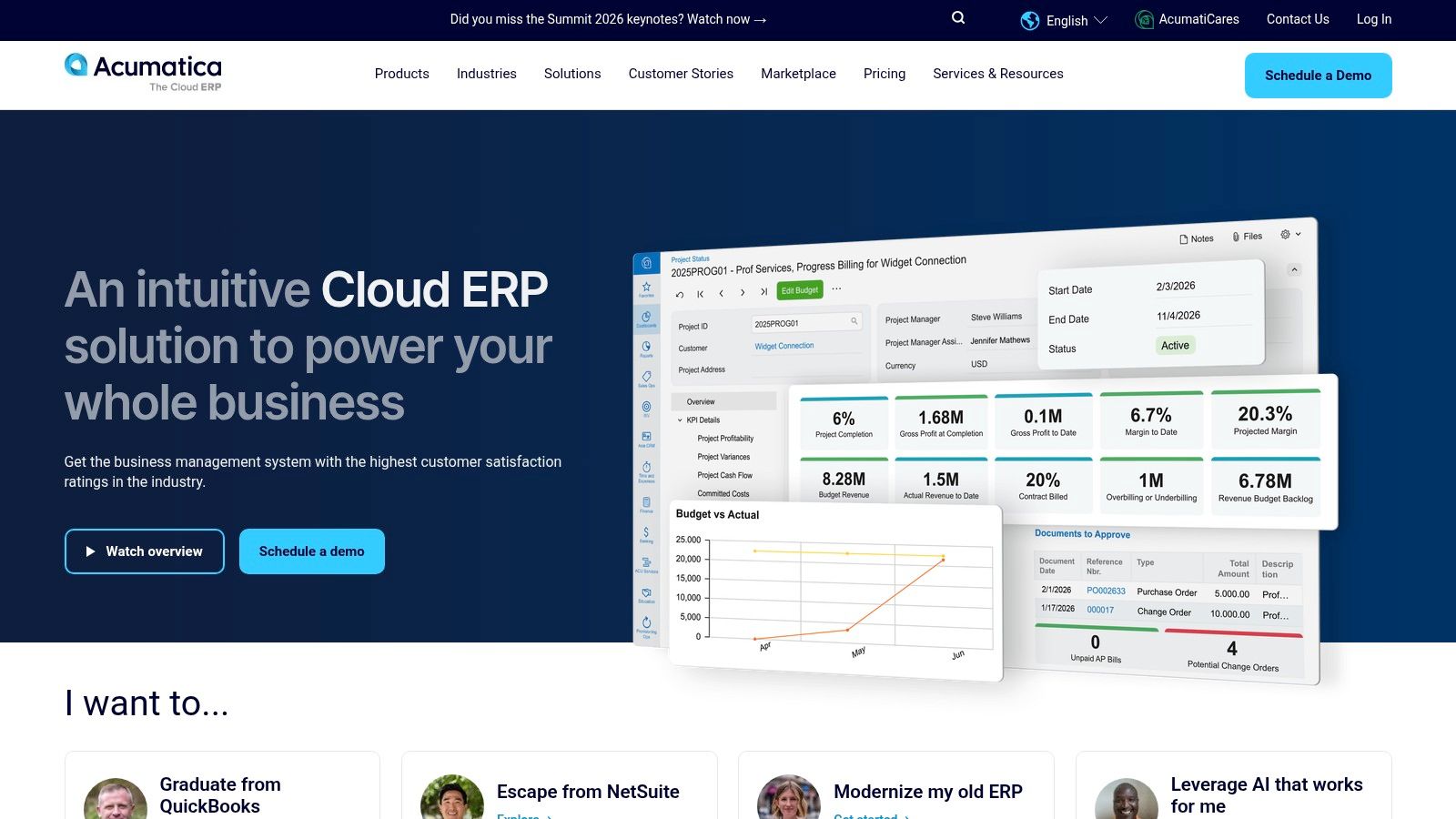
It’s considered one of the best bookkeeping software for contractors at the mid-market level because it handles complex construction work easily. You can manage everything from progress billing and change orders to making sure your subs are compliant. Since it’s a modern cloud system, all your info is live and you can access it anywhere—from a tablet on-site to a laptop in the office—so everyone is on the same page.
Key Considerations
- Best For: Mid-size to large general contractors and specialty subs who need a complete system to manage growth and complex projects.
- Pricing: Acumatica's pricing is different. You pay based on how much you use the system, not how many users you have. The final cost comes from a certified partner who helps you set it up.
- Pros: It’s a powerful, all-in-one system with deep construction features. The mobile apps work well, and you can pull reports directly into tools like Excel for more analysis.
- Cons: This is not a simple solution; you need a professional partner to implement it. The cost and complexity are much higher than entry-level software.
For more details, visit the official website: https://www.acumatica.com
9. Jonas Construction Software (Jonas Enterprise/Premier)
Jonas Construction Software is a complete system built from the ground up for contractors, especially those in mechanical, electrical, and service trades. Unlike general accounting software, Jonas brings every part of your business—from job costing and project management to service calls and payroll—into one place. This means data from the field, like a technician's timesheet, automatically shows up in your accounting records, which stops you from having to enter things twice.
It makes our list of the best bookkeeping software for contractors because it combines long-term project work with immediate service calls. A contractor can manage a six-month construction project and also dispatch a technician for an emergency repair from the same system. The software makes sure all costs are tracked correctly, whether it's for a big project or a small service ticket, which is crucial for good construction cash flow management.
Key Considerations
- Best For: Mid-to-large-sized contractors, especially in service-based trades, who need an all-in-one system to manage both projects and service calls.
- Pricing: Jonas uses quote-based pricing that includes setup and training. It is a big investment and requires going through a formal sales process.
- Pros: The special tools for both service and project work are a huge plus. The live data flow from the field to the office gives you accurate, instant job costing.
- Cons: The system can be complex, and some users say it's hard to learn and looks a bit old. The cost makes it unsuitable for smaller contractors.
For more details, visit the official website: https://www.jonasconstruction.com/
10. CMiC — Construction Financials
CMiC is a huge construction software system built on a single database. This isn't just bookkeeping; it’s a full platform that combines financials, project management, payroll, HR, and equipment management into one system. For large contractors, this means data from the job site, the HR department, and the accounting team all live in the same place. This gets rid of the need to enter data twice or struggle to connect different programs.
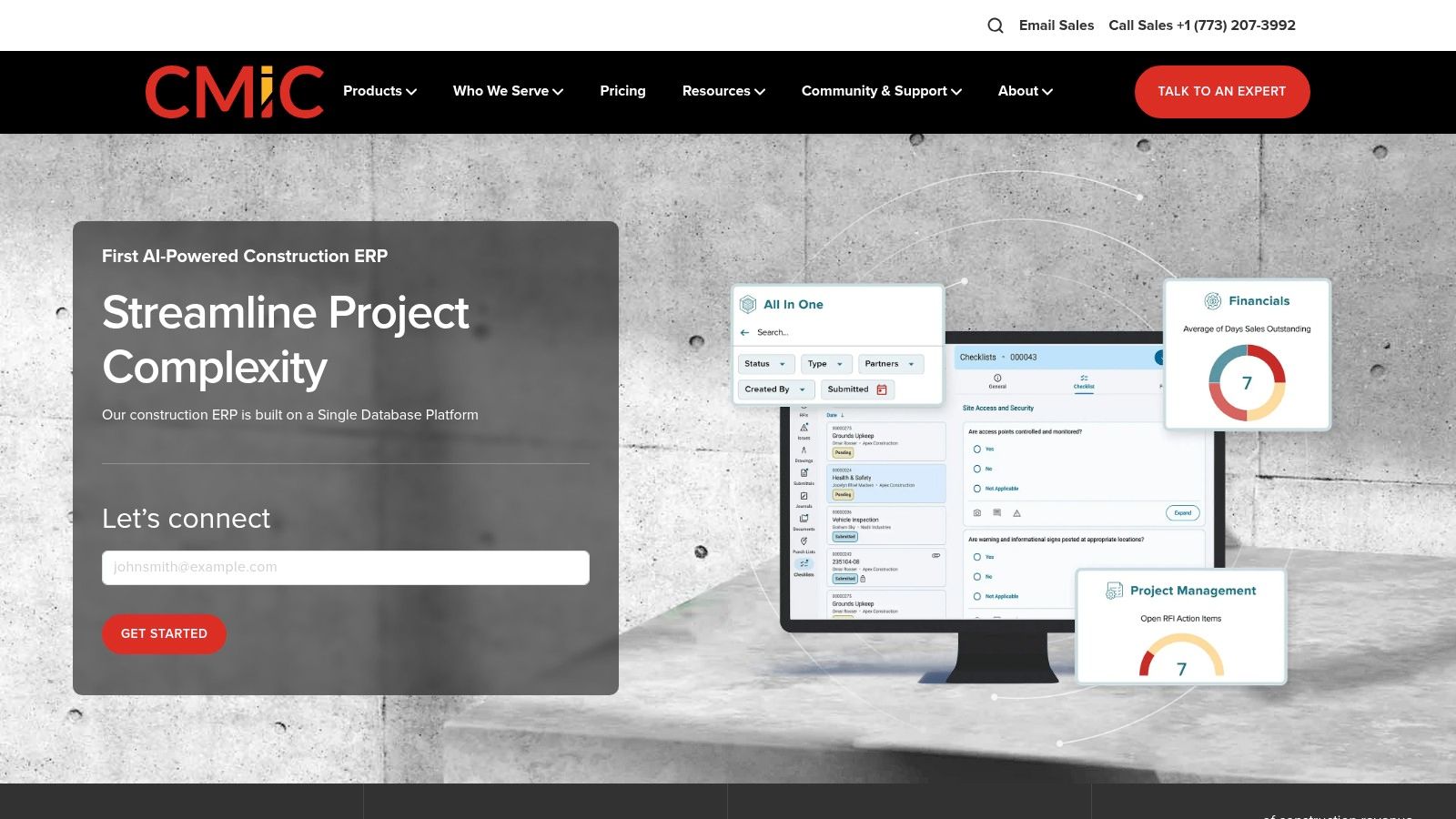
The platform’s strength is its unified approach. The accounting side is directly connected to job costing. This gives you a live, 360-degree view of your company’s financial health, from high-level reports down to the profit on a single task. For businesses that are struggling with different software that doesn't talk to each other, CMiC is some of the best bookkeeping software for contractors at a large scale.
Key Considerations
- Best For: Large, established contractors that need an all-in-one system to manage very complex operations.
- Pricing: Pricing is not public and is quoted based on the company's needs. Expect a very large investment, as this is made for huge companies.
- Pros: It’s an end-to-end platform that cuts down on duplicate work. Having financials, project management, and payroll in one database gives you powerful, unified reports.
- Cons: Getting it set up is a major project that requires a lot of time and effort from your team. This is not a simple solution for small or midsize firms.
For more details, visit the official website: https://cmicglobal.com/
11. Xero with Projects
Xero is a popular cloud accounting tool known for its clean design and being easy to use. While it’s a general accounting tool, turning on "Projects" makes it a good option for smaller contractors. This feature lets you connect income and expenses to specific jobs, offering a simple way to see if you're making money. You can create invoices, track time, and check costs for each project, all within Xero’s simple interface.
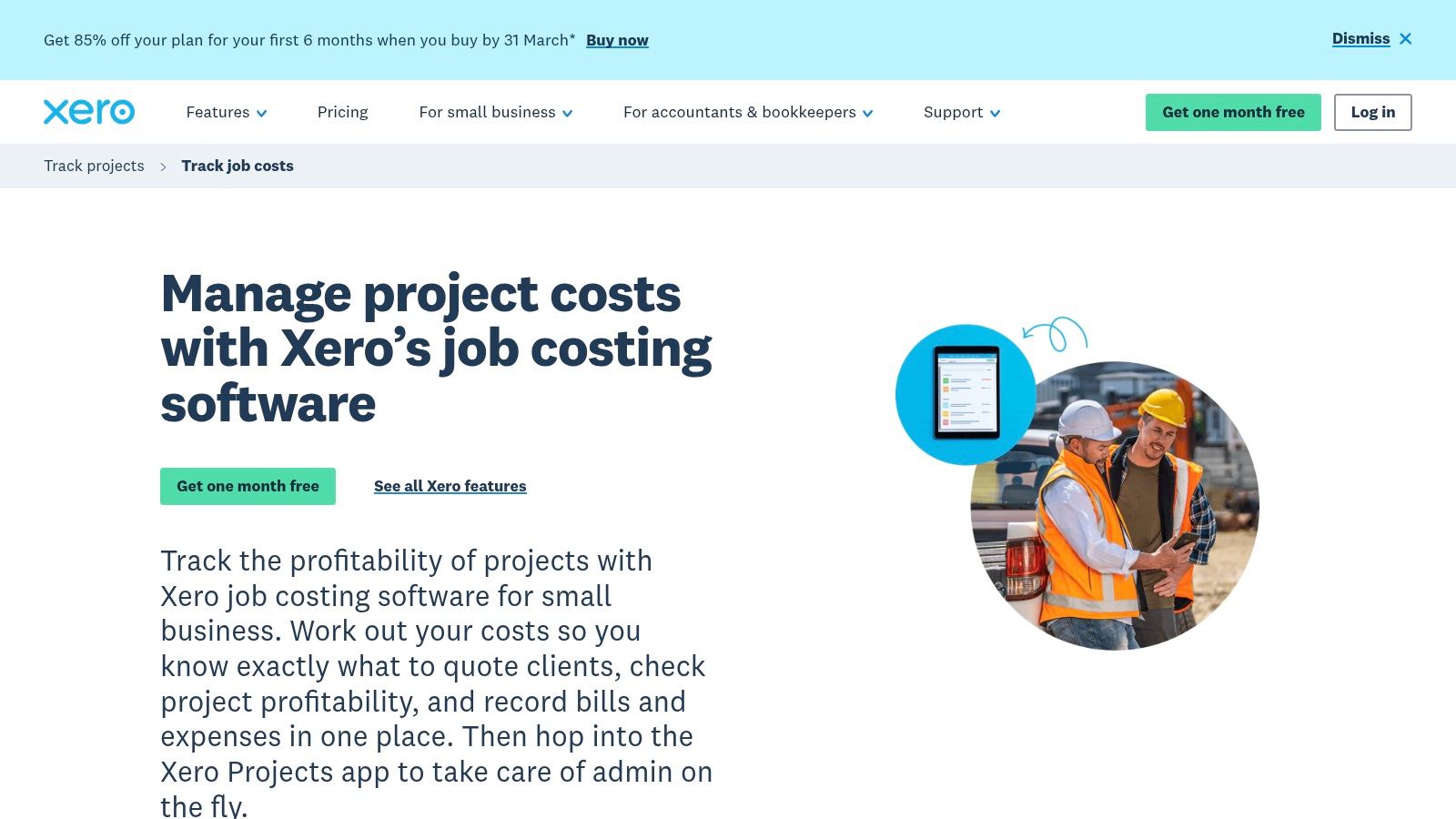
The platform’s strength is its huge App Store, which lets you connect it with special construction and field management apps. For example, you can use Xero for your core accounting and connect it to a project management app that your crew uses in the field. This makes Xero a flexible hub for your business finances. While its built-in job costing isn't as powerful as dedicated construction software, it can be a piece of the best bookkeeping software for contractors who want a modern, flexible system.
Key Considerations
- Best For: Small contractors, freelancers, and businesses that like a simple interface and a strong mobile app.
- Pricing: The Projects feature is an add-on to any Xero business plan. The price is based on how many people need to track time and costs.
- Pros: The interface is very clean, and its mobile app is great for tracking expenses and time on the go. The Xero App Store offers tons of integrations.
- Cons: Xero Projects is a basic job costing tool. For complex needs like WIP reports or AIA billing, you will have to use other apps that connect to it.
For more details, visit the official website: https://www.xero.com/us/accounting-software/track-projects/job-costing/
12. Zoho Books
For contractors already using other Zoho apps, Zoho Books is a smart and affordable choice. It offers tools for invoicing, expense tracking, and time management. The platform’s strength is how it connects with other Zoho apps, like Zoho CRM and Zoho Projects. This creates a smooth process from meeting a new client all the way to getting the final payment. For instance, a lead in your CRM can become a project in Zoho Projects, and all the time and expenses are then tracked in Zoho Books.
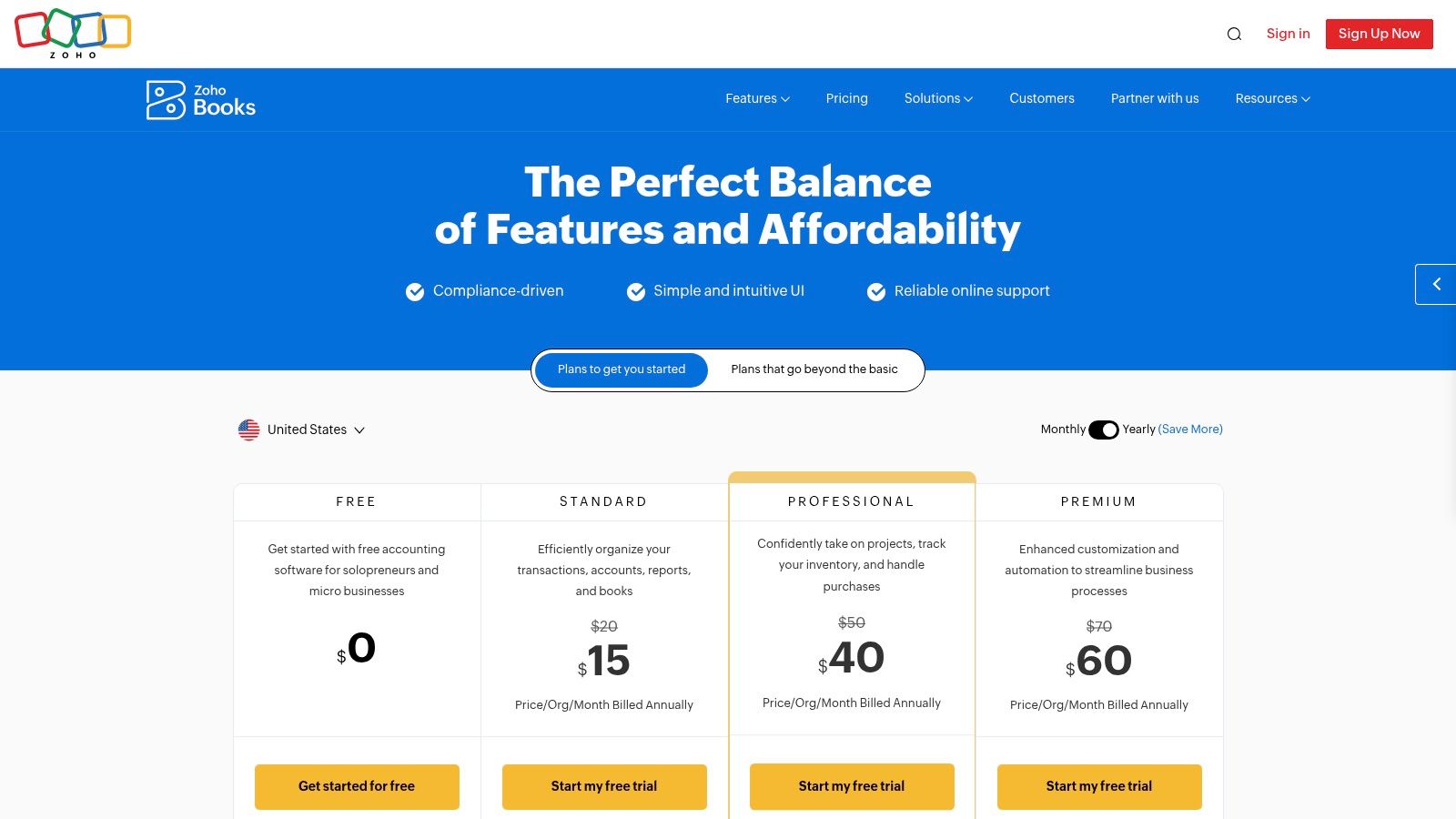
While not built just for construction, Zoho Books has a basic projects feature that lets you track time and expenses for each job. This makes it a good option for smaller contractors or specialty trades who need solid accounting without the high price of industry-specific software. Its automation rules and client portal help you get paid faster, making it one of the best bookkeeping software for contractors focused on value.
Key Considerations
- Best For: Small contractors, specialty trades, and businesses that already use Zoho software and want an affordable, all-in-one solution.
- Pricing: Zoho Books has several plans, and most include project tracking. The pricing is generally lower than its direct competitors.
- Pros: Very affordable compared to other accounting platforms. It connects smoothly with Zoho CRM and Projects.
- Cons: It's missing construction-specific features like AIA billing or certified payroll reports. The Zoho ecosystem can be overwhelming to set up without help.
For more details, visit the official website: https://www.zoho.com/us/books/pricing/
Top 12 Contractor Bookkeeping Software Comparison
| Solution | Core features ✨ | UX / Quality ★ | Value & Pricing 💰 | Target audience 👥 | Unique selling points 🏆 |
|---|---|---|---|---|---|
| QuickBooks Online (QBO) with Projects | Projects job costing; QuickBooks Payroll/Time integrations; cloud & add‑ons ✨ | ★★★★ — familiar, widely supported | 💰 Mid — Projects on Plus/Advanced; add‑ons cost | 👥 Small → mid contractors; US SMBs | 🏆 Large ecosystem & easy to find bookkeepers |
| QuickBooks Desktop Enterprise — Contractor Edition | Job Costing Center, WIP, progress billing, change orders ✨ | ★★★★ — deep native reports; desktop UI | 💰 Quote/subscription; hosting available | 👥 Contractors needing advanced native job costing | 🏆 Most robust native job costing in QB family |
| Sage 100 Contractor | Complete job cost; payroll, estimating, equipment & scheduling ✨ | ★★★★ — construction‑tuned dashboards | 💰 Quote-based; often on‑prem/hosted | 👥 Trades & GCs needing integrated construction finance | 🏆 All‑in‑one construction financials with long footprint |
| Sage Intacct Construction | Native construction CoA, job cost, multi‑entity consolidation ✨ | ★★★★ — strong controls; cloud-native | 💰 Higher/opaque — enterprise/SMB mid‑market | 👥 Growing contractors needing consolidation & controls | 🏆 Multi‑entity consolidation & audit‑ready reporting |
| FOUNDATION (Foundation Software) | Real‑time job costing, certified payroll, AIA billing, WIP ✨ | ★★★★ — powerful; learning curve for non‑accountants | 💰 Sales‑led; focused on compliance value | 👥 Contractors needing certified payroll & CPA reports | 🏆 Purpose‑built compliance & CPA tools out‑of‑the‑box |
| Deltek ComputerEase | Job costing, WIP, AIA/unit billing, retainage, certified payroll ✨ | ★★★★ — contractor workflows; partner ecosystem | 💰 Sales‑led; enterprise buying cycle | 👥 Specialty & midsize contractors with complex billing | 🏆 Broad contractor feature set in one platform |
| Trimble Viewpoint Spectrum | Cloud ERP: field‑to‑office job cost, payroll/HR, materials ✨ | ★★★★ — strong field connectivity; ERP complexity | 💰 Sales/quote; ERP implementation expected | 👥 Contractors wanting integrated field & back office | 🏆 Trimble ecosystem + wide integrations |
| Acumatica Construction Edition | Real‑time project costing; subcontract mgmt; mobile apps ✨ | ★★★★ — modern cloud; partner implementations | 💰 Partner pricing; modular & scalable | 👥 Mid‑market contractors outgrowing QBO/Xero | 🏆 Flexible cloud ERP with strong project features |
| Jonas Construction Software | Integrated accounting, payroll, job costing, service/dispatch ✨ | ★★★★ — real‑time field↔office data | 💰 Quote‑based; partner implementation | 👥 Mechanical/electrical & service contractors | 🏆 Purpose‑built for both project & service workflows |
| CMiC — Construction Financials | Single‑database ERP: GL/job cost, payroll/HCM, analytics ✨ | ★★★★★ — enterprise controls & analytics | 💰 Enterprise pricing; significant implementation | 👥 Large contractors / ENR‑level firms | 🏆 End‑to‑end single‑platform enterprise analytics |
| Xero with Projects | Projects time/expense tracking; invoicing; bank feeds ✨ | ★★★ — simple UI; strong mobile apps | 💰 Lower‑mid subscription; many app integrations | 👥 Small contractors wanting simple bookkeeping | 🏆 Ease of use + Xero app marketplace |
| Zoho Books | Estimates, invoices, expenses, time tracking, basic job costing ✨ | ★★★ — clean UI; integrated Zoho stack | 💰 Low‑cost; published tiers; high value | 👥 Small/value‑conscious contractors using Zoho | 🏆 Low price with cross‑app workflows (CRM → books) |
The Best Software Is Useless Without a Good System (And Maybe Some Help)
We’ve just walked through a dozen of the top bookkeeping software options for contractors, from simple tools like QuickBooks Online to heavy-duty platforms like Foundation Software. It's a lot to take in. The number of choices can feel like a lot, but the key isn't just to pick the one with the most features.
The truth is, even the best software is just a tool. It's like having a fancy table saw in your workshop. It has amazing potential, but it’s useless—and maybe even dangerous—without someone who knows how to measure twice, cut once, and follow a plan. Your bookkeeping software is that table saw. Your financial processes—like how you track receipts or run payroll—are your plan.
So, How Do You Choose the Right Tool?
Picking the right one starts with an honest look at your business right now, not where you hope it will be in five years.
- For the Sole Proprietor or Small Crew: If you’re a smaller operation juggling a few projects at a time, a tool like QuickBooks Online with its Projects feature or Xero might be all you need. They are affordable, easy to learn, and their mobile apps are great for tracking expenses on the go. The main goal here is to stay organized for tax time without a lot of hassle.
- For the Growing General Contractor: As you start managing bigger jobs, more subcontractors, and larger budgets, your needs change. This is where tools like QuickBooks Desktop Enterprise (Contractor Edition) or a system like Sage 100 Contractor start to make sense. You need real job costing, better reports, and ways to handle things like change orders without a spreadsheet nightmare.
- For the Established, Large-Scale Firm: If you’re dealing with multi-million dollar projects and a big office team, you've outgrown the simpler solutions. You need an all-in-one construction system like Viewpoint Spectrum, Acumatica, or CMiC. These systems connect every part of your business, giving you one source of truth for your entire operation.
Implementation Is Where the Real Work Begins
Choosing a program is step one. Getting it to work for you is step two, and it's often the harder part. You can't just flip a switch and expect perfect financial reports. You need a system. This means setting up your accounts correctly, creating a process for your team to track time and materials, and deciding how you will manage subcontractor payments.
A tool can’t create discipline, but it can support it. The goal is to build a reliable process that feeds the software good, clean data. "Garbage in, garbage out" is a cliché for a reason. Without a solid system, the best bookkeeping software for contractors won't give you the insights you need to protect your profits. Remember, good financials are just one part of a healthy business. Even the best bookkeeping software won't do much without a solid business plan, including a complete guide to online marketing for contractors to keep new clients coming in the door.
Picking the right software and building the right system gives you clarity. It helps you see which jobs are actually making you money and where you’re losing it. It gives you the confidence to bid on new work knowing your numbers are solid. It’s not just about bookkeeping; it’s about building a stronger, more profitable construction business.
Tired of trying to be a bookkeeper and a contractor at the same time? The team at MyOfficeOps specializes in taking bookkeeping, payroll, and financial reporting off your plate. We work inside the very software we discussed, helping you not only use it correctly but also get the financial insights you need to grow your business.